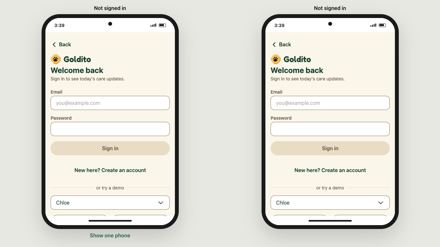
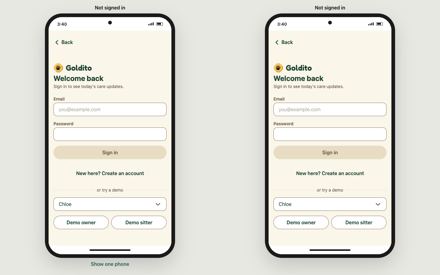
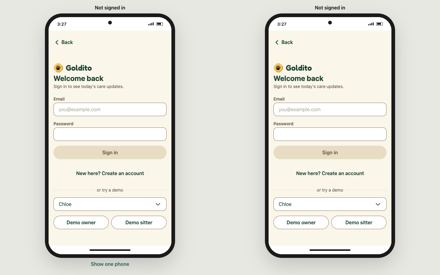
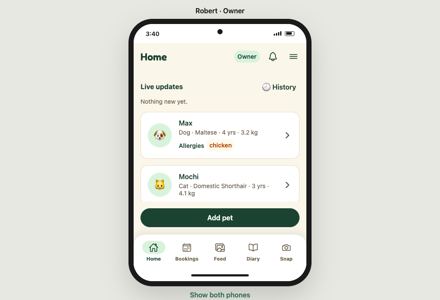
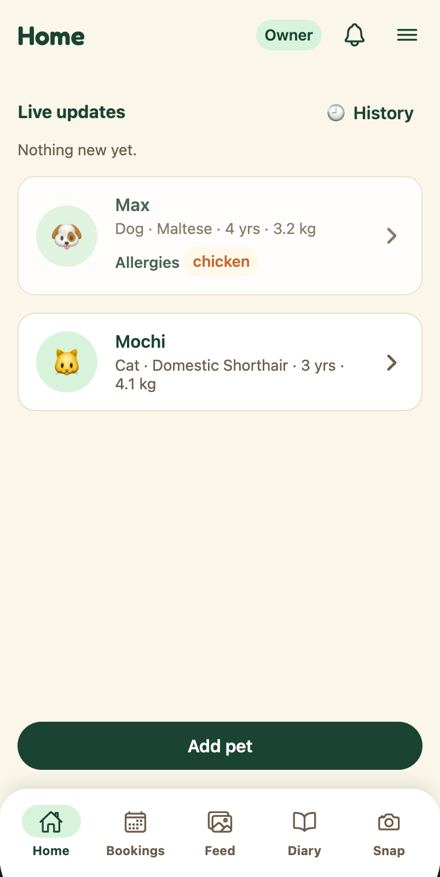
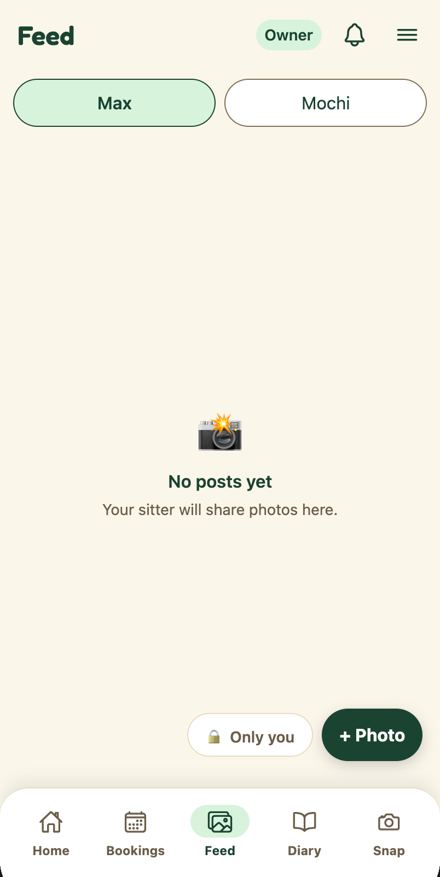
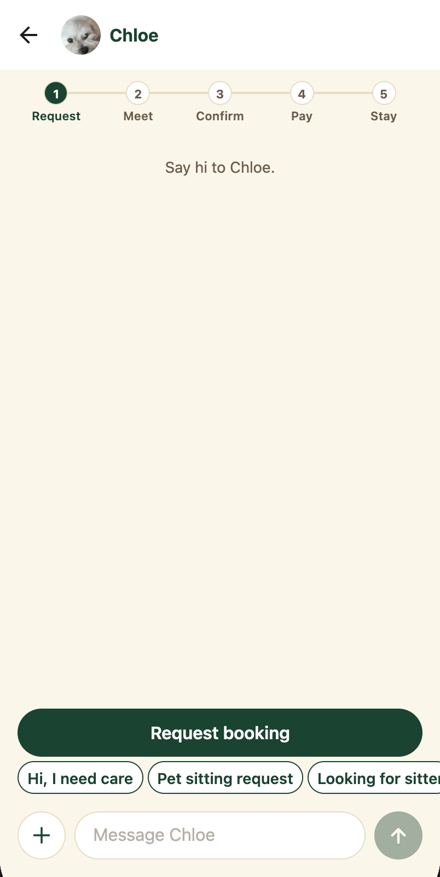
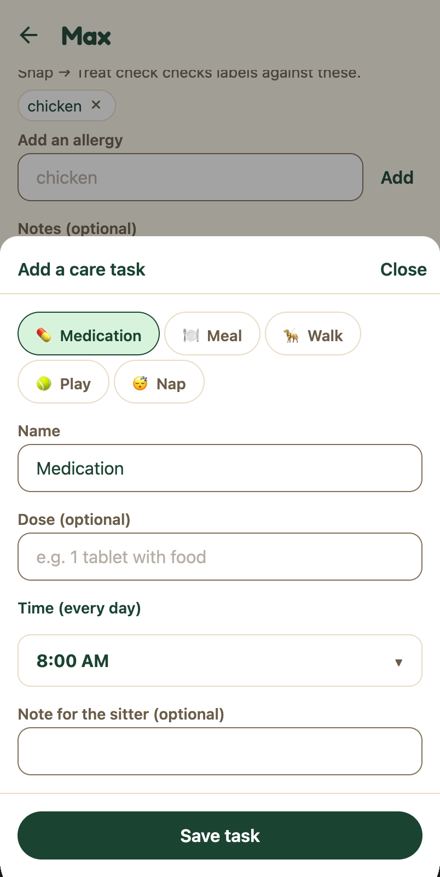
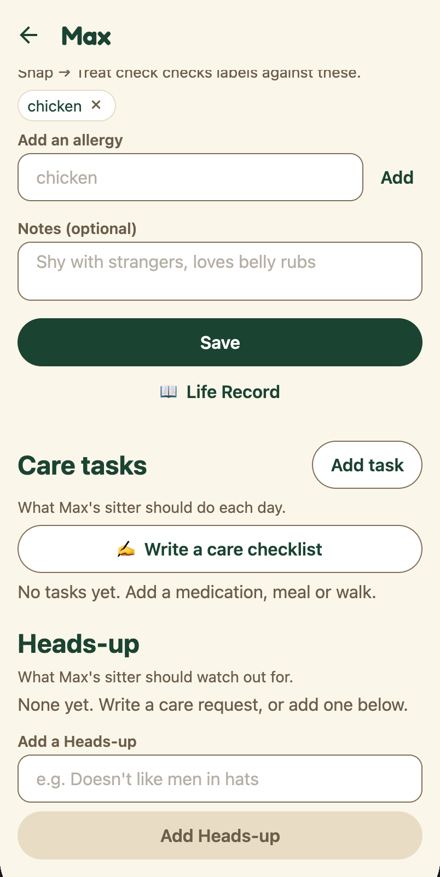
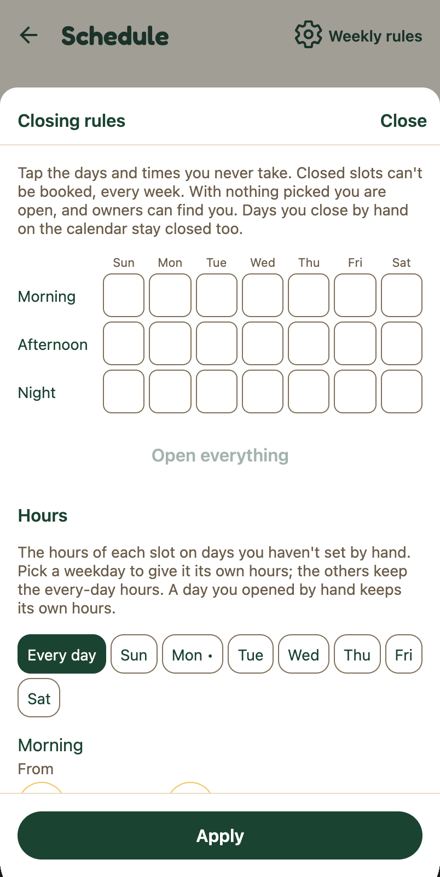
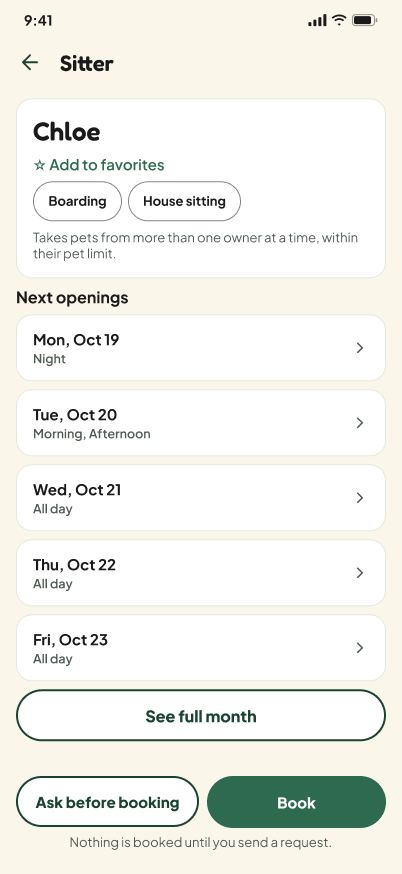
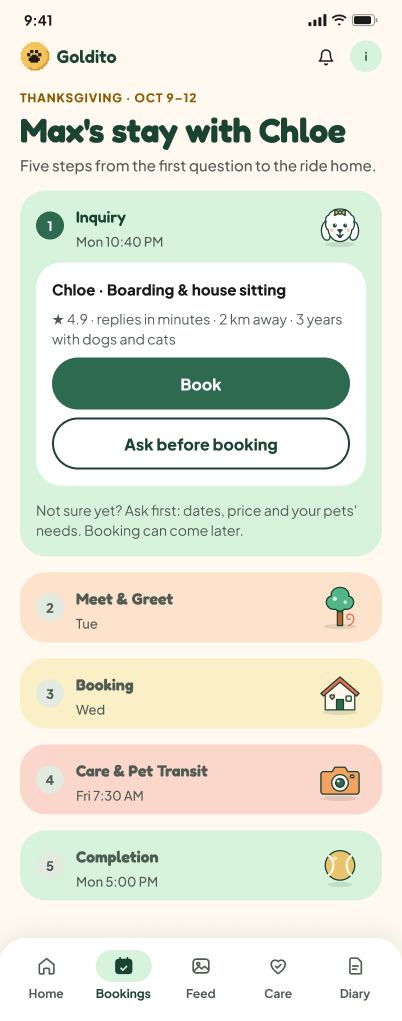
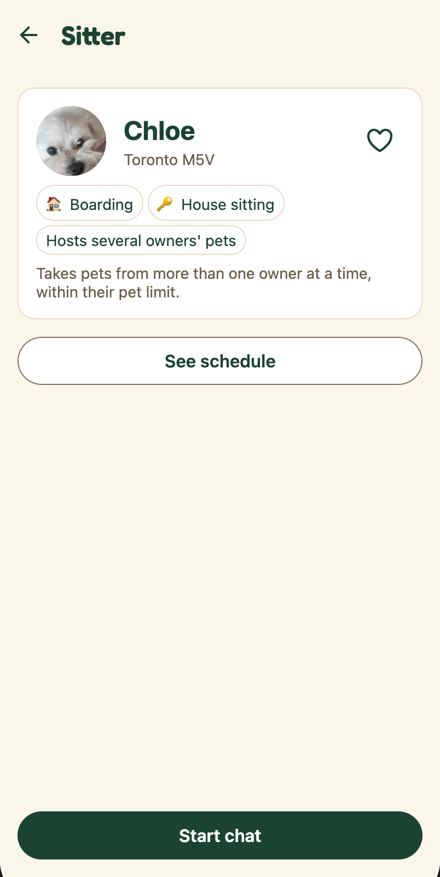
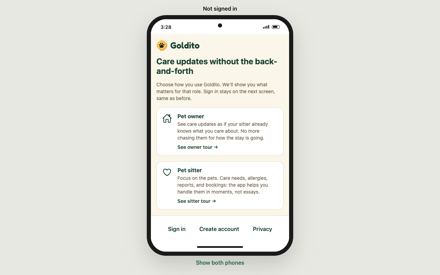
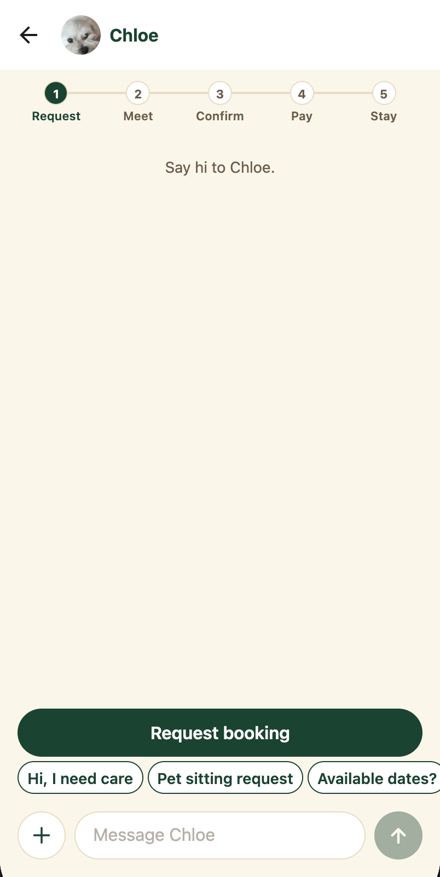
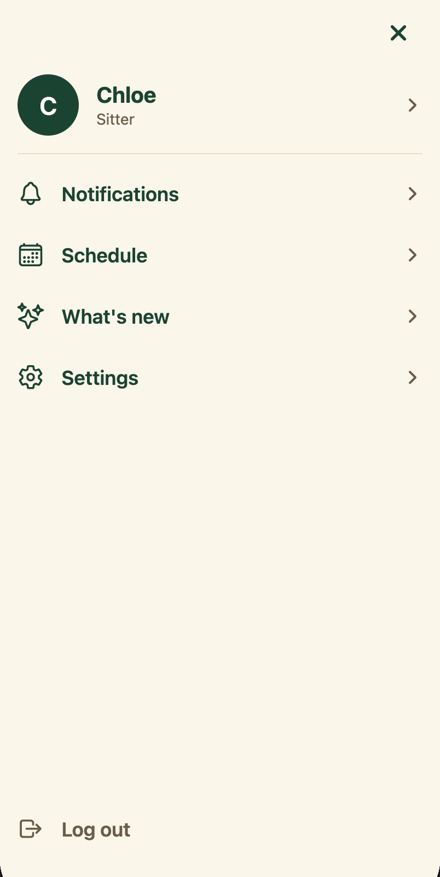
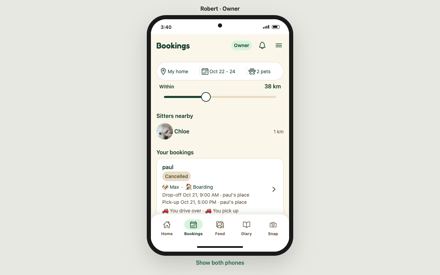
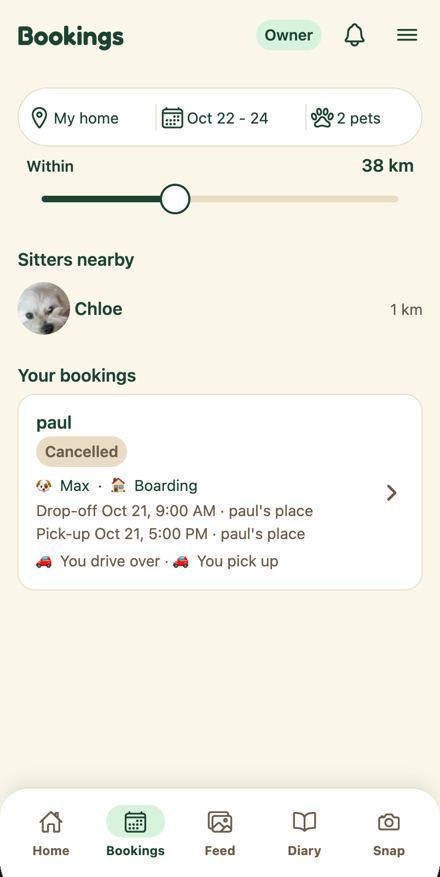
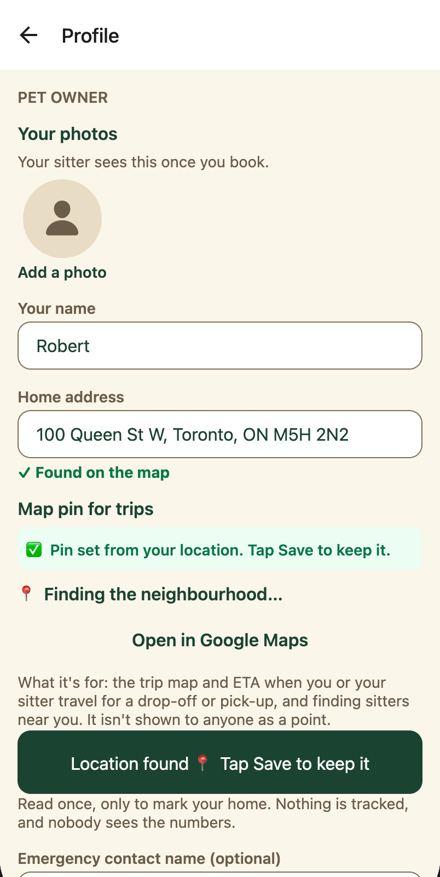
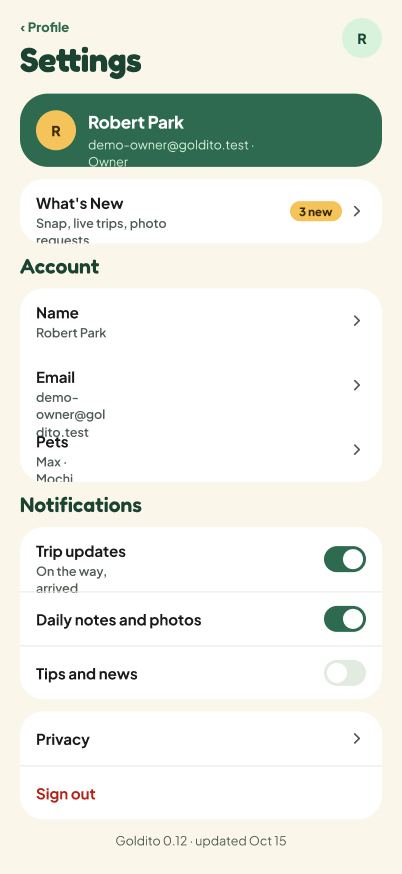
?view=split outer page: both phones, the labels above them, and the README demo steps · /?view=split · desktop
Actual
Both iframes load /login with names pane-left and pane-right. A judge sees two identical Welcome back forms, two Not signed in labels, and must click Demo owner on the left and Demo sitter on the right (the capture waited 20 s, nothing changes). The README never mentions the split view and tells judges to open a private window for the second role.
Expected
DESIGN.md 2.1: owner and sitter phones side by side, each signed in to its own demo account (judges' link and video). Phase 10.10: panes named pane-owner and pane-sitter, Try demo automatic per pane. /login?demo=owner already auto signs in (login.tsx:60-65) and each pane has its own auth storage key (supabase.ts:18-19), so the pieces exist.
Evidence
live/desktop__split-1440.png, desktop__split-1440-wait20.png, desktop__split-1366-from-link.png, desktop-verify/split-1024x700.png, desktop-verify/results.json split_1440x900.paneUrls (both https://goldito-petcare.vercel.app/login) and labels (Not signed in x2); frontend/components/shell/AppShell.web.tsx:104 (pane-left, pane-right), :112 (src="/login" for both), :74-75 (comment choosing the login start); frontend/e2e/split.spec.ts:25-34 tests the signed-out start; frontend/lib/supabase.ts:18-19; frontend/app/(auth)/login.tsx:59-65 Also seen by F76: desktop__split-1440.png and desktop__split-1440-wait20.txt (two "Not signed in" login phones), desktop__split-1366-from-link.txt (login after the link from a signed-in owner frame), desktop__frame-1280.png ("Show both phones" under the owner phone); code frontend/components/shell/AppShell.web.tsx:74-75 (comment: each starts at the login screen) and :112 (AppFrame src="/login"), frontend/lib/supabase.ts:13-19 (per-pane storage key), frontend/e2e/split.spec.ts:25-33 (asserts both start at /login)
Suggested fix
AppShell.web.tsx: src='/login?demo=owner' for the left pane and '/login?demo=sitter' for the right, names pane-owner and pane-sitter, and placeholder labels 'Owner' and 'Sitter' until the account message arrives. Update split.spec.ts to expect /owner and /sitter without clicking. README 'Try it in 60 seconds': replace step 2 with the ?view=split link. Check with Minsik that two judges sharing the same demo accounts at once is acceptable (phase 10.1 open decision).
Why we're confident (three independent checks)
ReproducedConfirmed. live/desktop__split-1440.png shows two identical login forms, each labelled 'Not signed in' above the phone, and desktop__split-1440-wait20.txt is the same login text after the wait. AppShell.web.tsx:104 maps ['left','right'] to pane-left and pane-right and :112 gives both iframes src='/login'.AppShell.web.tsx:74-75 comment: 'Each one starts at the login screen; the account that signs in is named above the phone.' :104 (['left', 'right'] as const), :112 <AppFrame src="/login" name={`pane-${side}`} ...>. split.spec.ts:25-34 asserts 'Not signed in' x2 and both pane URLs ending in /login, then clicks demo-owner and demo-sitter. login.tsx:59-65 auto-signs in on ?demo=owner|sitter. supabase.ts:17-20 keys auth storage by window.name for pane-* frames.
Rule checkedDESIGN.md 2.1 and phase 10.10 both describe the split view as two phones already signed in to their own demo accounts with pane names pane-owner and pane-sitter. The code comment at AppShell.web.tsx:74-75 records a deliberate choice to start at login, but that is code, which ranks below DESIGN.md. README line 34 still sends judges to a private window and never mentions the split link.DESIGN.md 2.1 table: '?view=split ... Owner and Sitter phones side by side, each signed in to its own demo account (judges' link and video).' phase-10-deploy.md line 68 (10.10): iframes name pane-owner / pane-sitter, 'pane마다 Try demo 자동' (Try demo automatic per pane). README.md:34: 'Open the other role in a private window to watch both sides of one stay.' Impact weighedThe split link is the judges' link by DESIGN.md 2.1, and two signed-out forms labelled Not signed in is the worst first impression it can give, so high is right. The frontend pieces (auto sign-in query, per-pane storage key) already exist, so the fix is a few lines plus the spec update and a README line. Not in PR #215.PR #215 file list contains no shell, login or README file. The only cost is updating split.spec.ts:25-34, which currently encodes the signed-out start. Merged from: F91: The judges' split link opens two signed-out login forms labelled Not signed in instead of an owner phone and a sitter phone; F76: Split view starts both phones signed out and drops a signed-in judge back to two login screens; README sends judges to a private window instead
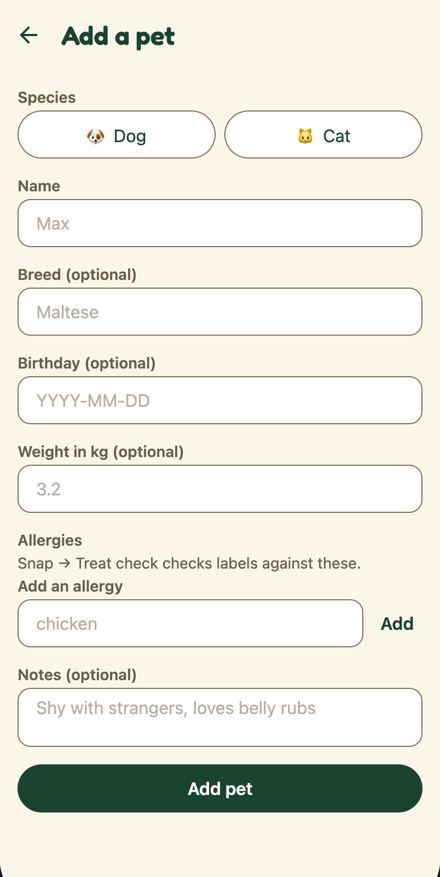
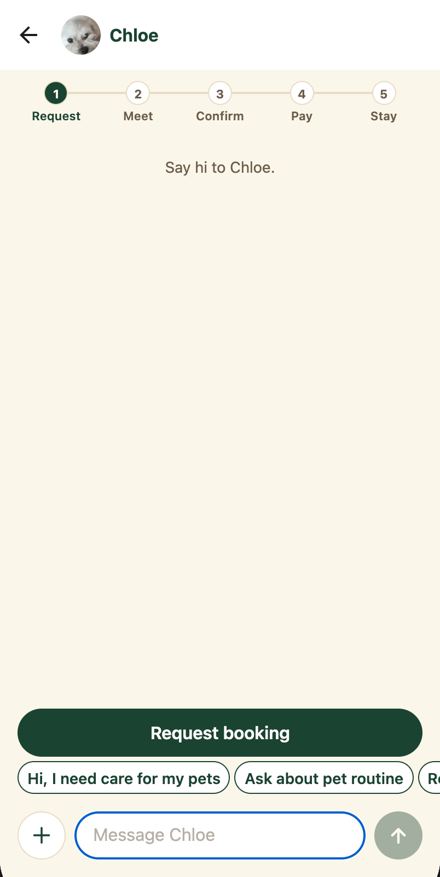
Chat message box 'Message Chloe', every TextField placeholder (pet form, profile, login, signup, place sheet), owner onboarding BigInput · /chat/[threadId], /owner/pets/new, /owner/pets/[petId], /profile, /login, /signup, /owner-onboarding · both
Actual
placeholderTextColor is `${textMuted}80` (hex alpha 50 percent). Live computed ::placeholder color rgba(107, 93, 74, 0.5) over the white input = #B5AEA5, contrast 2.2:1 at 16 px.
Expected
Placeholder text at 4.5:1 (WCAG 1.4.3 applies to placeholder text). DESIGN.md §9: no opacity tints for text. Figma Text Field: placeholder is theme.color.textMuted (6.4:1 on white).
Rule or reference
WCAG 1.4.3; DESIGN.md §9 (No opacity tints for text or its background) and §6.1 TextField; Figma Text Field Figma 1761:11500 (figma/components.md line 24: placeholder theme.color.textMuted)
Suggested fix
Use theme.color.textMuted with no alpha in TextField.tsx:23, app/chat/[threadId].tsx:647 and ownerOnboarding/BigInput.tsx:12. If Mook wants a lighter hint, add a solid placeholder token to tokens.ts that passes 4.5:1 on surface and background, and add it to the Figma Text Field as a variable.
Why we're confident (three independent checks)
ReproducedCode confirmed: TextField.tsx:23, app/chat/[threadId].tsx:647 and ownerOnboarding/BigInput.tsx:12 all pass placeholderTextColor `${theme.color.textMuted}80` (hex alpha 0x80 = 50 percent). Live results.json chat.textarea: placeholderColor rgba(107, 93, 74, 0.5) on #ffffff, composited #b5aea5, contrast 2.2 at 16 px.TextField.tsx:22-23 '// A hint, not a value: lighter than typed text. placeholderTextColor={`${theme.color.textMuted}80`}'; results.json chat.textarea placeholderContrast 2.2, placeholderOverBg '#b5aea5'. On cream (#FBF6EA) the composite is slightly darker but still well under 4.5:1.
Rule checkedDESIGN.md 9: 'Text contrast >= 4.5:1' and 'No opacity tints for text or its background: a faded status color can drop below 4.5:1'. figma/components.md Text Field Figma 1761:11500 states 'placeholder theme.color.textMuted' with no alpha, and DESIGN.md 6.1 TextField gives value Body and helper textMuted. Figma, the higher source, agrees with DESIGN.md; the Expressive onboarding field (Figma 1761:33846) is drawn without a component and does not specify a placeholder color, so nothing overrides.DESIGN.md 9: 'No opacity tints for text or its background'. components.md Text Field: 'Value Body (Inter 16 / 22) theme.color.text; placeholder theme.color.textMuted.' Impact weighedA WCAG 1.4.3 failure on the chat box, login, signup and pet form, all on the demo path, so high holds. The three-line fix is proportionate. PR #215 grows the message box to 4 lines and adds the AI draft label but, from its described scope, does not change placeholderTextColor, so this is not handled there. The TextField comment shows the alpha was a deliberate 'hint lighter than typed text' choice; the fix should keep that intent with a solid token.Severity high; owner frontend; effort S. Textmuted #6B5D4A on white is about 6.4:1, which still reads lighter than text #1B4332. Login screen under or try a demo (the Chloe dropdown); owner Profile section Demo tools (Robert) with Reset demo · /login and /profile · public
Actual
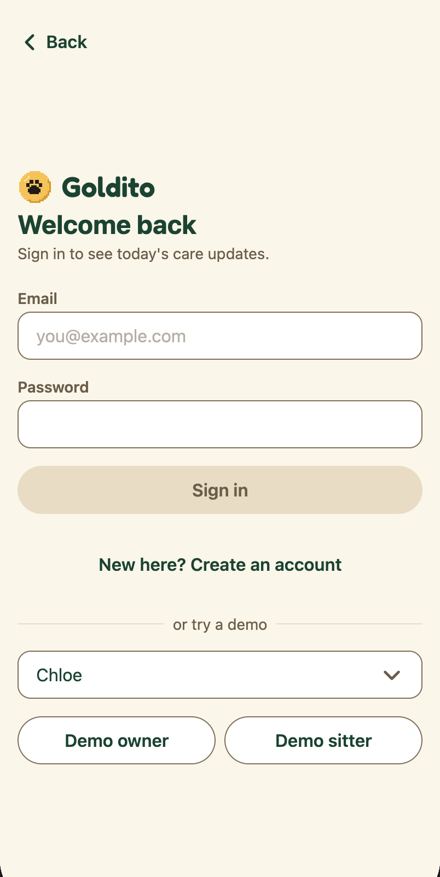
The live build has EXPO_PUBLIC_DEMO_TOOLS=1, so the Login shows a dropdown reading only Chloe between or try a demo and the Demo owner / Demo sitter buttons (the Select draws just the chosen value; Whose demo exists only as the accessibility label and the sheet title), and the owner Profile shows Demo tools (Robert) with a red Reset demo button that wipes the shared demo data any judge may be using at that moment.
Expected
lib/demo.ts: the team's demo tools (set picker, reset) are in this build, a judging build leaves them out. Phase 10.1: the reset is removed before judging. CLAUDE.md hackathon rule: the demo stays up until judging ends. DESIGN.md 1: a family app, not a developer dashboard. If a picker must stay, every control has a visible label.
Evidence
live/public__login.png and public__login.txt (line Chloe with no label), public__login.a11y.json (button Whose demo: Chloe, testid demo-set), live/owner__profile.txt lines 26 (Demo tools (Robert)) and 42 (Reset demo); frontend/app/(auth)/login.tsx:124-132 (picker shown when isDemoToolsBuild), frontend/components/ui/Select.tsx:32-38 (label only in accessibilityLabel), frontend/components/DemoTools.tsx:51 and :63 Also seen by F73: public__login.png (select "Chloe" with no caption), public__login.a11y.json (button "Whose demo: Chloe", testid demo-set, 370x44), desktop__split-1440.png (both panes show the "Chloe" select), owner__state-profile-end.txt ("Demo tools (Robert)" ... "Reset demo…"); code frontend/app/(auth)/login.tsx:124-132 (Select only when isDemoToolsBuild), frontend/components/ui/Select.tsx:32,38,41 (label only in accessibilityLabel and sheet title), frontend/components/DemoTools.tsx:28,63 (shown to any demo account, not gated by the build flag), .github/workflows/ci.yml:139 (flag set to "1" for e2e only)
Suggested fix
Before freeze: deploy the judging site with EXPO_PUBLIC_DEMO_TOOLS unset and DEMO_RESET_ENABLED off (Minsik; a separate team preview deployment keeps the tools). Frontend, small: give Select a visible label row so 'Whose demo' shows on team builds and move the picker below the two demo buttons.
Why we're confident (three independent checks)
ReproducedConfirmed. live/public__login.png shows a dropdown reading only 'Chloe' between the 'or try a demo' divider and the Demo owner / Demo sitter buttons, with no visible label; public__login.txt line 'Chloe' stands alone. live/owner__profile.txt shows 'Demo tools (Robert)' with five radio states and 'Reset demo…'.login.tsx:124-132 renders <Select label="Whose demo" ...> only when isDemoToolsBuild; Select.tsx:32-37 puts the label into accessibilityLabel and draws only chosen.label. demo.ts:58 isDemoToolsBuild = process.env.EXPO_PUBLIC_DEMO_TOOLS === '1', so the live build has it set. DemoTools.tsx:51 title 'Demo tools (name)', :63 'Reset demo…' danger TextButton.
Rule checkedThe code's own comment says a judging build leaves the demo tools out, phase 10.1 says the reset is removed before judging so judges cannot wipe data, and DESIGN.md 1 says the product is a family app, not a developer dashboard. DESIGN.md 6.1 and 9 expect visible labels on inputs. All apply to Login and Profile.demo.ts:57: 'The team's demo tools (set picker, reset) are in this build. A judging build leaves them out.' phase-10-deploy.md line 140 (10.1): remove Profile Demo tools and POST /api/demo/reset, turn off EXPO_PUBLIC_DEMO_TOOLS and DEMO_RESET_ENABLED, owner Minsik. DESIGN.md 1: 'Feels like a family app ... not a developer dashboard.' CLAUDE.md section 1: 'demo stays up until judging ends'. Impact weighedA judge can press Reset demo and wipe the shared demo state another judge is using, and the unlabelled Chloe dropdown sits in the primary demo path on Login, so high stands. Phase 10.1 already assigns the removal to Minsik and it is an env and deploy setting, so alignment is the right owner; the Select label is the one frontend part.phase-10-deploy.md line 140 assigns 10.1 to 민식 (Minsik). PR #215 does not touch login.tsx, Select.tsx or DemoTools.tsx. Merged from: F92: Team-only demo tools ship in the judging build: an unlabelled Chloe picker on Login and a Reset demo button on Profile; F73: Team-only demo tools are live in the judging build: a bare "Chloe" dropdown on login and "Reset demo…" on the profile
Owner Home body under the header · /owner · owner
Actual
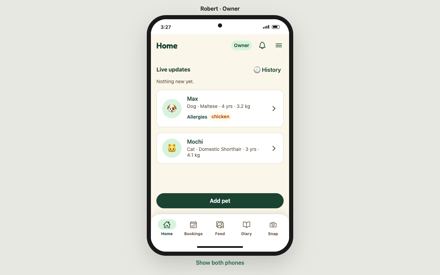
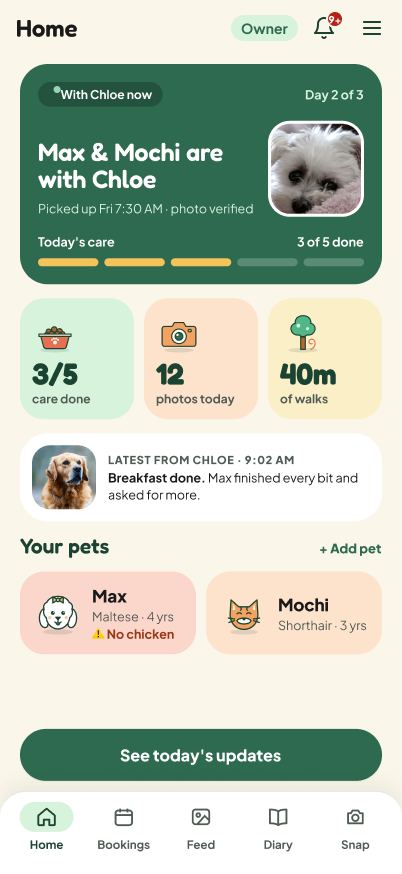
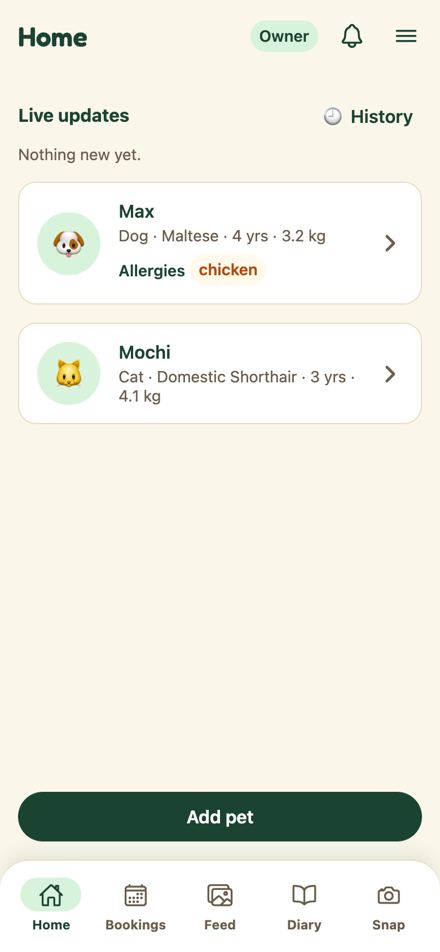
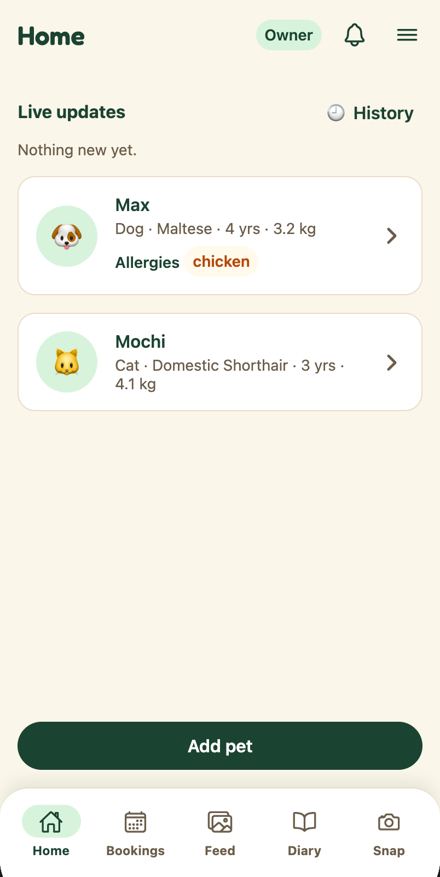
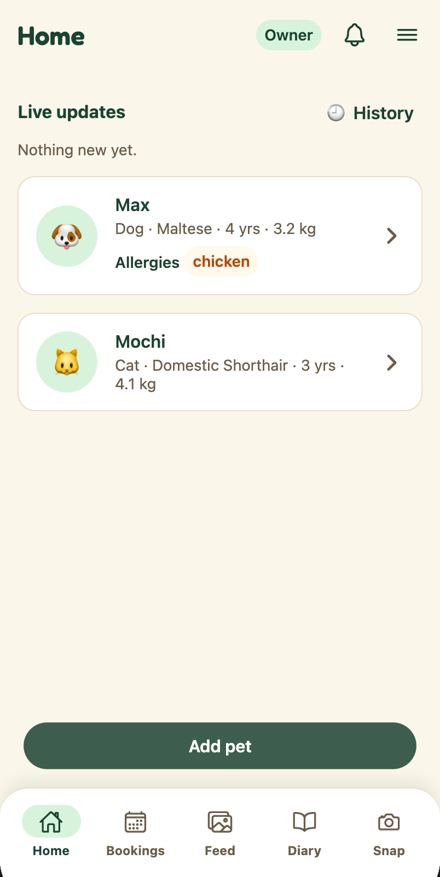
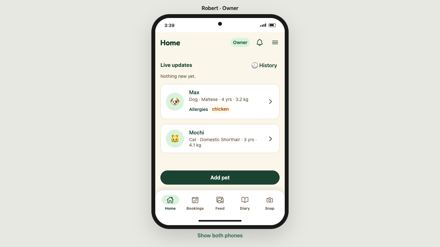
Header 'Home · Owner · bell · menu' matches the Oct 19 header (Figma 1303:5903, built). Below it: a 'Live updates' heading with a '🕘 History' link and 'Nothing new yet.', two white outlined pet cards (emoji avatar, name, 'Dog · Maltese · 4 yrs · 3.2 kg', Allergies tag), and a pinned filled 'Add pet'. In care, the code adds an ActiveTripCard and LiveUpdates cards and the pet card gets an 'In care' label and a 'with Chloe · until ...' line; nothing shows day N of M, today's care progress, counts, or the newest post.
Expected
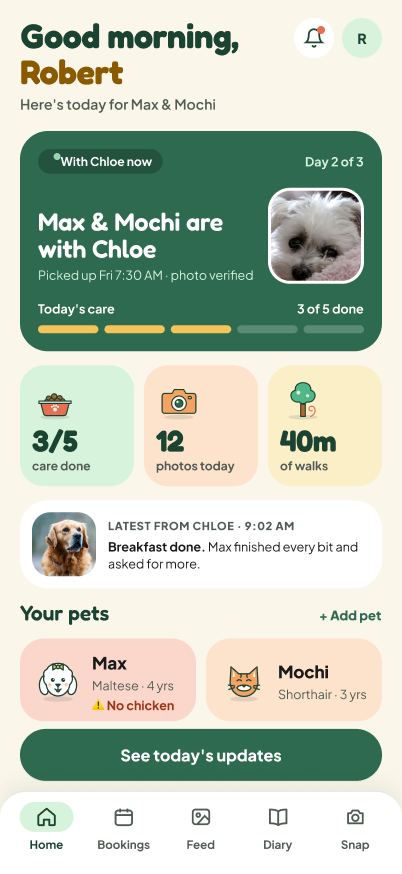
Design target not built: Figma Figma 1761:23004 and Figma 1303:5903 show a green hero card ('With Chloe now' pill · 'Day 2 of 3' · 'Max & Mochi are with Chloe' · 'Picked up Fri 7:30 AM · photo verified' · 'Today's care 3 of 5 done' five-segment bar · pet photo), three color-block tiles (3/5 care done · 12 photos today · 40m of walks), a white 'LATEST FROM CHLOE · 9:02 AM' row with the caption, 'Your pets' with '+ Add pet' as a text link and two color-block pet tiles, and the pinned 'See today's updates'. Draft owner-home is identical. PR #215 adds only the pet tiles, the '+ Add pet' link, the pinned action and a 'No stay right now' block; its body says the green stay card and the three stat tiles are not in the PR.
Rule or reference
Figma Figma 1761:23004 (D · Owner · Home) and Figma 1303:5903 (Owner · Home header (#147)); design site owner-home (screens.js changes: 'One stay card replaces two In care cards', 'Latest update right on Home', 'The one primary action matches the moment'); CLAUDE.md §1 owner goal 'Learn without asking'; DESIGN.md §7.1 (line 508)
Evidence
live/owner__owner.png and .a11y.json (Live updates heading at 16,93; open-history at 291,80; pet-card-Max 370x109 at 16,161; add-pet at 16,660), live/mobile__owner-home.png; figma/1673-32779__d-owner-home.png; figma/1303-5903__owner-home-header-147.png; site/owner-home.png; code frontend/app/owner/(tabs)/index.tsx:54-61 (ActiveTripCard, LiveUpdates, PetCard list, Add pet Button), frontend/components/PetCard.tsx:33-43 (the only in-care treatment); PR #215 body, 'Not in this PR: the green stay card and the three stat tiles from the frame'
Suggested fix
After PR 215 lands: build the green hero stay card from the in-care booking (sitter name, day N of M from the booking dates, pick-up time) with the five-segment care bar from today's task logs, then the Latest row from the newest feed post or daily note; add the three tiles only if the day's counts are cheap to read client side (care done and photos today are; drop walk minutes until check-ins carry a duration). Keep Live updates as the History link only, as Figma does. If a count needs a new query, raise it with Minsik rather than fake it.
Why we're confident (three independent checks)
ReproducedThe live Home is a Live updates heading with a History link, 'Nothing new yet.', two white outlined pet cards and a pinned filled Add pet. The code renders ActiveTripCard, LiveUpdates, the PetCard list and the Add pet Button, and PetCard's only in-care treatment is an 'In care' label plus a 'with {sitter} · until' line. No hero stay card, care progress, stat tiles or Latest row exist in the owner Home code.live/owner__owner.png (Live updates, History, Max and Mochi cards, Add pet); frontend/app/owner/(tabs)/index.tsx:53-61 (ActiveTripCard, LiveUpdates, pets.map PetCard, Button label Add pet); frontend/components/PetCard.tsx:33-45 (inCareLabel 'In care', inCareText 'with ... · until ...'). Precision: the demo owner had no stay in progress at capture time, so the in-care state is confirmed from code, not from the screenshot. Rule checkedThe captured Figma frame Figma 1761:23004 shows exactly the described target: 'With Chloe now' pill, 'Day 2 of 3', 'Max & Mochi are with Chloe', 'Picked up Fri 7:30 AM · photo verified', 'Today's care 3 of 5 done' segmented bar, three tiles (3/5 care done, 12 photos today, 40m of walks), 'LATEST FROM CHLOE · 9:02 AM', 'Your pets' with '+ Add pet' as a text link, two color-block pet tiles and a pinned 'See today's updates'. Figma is the top-precedence source and the design site notes say the same; DESIGN.md 7.1 line 508 and CLAUDE.md 1 'Learn without asking' support the single pinned action.figma/1673-32779__d-owner-home.png; figma/1303-5903__owner-home-header-147.png (header only); concept-prototypes/screens.js:45-46 'One stay card replaces two In care cards ... day 2 of 3, and today's care progress' and 'Latest update right on Home (photo + AI caption)'; components.md Progress Bar row: 'Expressive Owner Home uses a segmented care bar instead (5 segments 8 tall radius 4 gap 6)'; DESIGN.md:508 'Each screen has at most one filled primary button'. Impact weighedHome is the first screen a judge sees after sign-in and the README's 'learn without asking' promise is only visible here, so high is right. PR 215 explicitly leaves the stay card and tiles out ('Not in this PR: the green stay card and the three stat tiles from the frame (need the day's care data)'), so this is not already handled. The data sources the finder names exist on the frontend side (useInCare, task logs, feed posts), but 'photos today' and 'walk minutes' counts may need a backend query, so the owner stays frontend with a note that any missing aggregate is a backend ask.gh pr view 215 body line 9 (pet tiles, + Add pet link, one pinned action, 'No stay right now' block) and line 11 ('Not in this PR: the green stay card and the three stat tiles'); frontend/app/owner/(tabs)/index.tsx:54 ActiveTripCard already reads the in-care booking. Desktop phone frame, every screen; the bottom tab bar, Add pet and the Show both phones link · /owner (any route in the frame) · desktop
Actual
DeviceFrame clamps the screen to a minimum of 600 px and scales only by width, so the frame always needs 724 px of height (28 label + 624 phone + 40 footer + 32 margins). At 1093x614 (a 1366x768 Windows laptop at 125 percent), 960x600 (1440x900 at 150 percent or browser zoom 150 percent) and 1366x650 (a 768 px screen minus browser chrome and taskbar) the phone body ends at 668 px: the tab bar, the home indicator and the Show both phones link are cut off. The inner app's html has overscroll-behavior: contain, so a wheel over the phone scrolls the app 22 px and the outer page 0 px; the outer page only scrolls when the pointer is over the grey backdrop (110 px at 1093x614, 124 px at 960x600). At 1024x700 the link is clipped too (page 724 px in a 700 px window).
Expected
DESIGN.md 7.7 desktop check for every screen at 1366x768: the primary action is visible, nothing is cut off at the bottom, wheel scrolling works. Phase 10.9 DoD: frame not clipped at 1366x768, 1440x900, 1920x1080 and Windows 125 and 150 percent scaling. DESIGN.md 2.1: short windows shrink only the screen height, but the whole phone must still fit.
Evidence
desktop-verify/fit-1093x614.png, fit-960x600.png, fit-1366x650.png, fit-1024x700.png and desktop-verify/results.json fit entries (phoneBody.bottom 668, link.bottom 697, afterPhoneWheel 0, afterBackdropWheel 110/124/74); live/desktop__frame-1024.png (link clipped at the bottom edge); frontend/components/shell/DeviceFrame.web.tsx:10 (MIN_SCREEN_HEIGHT = 600), :36 (scale from width only), :38-41 (height clamp); frontend/components/shell/TouchEmulation.web.ts:53 (html, body overscroll-behavior: contain)
Suggested fix
In DeviceFrame.web.tsx compute scale = min(widthScale, (windowHeight - 2*PAGE_MARGIN - extras) / (MIN_SCREEN_HEIGHT + 2*BEZEL)) clamped to MIN_SCALE, so a 600 px screen always fits by shrinking the phone; keep the footer link inside the fitted height. Add frame.spec.ts cases at 1093x614 and 960x600 asserting the tab bar and the Show both phones link are inside the viewport. The overscroll change is optional.
Why we're confident (three independent checks)
ReproducedThe geometry is real: results.json fit entries for 1093x614, 960x600 and 1366x650 all report phoneBody.bottom 668, link.bottom 697 with visible false, afterPhoneWheel 0 and afterBackdropWheel 110, 124 and 74. fit-1093x614.png shows the tab bar labels touching the bottom edge of the window with the home indicator and the Show both phones link cut off. One imprecision: at 1093x614 the tab bar is still partly visible (icons and labels), only its lower padding, the home indicator and the link are clipped; at 960x600 the labels are also lost. At 1366x768 proper the phone fits (phoneBody.bottom 712, link.bottom 741).desktop-verify/results.json fit[4] (1093x614): phoneBody.bottom 668, link.visible false, innerScrollAfterPhoneWheel 22, afterBackdropWheel 110. DeviceFrame.web.tsx:10 MIN_SCREEN_HEIGHT = 600, :36 scale from windowWidth only, :38-41 Math.max(MIN_SCREEN_HEIGHT, ...) height clamp. TouchEmulation.web.ts:53 'html, body { overscroll-behavior: contain; }'. Corrected wording: at Windows 125 percent (1093x614) the tab bar is clipped at its lower edge and the home indicator and link are off screen; at 150 percent (960x600) the tab labels are cut too.
Rule checkedDESIGN.md 2.1 says the whole phone must fit on short windows ('only the screen height shrinks (min 600)') and 7.7's desktop check requires 'The primary action is visible; nothing is cut off at the bottom'. Phase 10.9's DoD names Windows 125 and 150 percent scaling explicitly. The 7.7 checklist is written for 1366x768, where the frame does fit, so the strongest rule is the 10.9 DoD and 2.1, not 7.7.DESIGN.md 2.1: 'On short windows (laptops at 1366 x 768, Windows at 125-150 % scaling) only the screen height shrinks (min 600).' DESIGN.md 7.7 checklist: 'The primary action is visible; nothing is cut off at the bottom.' phase-10-deploy.md line 67 (10.9 DoD): frames and panel not clipped at 1366x768, 1440x900, 1920x1080 plus Windows 125 and 150 percent. Impact weighedA judge on a 1366x768 Windows laptop at 125 percent scaling is common, and the browser chrome takes more height still, so a clipped tab bar on every screen is noticeable; at 150 percent the tab labels disappear. High is defensible because it hits every screen for that class of machine and the wheel over the phone cannot recover it. The fix is small and purely frontend; PR #215 does not touch the shell.PR #215 diff has 0 lines under components/shell. DeviceFrame.web.tsx already scales the whole phone for narrow windows (:36), so extending the scale to the height axis is a one-line change plus a test. Every tappable: tab bar tabs, chat reply chips, chat plus button, header menu and bell icon buttons, CheckRow checkboxes, Chip remove, SegmentedControl, ChoiceChips, Select, calendar days, stars, pet and booking cards, text buttons · /owner, /chat/[threadId], /sitter/schedule, all screens · both
Actual
Live hold test (mouse down, 180 ms, released off the element; motion-probe.out.json): Add pet Button reaches opacity 0.85 and matrix(0.97) as D7 says; the Max pet card goes to 0.8 with no scale; the History text button to 0.6; the menu icon button, chat chip 1 and the chat plus button stay at opacity 1 and transform none, so nothing visible happens while they are held. In code, 15 components render Pressables with a static style and no pressed branch: RoleTabs.tsx:62-77 (TabButton), SegmentedControl.tsx, ChoiceChips.tsx, Select.tsx, Chip.tsx:21-28 (remove), CheckRow.tsx:25-35, SlotCalendar.tsx, RangeCalendar.tsx, StarRating.tsx, NotificationBell.tsx, FavoriteHeart.tsx, ChatPlusMenu.tsx, ChatList.tsx, FeedCard.tsx, NoteToggle.tsx, Banner.tsx, plus chat/[threadId].tsx:588, 608, 621 (chips), 636 (plus), 672 (send). Where a pressed style exists the opacity is 0.6 (TextButton.tsx:41, ChipSuggestions.tsx:73, TaskDoneSheet.tsx:145, sitter diary.tsx:181, DiaryBook.tsx:308), 0.7 (SitterDashboard.tsx:297, CareLineBuilder.tsx:247, sitter care-request/[requestId].tsx:243, and theme.opacity.pressed via BackLink.tsx:41 and BigOption.tsx:58), 0.8 (PetCard.tsx:73, BookingCard.tsx:171, SitterCard.tsx:60, MediaPicker.tsx:182, AlertModal.tsx:97, PaidConfirmation.tsx:56, DiaryFeedCell.tsx:54, ChecklistCard.tsx:183, CareTasksSection.tsx:504, SnapToolCard.tsx:51, sitter (tabs)/index.tsx:243), 0.85 (NotificationsCenter.tsx:290, LiveUpdates.tsx:284, ShareToggle.tsx:53, DiaryCover.tsx:60, owner feed.tsx:461, HeaderMenu.tsx:176), 0.9 (welcome/index.tsx:104); Stepper.tsx:92 swaps the background instead. Only Button.tsx:64-67 applies transform scale 0.97. tokens.ts carries two competing tokens: opacity.pressed 0.7 (line 92) and motion.pressOpacity 0.85 (line 118).
Expected
One press feel on every tappable: scale 0.97 plus opacity 0.85 while pressed, over motion.fast (120 ms). The design site applies transform scale(.97) with a .12s transition to buttons, chips, tabs, back and link buttons, next rows and the undo button (pawnote-concept-d-expressive.html:396-399) and scale(.9) to stars (line 834).
Rule or reference
DESIGN.md Decision log D7 and §5.1 Motion (motion.pressScale 0.97, motion.pressOpacity 0.85, 'Every tappable scales to this while pressed'); Figma Motion collection VariableCollectionId:6:8134 press/scale 0.97, press/opacity 0.85 (figma/variables.md lines 63-73); design site pawnote-concept-d-expressive.html:396-399
Evidence
scratchpad/audit-1021/scripts/motion-probe.out.json keys hold.Button.primary(add-pet), hold.PetCard, hold.TextButton(open-history), hold.IconButton(open-menu), hold.ChatChip, hold.ChatPlus; captures owner__state-pressed-primary.png and owner__state-pressed-card.png; code lines listed in actual; grep of 'pressed' across frontend/app, components, features Also seen by F30: Captures: owner__state-pressed-primary.png (Add pet scaled, a11y add-pet 359x43) versus owner__state-pressed-card.png (pet card only dimmed, a11y pet-card-Max still 370x109). Code: frontend/components/ui/Button.tsx:64-67; frontend/components/ui/TextButton.tsx:41-42; frontend/components/ui/BackLink.tsx:41; frontend/components/PetCard.tsx:73-75; frontend/components/ChipSuggestions.tsx:73; frontend/components/CareLineBuilder.tsx:247; frontend/components/CareTasksSection.tsx:504; frontend/app/(public)/welcome/index.tsx:104; frontend/components/ui/AlertModal.tsx:97; frontend/components/ownerOnboarding/BigOption.tsx:58; frontend/components/HeaderMenu.tsx:176; no pressed style in frontend/app/chat/[threadId].tsx:588 and 621, frontend/components/ui/ChoiceChips.tsx:43, frontend/components/ui/SegmentedControl.tsx:48; frontend/theme/tokens.ts:91-94 and 113-119 (two press tokens)
Suggested fix
Finish and merge the PressableScale primitive from feat/ui-primitives-motion into Button, TextButton, BackLink, PetCard, BookingCard, RoleTabs TabButton, header icon buttons, chat chips and plus, CheckRow, calendar days and stars; delete theme.opacity.pressed and the DESIGN.md:363 line; add one Playwright hold test reading opacity 0.85 and matrix(0.97,0,0,0.97,0,0).
Why we're confident (three independent checks)
ReproducedThe live hold probe and the code match: only Button carries scale 0.97 plus opacity 0.85, cards and text buttons use other opacities, and tabs, chat chips, the chat plus button and the header icon button show nothing while held.motion-probe.out.json: hold.Button.primary(add-pet) held180ms opacity 0.85 matrix(0.97,0,0,0.97,0,0); hold.PetCard 0.8 no transform; hold.TextButton(open-history) 0.6; hold.IconButton(open-menu), hold.ChatChip, hold.ChatPlus opacity 1 transform none. Code: frontend/components/RoleTabs.tsx:63-76 static style, frontend/components/ui/Chip.tsx:22-28, frontend/app/chat/[threadId].tsx:584-592, 619-640, 665-675 static; frontend/components/ui/TextButton.tsx:41-43 opacity 0.6; frontend/components/ui/Button.tsx:64-67 the only scale; frontend/theme/tokens.ts:91-94 opacity.pressed 0.7 beside tokens.ts:118-123 motion.pressOpacity 0.85. The long per-file opacity list beyond these lines was not re-run. Rule checkedD7 and the 5.1 table say one press feel on every tappable and the Figma Motion collection carries the same values, so the rule applies everywhere. DESIGN.md is internally inconsistent (line 363 still lists opacity.pressed 0.7 and line 364 says buttons 'may use' the scale), which explains the drift but does not override 5.1 or D7.DESIGN.md:178 D7 'One press feel (scale 0.97 + opacity 0.85)'; DESIGN.md:374-375 'Every tappable scales to this while pressed'; DESIGN.md:363-364 'opacity.pressed (0.7)' and 'may use motion.pressScale'; figma/variables.md Motion collection 6:8134 press/scale 0.97, press/opacity 0.85; design site pawnote-concept-d-expressive.html:396-399 '.btn:active,.chip:active,...,.tab:active{transform:scale(.97)}' with 'transition:transform .12s'. Impact weighedPress feedback is felt on every tap in the demo and the tab bar and chat chips giving no response reads as a dead UI, so high is fair. Not in PR 215. A PressableScale primitive plus a useReducedMotion hook already exist uncommitted on the local branch feat/ui-primitives-motion (frontend/components/ui/PressableScale.tsx, motion.ts), so the fix is partly started and should land through that branch.PressableScale.tsx header comment 'The only press feedback in the app (DESIGN: one press feel)'; DESIGN.md:363 also needs its 0.7 line removed so the doc states one value. Merged from: F41: Press feedback is missing on whole classes of tappables and uses seven different values elsewhere; only Button applies the D7 scale; F30: Press feedback differs per component: scale and 0.85 on Button, 0.6 to 0.9 opacity elsewhere, none on chips and segments
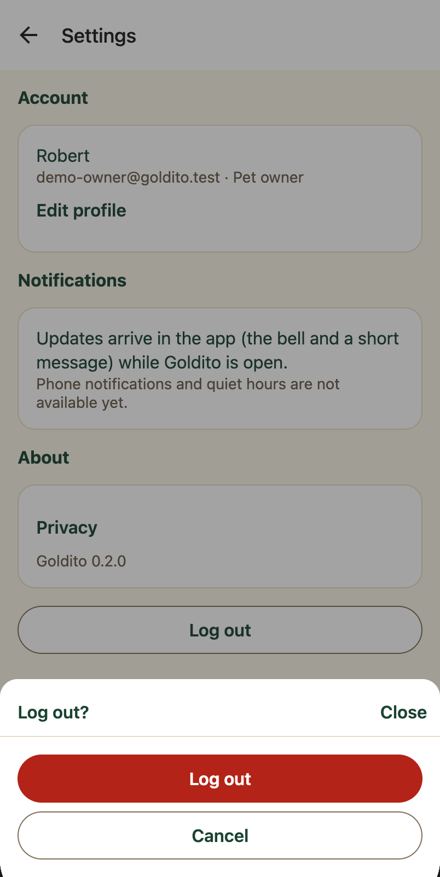
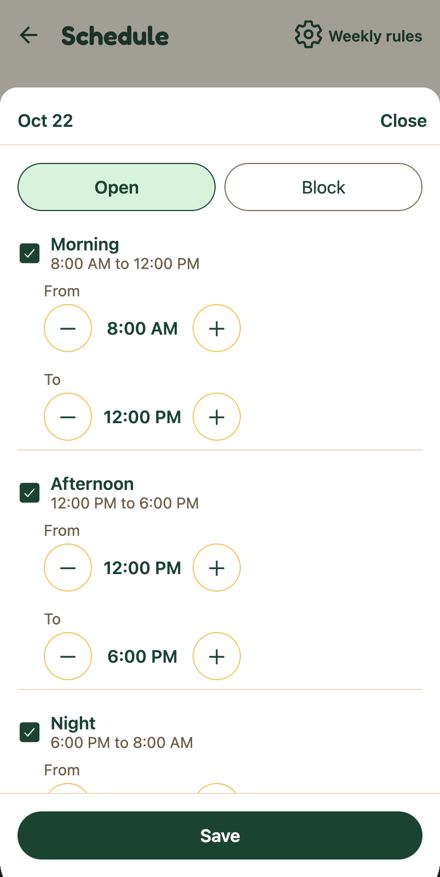
Sheet (search place/stay/pets, request booking, quote, plus menu, treat picker, mood picker, pet care sheet, schedule sheets, closing rules, settings log out, AI consent) and the header menu drawer · /owner/bookings sheets, /chat/[threadId] sheets, /sitter/schedule sheets, /settings, /owner/snap/*, menu on every tab · both
Actual
react-native-web's Modal renders `div[role=dialog][aria-modal=true]` and nothing names it (axe aria-dialog-name, serious, 32 shots). The backdrop is a Pressable with accessibilityLabel 'Close' but no role, so it becomes `div[aria-label=Close][tabindex=0]` 402x802 (axe aria-prohibited-attr, 27 shots). Live: after opening the pets sheet, document.activeElement is pets-sheet-backdrop; the first Tab reaches the visible Close button. A screen reader hears 'dialog' with no title, then an unlabeled 'Close' region covering the page.
Expected
Dialog named by its title (WCAG 4.1.2), focus moved to the sheet title or first control (2.4.3), backdrop not a tab stop or at least a real button. DESIGN.md §6 Sheet: title + Close, backdrop click closes.
Rule or reference
WCAG 4.1.2 Name Role Value, 2.4.3 Focus order; axe aria-dialog-name and aria-prohibited-attr (live/summary.json rules); DESIGN.md §9 (accessibilityRole / accessibilityLabel on controls) and §6 Sheet
Evidence
a11y-verify/results.json sheet (dialogName null, focusedAfterOpen pets-sheet-backdrop DIV aria-label Close, closeControls backdrop 402x802 tabindex 0); live/owner__state-search-pets-sheet.axe.json, live/owner__state-menu-drawer.axe.json, live/mobile__treat-picker.axe.json; code: frontend/components/ui/Sheet.tsx:29 (Modal), :31-36 (backdrop Pressable: accessibilityLabel, no accessibilityRole), :37 (View accessibilityViewIsModal, no name), :39 (title Text); frontend/components/HeaderMenu.tsx:78 (drawer Animated.View, no name); providers/MediaPickerProvider media-picker-backdrop. react-native-web passes extra Modal props to ModalContent (frontend/node_modules/react-native-web/dist/exports/Modal/index.js:93), so a name on <Modal> reaches the dialog.
Suggested fix
Sheet.tsx: give the title Text nativeID and pass aria-labelledby (or aria-label={title}) on the Modal; make the backdrop focusable={false} with aria-hidden (keep onPress) since the visible Close button exists; focus the Close button on open via a ref in useEffect. Apply the same to HeaderMenu.tsx:78 (aria-label 'Menu') and the media picker backdrop. Re-run axe on owner__state-search-pets-sheet and mobile__treat-picker.
Why we're confident (three independent checks)
ReproducedCode confirmed: Sheet.tsx:29 renders Modal with no aria label, :31-36 a Pressable backdrop with accessibilityLabel 'Close' and no accessibilityRole, :37 the sheet View with accessibilityViewIsModal and no name, :39 the title Text. HeaderMenu.tsx:78 is an Animated.View with accessibilityViewIsModal and no name. Live: results.json sheet shows dialogName null, focusedAfterOpen the pets-sheet-backdrop DIV labelled Close, closeControls backdrop DIV 402x802 tabindex 0; live/summary.json axe aria-dialog-name serious on 32 shots and aria-prohibited-attr serious on 27 shots (29 nodes), example div[aria-label=Close] on mobile__treat-picker.Sheet.tsx:31-33 '<Pressable accessibilityLabel="Close" onPress={onClose} style={StyleSheet.absoluteFill}'; results.json sheet.focusedAfterOpen {tag DIV, testid pets-sheet-backdrop, label Close}; summary.json rules aria-dialog-name shots 32, aria-prohibited-attr shots 27.
Rule checkedWCAG 4.1.2 requires a name for a dialog role and 2.4.3 a sensible focus order; axe flags both rules at serious. DESIGN.md 9 says 'Set accessibilityRole / accessibilityLabel on buttons and icon-only controls' and DESIGN.md 6 (line 411) defines Sheet as 'title + Close, backdrop click closes', which gives the dialog an obvious name (the title). Figma Bottom Sheet is a visual component and does not contradict.DESIGN.md:411 '`Sheet` | Bottom sheet (RN `Modal`, stays in the phone frame): title + **Close**, backdrop click closes'; DESIGN.md 9 'Set `accessibilityRole` / `accessibilityLabel` on buttons and icon-only controls'. Impact weighedEvery sheet in the demo path (pets, place, request booking, quote, treat picker, log out) is affected, and a screen reader lands on an unnamed full-page 'Close' region first; this is a WCAG 4.1.2 failure across 32 captures, so high holds. The fix is centralized in Sheet.tsx, HeaderMenu.tsx and MediaPickerProvider and is small. Not in PR #215. One caution: react-native-web Modal focus trapping already moves focus into the modal; moving it to the Close button is enough, no need to also change the backdrop semantics if it is made non-focusable.Severity high; owner frontend; effort S. Three components carry the fix for all sheets. Every chip-like control: pet filter on Feed, sitter Bookings buckets, care-task type pills, sitter answers choice chips, closing-rules weekday chips, chat reply chips, allergy chips on the pet form · /owner/feed, /sitter/bookings, /owner/pets/[petId] (Add a care task sheet), /sitter-onboarding, /sitter/schedule (Closing rules sheet), /chat/[threadId] · both
Actual
Seven hand-rolled or divergent chip styles are live. ui/SegmentedControl (Feed pet filter, sitter Bookings buckets): 44 tall pill, selected = mint accent fill + primary border. CareTasksSection care-type pills: 40 tall, radius 20, selected = mint + primary border (a11y care-type-medication 130x40). ui/ChoiceChips (sitter answers, quote sheets): 44 tall but radius 12 rounded rectangle, selected = solid green primary fill, 16 px regular label. ClosingRulesSheet weekday chips: 36 tall, radius 12, selected = solid green. chat reply chips: 30 tall, radius 15, 1 px primary outline, action chip solid green, no pressed state. CareLineBuilder chips: 44 tall, radius 22, primary outline, on = solid green. ui/Chip (allergies): 28 tall (4 x 8 padding), 1 px light border, regular 14 label, remove button 18x19. So the same job (pick one of a few) looks like a mint segment on one screen and a dark green filled rectangle on the next, and the same filter height ranges from 28 to 44.
Expected
One chip: min 44 tall, 8 x 16 padding, full (pill) radius, Small Strong label; off = borderStrong outline, on = primary fill with primaryText; one selected style per screen (DESIGN.md 6.1 Chip row, 6.2 A filter). Figma Expressive Chip Figma 1761:22164: 40 tall, pill, Off = white with #86867f border, On = ink #1b4332 fill with white text; Figma Feed Figma 1761:23280 shows the category filter as ink-filled pill All beside outlined Meals / Walks / Naps.
Rule or reference
DESIGN.md 6.2 table row A filter: outline when off, filled primary when on, one selected style per screen, Never: Mint for some filters and green for others; DESIGN.md 6.1 Chip / filter chip (min 44 tall, 8 x 16, full radius, Small Strong); DESIGN.md 5 Pills (chips, filter chips) use a full radius; Figma Chip Figma 1761:22164 (components.md); Figma Feed frame Figma 1761:23280
Evidence
Captures: sitter__sitter-onboarding.png (radius 12 chips, solid green selected, a11y onboarding-choice-max_pets-1 41x44), owner__state-pet-care-sheet.png (40 tall pill, mint selected; a11y care-type-* 40 tall), sitter__state-schedule-rules.png (36 tall radius 12 weekday chips, Every day solid green; a11y rules-hours-day-* 36 tall), owner__state-chat-chips.png (30 tall outline chips; a11y chat-chip-1 194x30), owner__owner-feed.png and sitter__state-bookings-requests.png (44 pill, mint selected), owner__state-pet-detail-end.png (28 tall chicken chip, Remove chicken 18x19). Code: frontend/components/ui/ChoiceChips.tsx:57-68 (borderRadius theme.radius.md, on = primary fill), frontend/components/ui/SegmentedControl.tsx:107-110 (selected = accent fill), frontend/components/CareTasksSection.tsx:494-502 and 518 (minHeight 40, radius 20, pillOn accent), frontend/components/ClosingRulesSheet.tsx:308-321 (minHeight 36, radius.md, on primary), frontend/app/chat/[threadId].tsx:757-759 (height 30, radius 15), frontend/components/CareLineBuilder.tsx:234-245, frontend/components/ChipSuggestions.tsx:59-68, frontend/components/ui/Chip.tsx:38-52 (padding xs/sm, regular label). Figma: figma/components/1673-31711__chip-expressive.png, figma/1673-33038__d-owner-feed.png Also seen by F18: frontend/components/ui/SegmentedControl.tsx:94-110; frontend/components/ui/ChoiceChips.tsx:55-68; live/sitter__sitter-bookings.png, live/sitter__state-chat-quote-sheet.png, live/sitter__sitter-onboarding.png; figma/components/1673-31711__chip-expressive.png; figma/1673-32932__d-owner-bookings.png
Suggested fix
Make ui/Chip the one tappable chip (on, onPress, onRemove; 40 tall per Figma with 44 hit area, 6 x 14 padding, theme.ui.radius.chip, Bold 13 label, off borderStrong outline, on primary fill with primaryText, pressScale and pressOpacity, 44 px remove target). Replace in this order: chat reply chips, SegmentedControl selected look under Expressive, ChoiceChips, CareTasksSection pills, then ClosingRulesSheet, CareLineBuilder, ChipSuggestions. Keep SegmentedControl only for 2 to 4 equal segments and confirm with Mook that its On state is the ink fill.
Why we're confident (three independent checks)
ReproducedEvery cited style exists in code and the heights and radii match the a11y captures. One precision: ChipSuggestions on state is mint accent with a primary border (same as SegmentedControl), not solid green, which the finding lists correctly in the code list but lumps under seven looks; the count still holds.a11y: care-type-medication 130x40, rules-hours-day-0 43x36, chat-chip-1 115x30, send-quote-service-boarding 102x44, Remove chicken 18x19, sitter-bookings-tabs-requests 105x44. Code: ChoiceChips.tsx:57-66 minHeight touchTarget, radius theme.radius.md, on primary; SegmentedControl.tsx:107-110 selected accent; CareTasksSection.tsx:494-502 minHeight 40 radius 20, :518 pillOn accent; ClosingRulesSheet.tsx:308-321 minHeight 36 radius.md, on primary; chat [threadId].tsx:757 height 30 radius 15; CareLineBuilder.tsx:234-245 minHeight 44 radius 22 chipOn primary; ChipSuggestions.tsx:59-68 minHeight 44 radius 22 chipOn accent; ui/Chip.tsx:38-52 paddingVertical xs, regular label, remove padding 2. Visible in live/sitter__sitter-onboarding.png (radius 12 ink chips) and live/sitter__sitter-bookings.png (mint pill).
Rule checkedDESIGN.md 6.1, 6.2 and 5 say what the finding says. One correction: Figma, which wins, draws the Expressive chip 40 tall with a 13 px Bold label, not 44 tall Small Strong, so the target height is 40 (DESIGN.md 44 remains the touch minimum via hitSlop or spacing).DESIGN.md 6.1 row: Chip / filter chip, min 44 tall, 8 x 16, full, Small Strong, Default (borderStrong outline), Active (primary fill, primaryText). DESIGN.md 6.2: Filter Chip: outline when off, filled primary when on, one selected style per screen; Never: Mint for some filters and green for others. DESIGN.md 5: Pills (chips, filter chips, avatars) use a full radius (999). figma/components.md Chip Figma 1761:22164: Height 40, padding 6 vertical 14 horizontal, radius 999, On fill #1b4332, Off border #86867f, label Plus Jakarta Sans Bold 13. figma/1673-33038 and Figma 1761:24401 show the ink pill On look. Impact weighedThe spread is visible on the demo path (chat chips, Bookings, quote sheet, care sheet) and the 18x19 remove button fails WCAG 2.5.8 target size, so high is defensible. The seven-component rewrite is M effort a week before freeze; sequence it so the demo-path screens land first. F18 duplicates part of this finding and should be merged in.Remove chicken 18x19 in owner__state-pet-detail-end.a11y.json (under the 24 px WCAG 2.5.8 minimum and the 44 px DESIGN.md 5 minimum). PR #215 does not touch any chip file (its file list has no ui/ or chip components). Merged from: F21: Chips have seven looks: selected state is mint on some screens and green fill on others, heights 28 to 44, radius 12 or pill; F18: Two different selected looks for the same kind of chip: mint plus border in SegmentedControl, filled ink squares in ChoiceChips
Back arrow in the header of every pushed screen (pet profile, sitter page, calendar, booking details, chat, profile, settings, treat check, schedule) · /owner/pets/[petId], /owner/sitters/[sitterId]/*, /owner/bookings/[bookingId]/*, /chat/[threadId], /profile, /settings, /sitter/schedule, /sitter/tasks and all other stacked routes · both
Actual
`<a role=link aria-label="(tabs), back">` 30x30 at 11,17 on the pet page; summary.json counts '(tabs), back' on 71 shots, 'index, back' on 41, 'owner, back' 5, 'Max, back' 4, 'Profile, back' 2, 'Chloe, back' and 'Booking details, back'. The label is built by expo-router's HeaderBackButton as `${previousRouteTitle}, back`, and the previous route is the untitled '(tabs)' group, so screen reader users hear a file-system name. The target is the 24 px icon plus 3 px margins. The header also shows only a chevron, not the 'Back' word BackLink uses elsewhere.
Expected
Accessible name 'Back' or 'Go back'; 44 x 44 hit area; chevron plus the word Back in primary (DESIGN.md §7.8, §6.1 Icon button 44x44, §9 targets at least 44).
Rule or reference
DESIGN.md §7.8 Back navigation (BackLink, 44 px min hit area, label always Back), §9 touch targets at least 44 x 44, §6.1 Icon button 44 x 44; WCAG 4.1.2 (name), 2.5.8; Figma size/touch-target 44 (figma/variables.md line 51)
Evidence
a11y-verify/results.json petPage.back and results2.json tabOrder first stop '(tabs), back [30x30]'; live/summary.json smallTargets entries '(tabs), back' and 'index, back'; live/owner__owner-pets-c7530a82-aa39-4b9e-886c-16e790751bd8.a11y.json row 1; code: frontend/components/RoleTabs.tsx:115-121 (RoleStack screenOptions set no headerBackTitle or headerLeft; the (tabs) screen has no title) and headerOptions() :78-91; frontend/node_modules/expo-router/build/react-navigation/elements/Header/HeaderBackButton.js:50 (accessibilityLabel = `${label}, back` unless label is 'Back', else 'Go back') and :119-121 (icon with marginVertical 3, marginHorizontal 11 = 30 px box)
Suggested fix
In headerOptions() (RoleTabs.tsx:79) and the root Stack screenOptions (app/_layout.tsx:29) set headerBackTitle 'Back' so the name becomes 'Go back', or pass headerLeft rendering the shared BackLink (chevron + 'Back', primary, 44 px tall) to match 7.8 and the Figma Detail top bar. Add an e2e check that the first tab stop on /owner/pets/[petId] has a name matching /back/i and a box at least 44 px tall.
Why we're confident (three independent checks)
ReproducedConfirmed. results.json petPage.back: tag A, role link, aria-label '(tabs), back', 30x30 at 11,17; results2.json tabOrder first stop '(tabs), back [30x30]'. expo-router HeaderBackButton.js:50 builds accessibilityLabel as `${label}, back` unless label is 'Back' (then 'Go back'), and lines 119-121 give the icon marginVertical 3, marginHorizontal 11 around the 24 px glyph. RoleTabs.tsx:78-91 headerOptions sets no headerBackTitle or headerLeft, and :120 declares the (tabs) screen with headerShown false and no title, so the previous route title is the group name. The root Stack in app/_layout.tsx:29-37 also sets no back title.HeaderBackButton.js:50 'accessibilityLabel = label && label !== "Back" ? `${label}, back` : "Go back"'; results.json petPage.back.html '<a href="/owner/?petId=..." aria-label="(tabs), back" role="link" ...>' w 30 h 30. The '71 shots' count comes from live/summary.json and was not recounted here.
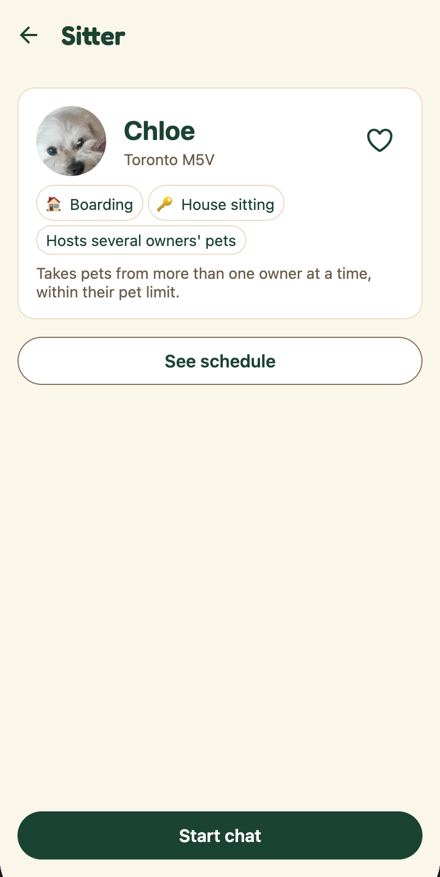
Rule checkedDESIGN.md 7.8 says every screen that leaves a parent flow uses BackLink with chevron plus the word Back, 44 px min hit area, and 'Label is always Back ... not icon-only'. DESIGN.md 6.1 Icon button 44 x 44 and 9 'Touch targets >= 44 x 44'. figma/variables.md size/touch-target 44, and the Figma Top Bar Detail variant Figma 1761:11757 shows '‹ Back' Body Strong in primary, so Figma agrees with the word Back. One nuance: 7.8 is written for flow screens (login, onboarding) and the stacked native header is a different surface, but 6.1 Top bar 'Detail (Back + title)' covers it.DESIGN.md 7.8: 'Visual: Ionicons `chevron-back` + the word **Back**'; 'Placement: ... 44 px min hit area'; 'Label is always **Back** , not ... icon-only'. components.md Top Bar: 'Detail: "‹ Back" Body Strong theme.color.primary, centered title'. variables.md 'size/touch-target ... 44'. Impact weighedEvery pushed screen is affected and a screen reader announces a file-system token, which is a 4.1.2 defect, and the 30 px target is below both the design rule and the 44 px Figma token; high is fair, though a sighted judge only sees a small chevron. The two-line option (headerBackTitle 'Back' plus minimal display mode) is cheap and gives the name 'Go back' and, with the word shown, a wider target; a custom headerLeft with BackLink is the full fix. Not in PR #215.Severity high; owner frontend; effort S. Set in RoleTabs.tsx headerOptions() and app/_layout.tsx:29 screenOptions. Sitter profile (owner side): the intro card, then about 430 px of empty cream between See schedule and Start chat · /owner/sitters/[sitterId] · owner
Actual
One white card with a 64 px avatar, the name, 'Toronto M5V', two emoji service chips, a 'Hosts several owners' pets' chip with its hint sentence, then a secondary 'See schedule' at y 308 and nothing until the pinned 'Start chat' at y 742. The demo sitter has no bio and no reviews, so the rating and about branches render nothing. No openings, no distance, no reply speed, no photo gallery (photos only behind an avatar tap).
Expected
Design target not built: Figma Figma 1304:6148 'Sitter profile · next openings (#120)' (Oct 19) shows the card, a 'Next openings' list of the next five open days with slot names and chevrons, 'See full month', and the actions pinned at the bottom. Draft chat-sitter (#140) shows a photo gallery with a heart, 'Chloe M. ★ 4.9 · 38 stays · 2 km', tags (Dogs and cats · Yard · Meds OK), an About block, the month with hatched thirds and 'Free Oct 9 to 12', a review, and one Start chat. Figma Figma 1761:24015 adds 'replies in minutes · 2 km away · 3 years with dogs and cats'. Primary action: Figma is behind the app here (Figma 1304:6148 and Figma 1761:24015 still show the 'Ask before booking' + 'Book' pair; Draft #140 and the live app both settled on one Start chat).
Rule or reference
Figma Figma 1304:6148 and Figma 1761:24015; design site chat-sitter (screens.js 'chat-sitter' changes: '#140: photos with a heart, intro, reviews, and the hatched calendar (#134)', 'Replaces Ask before booking and Book with one Start chat'); DESIGN.md §1 (line 187, one continuous journey, not separate tools) and §10 Empty; README line 89 (the profile says whether she takes one owner's pets or several)
Evidence
live/owner__owner-sitters-01c1600d-1bc9-4c1e-8ce0-b26b8408716d.png and .a11y.json (sitter-see-schedule 370x44 at 16,308; start-chat 370x44 at 16,742; nothing between), live/owner__state-sitter-profile-end.png (identical, nothing to scroll); figma/1304-6148__sitter-profile-next-openings-120.png; figma/1673-33741__d-1-sitter-profile.png; site/chat-sitter.png; code frontend/app/owner/sitters/[sitterId]/index.tsx:41-44 (comment: Start chat is the one action; #120 month and day on their own pages), :177-189 (rating and bio render only when present), :199 (See schedule), :205 (SitterActions)
Suggested fix
Frontend (M, split in two): first add the "Next openings" rows (next five open days with slot names, chevron to /day/[date]) under the card and rename See schedule to See full month, and move rating, reply speed and distance into the header row with the bio in an About block; keep the one pinned Start chat. Backend/seed (S, Seulgi or Minsik): give the demo sitter Chloe a bio, two or three photos and one review so the card is not empty on the demo path. Design: update Figma Figma 1304:6148 and Figma 1761:24015 to the single Start chat (#140 decision).
Why we're confident (three independent checks)
ReproducedThe live sitter profile is one card, See schedule, then about 430 px of empty cream before the pinned Start chat, exactly as described; the empty rating and about branches are data-dependent.owner__owner-sitters-01c1600d-1bc9-4c1e-8ce0-b26b8408716d.png: card with 64 px avatar, "Chloe", "Toronto M5V", heart, Boarding and House sitting chips, "Hosts several owners' pets" chip and its hint, then "See schedule"; .a11y.json: sitter-see-schedule 370x44 at (16,308), start-chat 370x44 at (16,742), no element between; owner__state-sitter-profile-end.png is the same (nothing to scroll). frontend/app/owner/sitters/[sitterId]/index.tsx:176-189 renders rating and bio only when present, :199 See schedule, :205 SitterActions; :41-44 comment: "#120: the month and each day on their own pages ... Start chat is the one action". Rule checkedBoth design references show much more on this screen and the Draft is the higher-precedence target; the finding correctly notes the primary-action disagreement between Figma and the Draft.figma/1304-6148__sitter-profile-next-openings-120.png: the card, "Next openings" with five dated rows (Mon, Oct 19 Night ... Fri, Oct 23 All day) with chevrons, "See full month", then "Ask before booking" + "Book". site/chat-sitter.png: photo gallery with heart, "Chloe M. ★ 4.9 · 38 stays · 2 km", tags Dogs and cats · Yard · Meds OK, ABOUT block, October calendar with hatched days and "Free Oct 9 to 12", one Start chat. screens.js chat-sitter changes: "#140: photos with a heart, intro, reviews, and the hatched calendar (#134).", "Replaces 'Ask before booking' and 'Book' with one Start chat." DESIGN.md §1 line 187: screens "should feel like one continuous journey ... not separate tools". TODO.md line 27 says #140 sitter detail is merged and "#136 and #140 went to JeonBeomGu-S", so the Draft scope was only partly built. Impact weighedThis is the first screen on the README's inquiry path (Bookings > Chloe) and an empty two-thirds of the screen is visible to any judge, so high is fair; part of the emptiness is seed data (no bio, no reviews, no photos) that the frontend cannot fill, and the full Draft rebuild is M work during the chat push.index.tsx:176-189 would show rating and bio if the demo sitter had them; the day page and calendar already exist (captures owner__owner-sitters-...-calendar.png and -day-2026-10-22.png), so Next openings rows can reuse that slot data. TODO.md line 27 shows #140 handed to JeonBeomGu-S with #251 (heart for favorites) still open. Header bar on the five shared root-stack screens · /profile, /settings, /whats-new, /privacy, /chat/[threadId] · both
Actual
These five routes render expo-router's default header: a white bar with a black back arrow and the title in the system font (the chat title alone is Fredoka green, still on a white bar). Every owner-stack screen (Pet profile, Sitter, Add a pet, Notifications) and every tab renders the cream bar with a Fredoka 24 title, so the app switches between two header looks as the user navigates, most visibly when opening a chat from the cream Bookings tab.
Expected
One header look everywhere: cream theme.ui.chrome ground, no shadow, Fredoka 24 title in text, exactly what RoleTabs.headerOptions already draws for the role stacks and what Figma shows (App Header Figma 1302:5959 on cream; Settings Figma 1761:23890 and What's New Figma 1761:23960 sit on cream with a back link, no white bar).
Evidence
owner__settings.png, owner__profile.png, owner__whats-new.png, owner__privacy.png, owner__state-chat-chips.png (white bar, system title) vs owner__owner-pets-c7530a82-aa39-4b9e-886c-16e790751bd8.png and owner__owner-notifications.png (cream, Fredoka). Code: frontend/app/_layout.tsx:28 `<Stack screenOptions={{ headerShown: false, headerShadowVisible: false }}>` passes no headerStyle or headerTitleStyle; frontend/components/RoleTabs.tsx:77-91 headerOptions(theme) is applied only in RoleStack (:116) and RoleTabs (:140). Also seen by F12: frontend/app/_layout.tsx:29-37 vs frontend/components/RoleTabs.tsx:80-89; live/sitter__state-chat-chips.png, live/sitter__profile.png, live/sitter__sitter-onboarding.png vs live/sitter__sitter-schedule.png; site/chat-ask.png Also seen by F23: Captures: owner__profile.png and owner__settings.png (white bar, system-font title, arrow), owner__state-chat-chips.png (white bar over cream body), sitter__sitter-onboarding.png (Your answers in system font) versus owner__owner-pets-c7530a82-aa39-4b9e-886c-16e790751bd8.png and owner__state-book-care.png (cream bar, Fredoka title). Code: frontend/app/_layout.tsx:29-37 (Stack screenOptions {headerShown: false, headerShadowVisible: false} with per-screen title only) versus frontend/components/RoleTabs.tsx:79-92 (headerOptions: headerStyle chrome, headerTitleStyle display font) used by RoleStack at :114-118 and RoleTabs at :137-138
Suggested fix
In app/_layout.tsx wrap the Stack in a small inner component that calls useTheme() and spreads headerOptions(theme) plus contentStyle: { backgroundColor: theme.color.background } into screenOptions, keeping headerShown false as the default. Covers profile, settings, whats-new, privacy, chat/[threadId], sitter-onboarding and the dev screens with no per-screen change. Keep headerTintColor primary for the back arrow (the owner stack already does).
Why we're confident (three independent checks)
ReproducedThe two header looks are real: the shared root-stack screens draw expo-router's default white bar with a black arrow and system-font title, while owner-stack and tab screens draw the cream Fredoka bar.owner__settings.png and owner__profile.png show a white 56 px bar with a black arrow and a system-font title; owner__state-chat-chips.png shows the same white bar (title Chloe in green). owner__owner-notifications.png and owner__owner-pets-c7530a82-aa39-4b9e-886c-16e790751bd8.png show the cream bar with a Fredoka title. Code: frontend/app/_layout.tsx:28 `<Stack screenOptions={{ headerShown: false, headerShadowVisible: false }}>` sets no headerStyle or headerTitleStyle, and lines 29-36 turn headerShown on for profile, settings, whats-new, chat/[threadId] and privacy; frontend/components/RoleTabs.tsx:78-91 headerOptions(theme) is applied only in RoleStack (:116) and RoleTabs (:140). Also affects sitter-onboarding (Your answers) and the dev screens. Rule checkedDESIGN.md 3.2 sets the Expressive header chrome to cream and 6.1 sets the Expressive top bar title to the 24 display face; the Figma Settings and What's New frames sit on cream with a back link and no white bar.DESIGN.md 3.2 theme.ui table: `chrome (header bar) | cream | white`; DESIGN.md 6.1 Top bar row: `Title Body Strong (Expressive: 24 display face)`. figma/1673-33686__d-settings-whats-new.png and figma/1673-33616__d-profile-settings.png: cream page, `‹ Settings` / `‹ Profile` back link, Fredoka title, no white bar. components.md App Header Figma 1302:5959: `Fill theme.color.background ... Title Fredoka SemiBold 24`. No higher source shows a white header. Impact weighedA judge who opens a chat from the cream Bookings tab sees the app switch header style, which reads as two different apps; the fix is a few lines in one file and PR #215 does not touch _layout.tsx (its file list is chat/[threadId].tsx, owner index, MessageBubble, PetCard, public assets). High is right.gh pr view 215 files: docs/design/screen-map.md, docs/plan/TODO.md, frontend/app.json, frontend/app/chat/[threadId].tsx, frontend/app/owner/(tabs)/index.tsx, frontend/components/MessageBubble.tsx, frontend/components/PetCard.tsx, frontend/e2e/pets.spec.ts, frontend/public/*; no _layout.tsx. headerOptions(theme) already exists at RoleTabs.tsx:78. Merged from: F01: Profile, Settings, What's new, Privacy and Chat draw a white system header while every other screen uses the cream Fredoka header; F12: Shared stack header is a white bar with a system-font title on Chat, Profile, Settings, What's new, Privacy and Your answers; F23: Shared screens (Profile, Settings, Chat, Privacy, What's new, Your answers) use the React Navigation default header instead of the cream Fredoka app header
Sitter Today, Bookings (all five buckets), Feed, Diary, Tasks; owner Bookings, Feed, Diary, History, Home live updates · /sitter, /sitter/bookings, /sitter/feed, /sitter/diary, /sitter/tasks, /owner/bookings, /owner/feed, /owner/diary, /owner/history · both
Actual
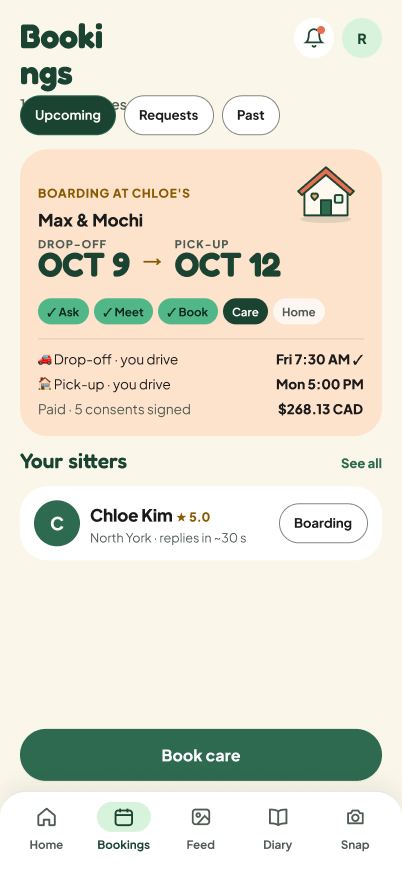
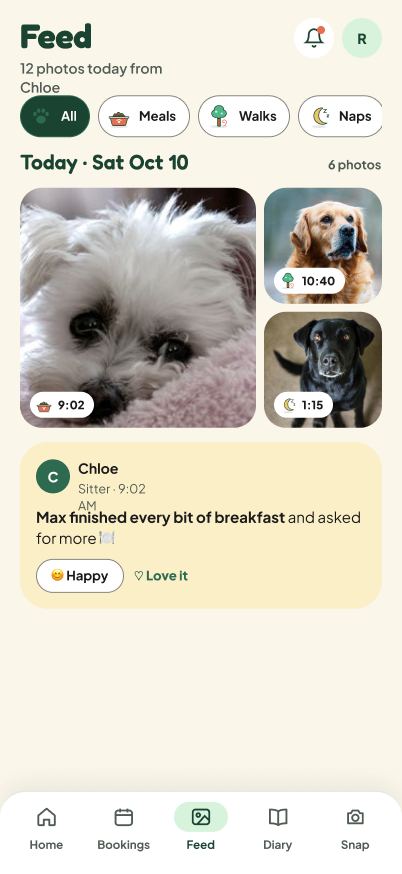
Sitter Chloe lands on "No bookings yet" (sitter__sitter.txt) and every bucket of Bookings is empty (sitter__state-bookings-requests.txt, -in_progress, -upcoming, -past); Feed says "Share a moment", Tasks "No pets in your care right now", Diary "No pages yet". Owner Robert has one booking with a sitter named "paul", status Cancelled (owner__owner-bookings.png), an empty Feed, Diary and History, and Home shows "Live updates / Nothing new yet." (owner__owner.txt). The capture agent could not reach any checkout, trip, task, check-in, report or review screen without acting (notes.md, Exact ids section).
Expected
Both demo accounts seeded so a judge sees the stay in flight: the Draft Diary and Sitter Home are populated (site/owner-diary.png, site/sitter-home.png), the Figma Expressive tabs Figma 1761:23740 Sitter Home and Figma 1761:23432 Diary are populated, and the design site says "The diary is the product; don't show it empty" and "Seed the demo with one sent note and a few check-ins so judges never land on No diary yet while Max is in care" (screens.js:199 and 204). README.md:170 to 191 describes Chloe caring for Max and Mochi, and README.md:31 invites judges to Try demo as Sitter.
Evidence
sitter__sitter.png, sitter__state-bookings-requests.txt, sitter__state-bookings-in_progress.txt, sitter__state-bookings-upcoming.txt, sitter__state-bookings-past.txt, sitter__sitter-feed.txt, sitter__sitter-tasks.txt, sitter__sitter-diary.txt, owner__owner-bookings.png, owner__owner-feed.txt, owner__owner-diary.png, owner__owner-history.txt, owner__owner.txt; notes.md (Exact ids discovered); site/owner-diary.png, site/sitter-home.png Also seen by F74: owner__owner.txt ("Nothing new yet."), owner__owner-feed.txt ("No posts yet"), owner__owner-diary.txt ("No diary yet"), owner__owner-bookings.txt ("Your bookings / paul / Cancelled"), sitter__sitter.txt ("No bookings yet"), sitter__sitter-bookings.txt and sitter__state-bookings-* (all empty), owner__state-profile-end.txt (state list), notes.md "Exact ids discovered"; backend/scripts/reset_demo.py:12-13 (states confirmed, ready, in_care) and :41 (default state "pets")
Suggested fix
Agree a demo seed with Minsik and Seulgi: one confirmed and paid stay Robert to Chloe in care today with Max and Mochi (tasks, two check-ins, two feed photos, one sent diary page), one past completed stay with a review, and the sitter chat with Alex kept; remove or rename the 'paul' cancelled booking. Make the Demo reset tool restore exactly this seed so the shared accounts recover after judges act. Verify by re-running auditcap.mjs and checking that Sitter Today, Bookings In progress, Feed, Diary and owner Home Live updates are populated.
Why we're confident (three independent checks)
ReproducedEvery cited capture is an empty state and the only owner booking is a cancelled one with a sitter named paul.sitter__sitter.txt 'No bookings yet | Open your schedule so owners can find you.'; sitter__state-bookings-requests.txt 'No requests yet'; -in_progress 'No stays in progress'; -upcoming 'No upcoming stays'; -past 'No past stays'; sitter__sitter-feed.txt 'Share a moment'; sitter__sitter-tasks.txt 'No pets in your care right now'; sitter__sitter-diary.txt 'No pages yet'; owner__owner-feed.txt 'No posts yet'; owner__owner-history.txt 'No history yet'; owner__owner.txt 'Live updates ... Nothing new yet.'; owner__owner-bookings.png shows one card 'paul / Cancelled / Max, Boarding, Oct 21 9:00 AM to 5:00 PM'. notes.md lines 28 and 33 confirm no checkout, trip, task, check-in, report or review screen was reachable without acting.
Rule checkedREADME invites judges to try the sitter demo and narrates Chloe caring for Max and Mochi; the design site explicitly says to seed the demo so the diary is never empty; DESIGN.md 7.3 asks for both sides to be visible in the demo; the Figma Sitter Home and Diary frames are populated.README.md:31 'tap Try demo, Owner (or Sitter)'; README.md:170 'Robert leaves Max ... and Mochi with sitter Chloe'; README.md:172 to 191 the step table. screens.js:199 'The diary is the product; don't show it empty'; screens.js:204 'Seed the demo with one sent note and a few check-ins so judges never land on No diary yet while Max is in care'. DESIGN.md:518 'In the demo, both sides should be visible.' figma/manifest.json frames Figma 1761:23740 D Sitter Home and Figma 1761:23432 D Owner Diary. Impact weighedThis is the single most judge-visible issue in the set: a judge who taps Try demo as Sitter sees nothing but empty states, and the README's 26-step story has no on-screen counterpart. High is right. It is seed data, not UI, so alignment with Minsik and Seulgi is the right owner; the frontend part is only the demo reset tool restoring the seed. Not touched by PR #215.Captures and README lines above; notes.md lines 28 and 33. Merged from: F61: The sitter demo has no bookings and the owner demo has one cancelled test booking, so the 5-stage demo path is mostly empty states; F74: README's "A Stay with Goldito" marks 24 steps ✅ but the demo as seeded shows none of stages ② to ⑤ without acting
Welcome landing inside the desktop phone frame (first screen a judge sees), footer of the landing and the login screen · /welcome (also /login, / on desktop) · public
Actual
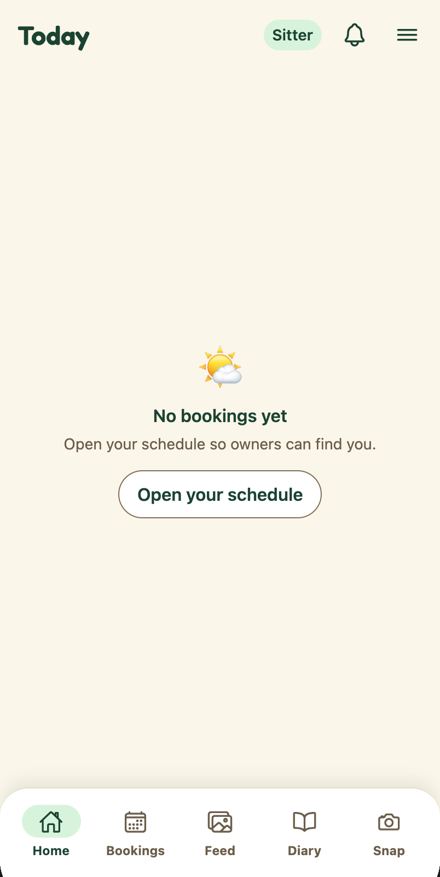
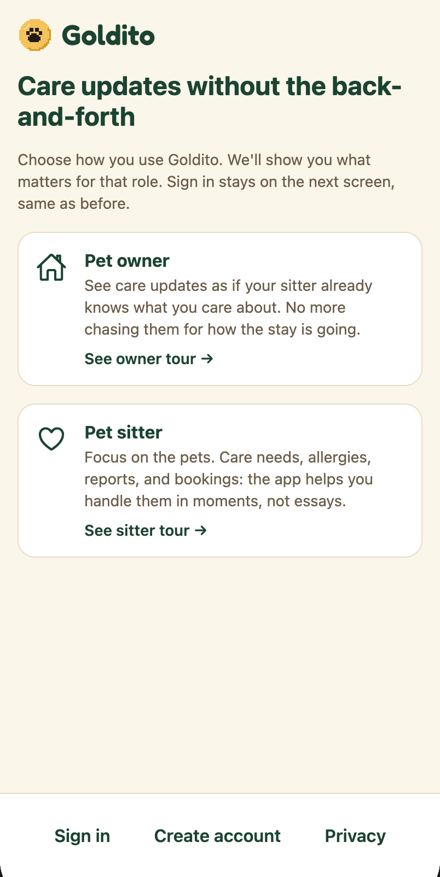
Opening goldito-petcare.vercel.app lands on /welcome inside the phone frame with the label "Not signed in" above it. The landing shows two tour cards ("See owner tour →", "See sitter tour →") and a footer "Sign in · Create account · Privacy"; there is no Try demo anywhere on it. The only demo entries are "Try demo as Owner / Sitter" on step 3 of 3 of each tour, and two secondary "Demo owner / Demo sitter" buttons on /login below the email form (reached via Sign in). The desktop side panel with Try demo (Phase 10.9) is not built, and TODO.md line 43 still lists it as open.
Expected
README line 31: open the URL and tap Try demo → Owner (or Sitter), no sign-up, no password. DESIGN.md §2.1 line 219: the desktop page has a side panel with Try demo. DESIGN.md §7.9 line 588 and docs/plan/onboarding.ko.md lines 63 and 132: Welcome's footer CTA is Try demo as Sitter (primary) and Try demo as Owner, with Sign in and Create account as text buttons. Either the app offers Try demo on the first screen, or the README describes the real path (Sign in > Demo owner).
Evidence
public__welcome.png and public__welcome.txt (no Try demo), public__welcome.a11y.json (buttons: welcome-choose-owner, welcome-choose-sitter, welcome-sign-in, welcome-sign-up, welcome-privacy), desktop__welcome-1280.txt ("Not signed in / Show both phones" only), public__welcome-owner-step3.txt ("Try demo as Owner" only on 3 / 3), public__login.txt ("Demo owner", "Demo sitter" after "or try a demo"); code frontend/app/(public)/welcome/index.tsx:66-74 (footer: Sign in, Create account, Privacy), frontend/components/OnboardingTour.tsx:37,80-86 (demo button only when last), frontend/app/(auth)/login.tsx:117-150 (secondary Demo buttons), frontend/components/shell/AppShell.web.tsx:120-132 (frame renders label, iframe, Show both phones; no panel) Also seen by F95: live/public__welcome.txt and public__welcome.png (footer Sign in, Create account, Privacy; no demo button), live/public__welcome-owner-step4 lands on /login (notes.md), live/desktop__welcome-1280.png (Not signed in label), frontend/app/(public)/welcome/index.tsx:27-28 (same as before) and :67 (Sign in text button), frontend/app/(auth)/login.tsx:117-152 (demo block only on Login), frontend/components/shell/accountMessage.ts:17 (Not signed in)
Suggested fix
Add Try demo as Sitter (primary) and Try demo as Owner buttons to the Welcome footer behind the existing isDemoEnabled flag, routing to /login?demo=role; optionally the same pair in the desktop frame side area (10.9); then make README lines 31 and 440 use the exact label Try demo as Owner / Try demo as Sitter.
Why we're confident (three independent checks)
ReproducedConfirmed: the Welcome landing has two tour cards and a Sign in / Create account / Privacy footer, Try demo exists only on step 3 of each tour and as secondary Demo owner / Demo sitter buttons on /login, and the desktop frame renders only the label and Show both phones.captures public__welcome.txt (no Try demo; footer Sign in, Create account, Privacy), desktop__welcome-1280.txt (Not signed in, Show both phones), public__welcome-owner-step3.txt line 11 (Try demo as Owner), public__login.txt lines 10-14 (or try a demo, Demo owner, Demo sitter); code app/(public)/welcome/index.tsx:66-74, components/OnboardingTour.tsx:36-37 and 80-86 (demo button only on last step, gated by isDemoEnabled), app/(auth)/login.tsx:121-143, components/shell/AppShell.web.tsx:120-132 (DeviceFrame with label and footer link, no side panel).
Rule checkedAll cited lines say what is claimed: README tells judges to tap Try demo on open, DESIGN.md 2.1 promises a side panel with Try demo, and 7.9 and onboarding.ko.md put Try demo on the Welcome exit, with TODO 10.9 still open.README.md:31 (open goldito-petcare.vercel.app and tap Try demo, Owner (or Sitter)), :440 (use Try demo); DESIGN.md:219 (phone frame ... plus a side panel: one-line pitch, Try demo, QR, hint (Phase 10.9)), :589 (Exit to auth | Last step: Sign in / Try demo / Create account); docs/plan/onboarding.ko.md:63 (Footer CTA Primary Try demo as Sitter, Secondary Try demo as Owner, Text Sign in, Create account), :132; docs/plan/TODO.md:43 lists 10.9 desktop side panel (Try demo, QR, hint) as open. Impact weighedThis is the first thing a judge does after reading the README, and the words on the page do not match, so high is right even though the demo is reachable in four taps via a tour or Sign in. The fix is small and purely frontend plus a README line.public__welcome.a11y.json buttons: welcome-choose-owner, welcome-choose-sitter, welcome-sign-in, welcome-sign-up, welcome-privacy; /login?demo=owner already auto signs in (login.tsx:59 comment).
Merged from: F71: README's first step "tap Try demo → Owner (or Sitter)" does not exist on the landing screen; F95: The judge's first screen has no Try demo: Welcome offers Sign in, Create account and Privacy, and the frame says Not signed in
Welcome tour steps 1 to 3 for owners and sitters, the media column (PHOTO PLACEHOLDER / VIDEO PLACEHOLDER block and its brief text) · /welcome/owner, /welcome/sitter · public
Actual
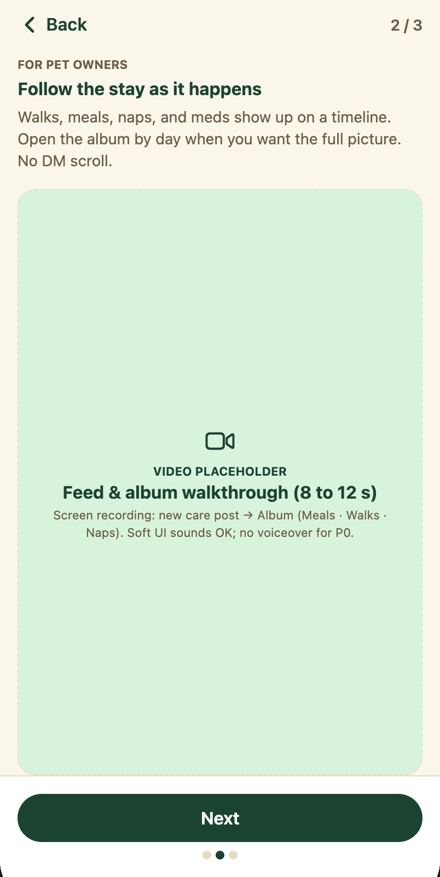
Each tour step fills the media area with a labelled placeholder and the asset brief written for the production team: "PHOTO PLACEHOLDER / Owner home: next booking + pets / Still of Robert's Home: Max & Mochi cards, "Next: Chloe · Thanksgiving stay," warm Kidsnote-style layout. No real address or faces." and "VIDEO PLACEHOLDER / Feed & album walkthrough (8 to 12 s) / Screen recording: new care post → Album (Meals · Walks · Naps). Soft UI sounds OK; no voiceover for P0." The sitter tour has the same ("blur digits in the final asset", "No real phone numbers"). This is the first screen a judge sees before signing in.
Expected
A real still or clip of the Expressive app (or a plain illustration) with no label and no brief. DESIGN.md 7.9 allowed the dashed brief only as an interim ("Real demo stills/clips replace it later; keep the dashed brief until then"), and 7.9 also says Welcome stays on for judges. CLAUDE.md requires short strings and no tutorial-style text.
Rule or reference
DESIGN.md 7.9 lines 585 and 587; CLAUDE.md lines 97 and 98 (Minimal UI and copy); Figma onboarding Figma 1761:33846 and the site onboarding.html show plain illustrated screens with no production notes
Evidence
public__welcome-owner.txt, public__welcome-owner-step2.png (VIDEO PLACEHOLDER with the brief centred in the mint column), public__welcome-owner-step3.txt, public__welcome-sitter-step2.txt, public__welcome-sitter-step3.txt; code frontend/app/(public)/welcome/owner.tsx:11 and :21, frontend/app/(public)/welcome/sitter.tsx:11 and :21 Also seen by F72: public__welcome-owner.png (box with "PHOTO PLACEHOLDER / Owner home: next booking + pets / Still of Robert's Home ... No real address or faces."), public__welcome-owner-step2.txt ("VIDEO PLACEHOLDER ... no voiceover for P0"), public__welcome-owner-step3.png, public__welcome-sitter.txt, public__welcome-sitter-step2.txt, public__welcome-sitter-step3.txt ("blur digits in the final asset"); code frontend/app/(public)/welcome/owner.tsx:7-32 (briefs as data), frontend/components/MediaPlaceholder.tsx:38-40 (renders kind, title, brief), frontend/e2e/welcome.spec.ts:25 ("owner tour steps through placeholders")
Suggested fix
Frontend now: drop the brief and PLACEHOLDER caption from owner.tsx and sitter.tsx and the MediaPlaceholder label, keeping only the step title and body with a plain mint/peach illustration block. Then with Mook: capture three Expressive stills per role (Owner Home, Feed, Checkout; sitter Today, task, booking) and drop them in; update DESIGN.md 7.9 line 587 to say the brief is gone.
Why we're confident (three independent checks)
ReproducedThe welcome tour really shows PHOTO PLACEHOLDER and VIDEO PLACEHOLDER blocks with the production brief text to signed-out visitors, in both tours.public__welcome-owner-step2.png: mint column with a camera icon, "VIDEO PLACEHOLDER / Feed & album walkthrough (8 to 12 s) / Screen recording: new care post → Album (Meals · Walks · Naps). Soft UI sounds OK; no voiceover for P0." public__welcome-owner.txt: "PHOTO PLACEHOLDER ... Still of Robert's Home: Max & Mochi cards ... No real address or faces." public__welcome-sitter-step3.txt: "Still: EntryInfoCard locked, then Show code (blur digits in the final asset)." frontend/app/(public)/welcome/owner.tsx:11 and :21 hold the brief strings. Rule checkedThe cited sources support the claim only in part: DESIGN.md 7.9 explicitly allowed the dashed brief as an interim and asked to keep it until real stills exist, so it is not a rule being broken but an interim that has run out a week before freeze; CLAUDE.md's no-tutorial-text and short-strings rules do apply to the brief copy. The Figma reference is weak: Figma 1761:33846 is the owner sign-up form, not a welcome tour, and no Figma welcome frame was cited.DESIGN.md:587 "Media | MediaPlaceholder fills the leftover column ... Real demo stills/clips replace it later; keep the dashed brief until then"; DESIGN.md:585 "keep showing Welcome for judges". CLAUDE.md:96 "No tutorial-style text", :97 "Keep every string short ... Detailed or lengthy copy reads as AI-written". figma/manifest.json Figma 1761:33846 is "D · Owner sign-up" (onboarding section), not a tour. Impact weighedThis is the first screen a signed-out judge sees and the text reads as internal production notes ("No real address or faces", "blur digits in the final asset"), so high is justified. Removing the brief and the PLACEHOLDER caption is a frontend change that can ship now; the real stills depend on Mook, so the finding should split the two.public__welcome-owner-step2.png shows the brief in the centre of the media column at body size. Not in PR #215 (diff does not list app/(public)/welcome/*). Merged from: F31: Welcome tour shows internal production-brief placeholders to signed-out visitors; F72: Both role tours show "PHOTO PLACEHOLDER" / "VIDEO PLACEHOLDER" boxes with internal production briefs
Every focusable control: header bell and menu, pet cards, Add pet, chat message box, sheet Close, tab bar · all routes (verified on /owner, /chat/[threadId], /owner/bookings pets sheet) · both
Actual
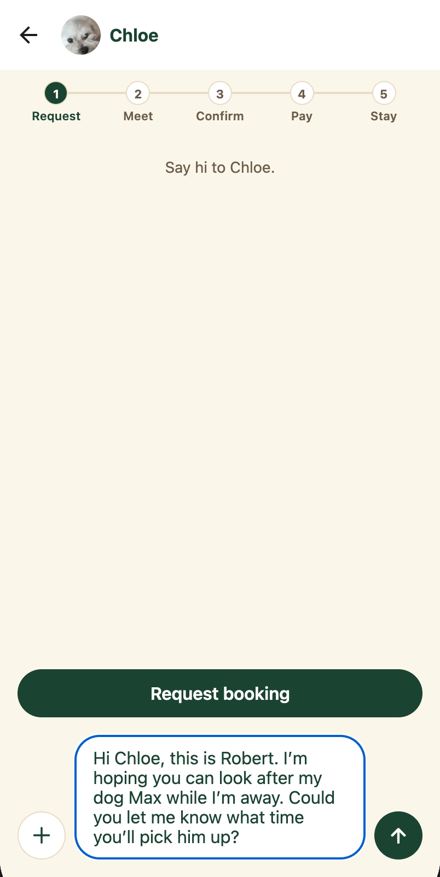
Tabbing to notification-bell, open-menu, open-history, pet-card-Max, pet-card-Mochi, add-pet, chat-input and pets-sheet-close gives computed outline 'auto 1px rgb(0, 95, 204)', offset 0, no box-shadow. No stylesheet rule in the app mentions focus (only Leaflet's). The blue ring also appears without a keyboard: the chat box is focused after a chip fills it, so judges see it in the demo path. Against the ink pill (Add pet, Request booking) the blue ring computes to 1.85:1.
Expected
DESIGN.md §9: focus is visible as a 2 px `primary` outline with 2 px offset on everything focusable (keyboard and switch users on the web demo). Non-text contrast of the ring at least 3:1 (§9, WCAG 1.4.11).
Rule or reference
DESIGN.md §9 (Focus is visible: 2 px primary outline, 2 px offset) and §9 non-text contrast; WCAG 2.4.7 and 1.4.11; Figma Text Field Figma 1761:11493 Focused = primary
Evidence
a11y-verify/results.json focusRing (6 Home controls) and chat.textareaFocusRing and sheet.firstTabStop, focusCssRules (no app rule); a11y-verify/focus-home-tab.png (blue ring on the Add pet pill), a11y-verify/sheet-first-tab.png, live/owner__state-chat-input-focused.png and owner__state-chat-chip-filled.png (blue ring on the chat box); code: grep for outline/focus in frontend/app, components, providers returns only features/snap/StickerCanvas.web.tsx:92 and features/snap/DecoratedReport.tsx:463 (which sets outlineStyle none); frontend/public/index.html:13-27 holds only the react-native-web reset Also seen by F47: motion-probe.out.json keyboardFocusHome (6 elements) and chatInputFocusByClick; capture owner__state-chat-input-focused.png; TouchEmulation.web.ts:55-80; TextField.tsx:32; chat/[threadId].tsx:664, 772-784 Also seen by F19: frontend/app/chat/[threadId].tsx:641-664, 772-784; frontend/components/ui/TextField.tsx:15-32, 60-63; live/sitter__state-chat-chip-filled.png, live/owner__state-chat-input-focused.png
Suggested fix
Add to frontend/public/index.html: ':focus-visible { outline: 2px solid var(--focus, #1B4332); outline-offset: 2px; }' and set --focus on the root from ThemeProvider so skins retint it. Replace outlineStyle none in features/snap/DecoratedReport.tsx:463 with the same ring or a visible primary paper border on focus. Add an e2e assertion in frontend/e2e that Tab onto a Button and a TextField yields a 2 px primary outline.
Why we're confident (three independent checks)
ReproducedVerified. a11y-verify/results.json focusRing lists notification-bell, open-menu, open-history, pet-card-Max (and more) with outlineStyle auto, 1px, rgb(0,95,204), offset 0, no box-shadow; chat.textareaFocusRing and sheet.firstTabStop show the same; focusCssRules contains only three Leaflet rules. focus-home-tab.png shows the thin blue browser ring hugging the ink Add pet pill. motion-probe.out.json chatInputFocusByClick shows the same ring on the chat box after a click. frontend/public/index.html:13-27 holds only the react-native-web reset; grep for outline / focus-visible / :focus across app, components, providers, features and public finds no app rule except DecoratedReport.tsx:463 outlineStyle none.results.json focusRing[0]: outlineStyle 'auto', outlineWidth '1px', outlineColor 'rgb(0, 95, 204)', outlineOffset '0px'; focus-home-tab.png (blue ring on Add pet); DecoratedReport.tsx:463 '...(Platform.OS === "web" ? ({ outlineStyle: "none" } as object) : null)' with the comment 'the paper border shows focus instead'. The 1.85:1 contrast figure is from the finder and was not recomputed here; the blue ring on #1B4332 is visibly faint in the png.
Rule checkedDESIGN.md 9 says exactly 'Focus is visible: 2 px primary outline, 2 px offset, on everything focusable (keyboard and switch users on the web demo)' and 'Non-text contrast >= 3:1 for control outlines, focus rings...'. figma/components.md Text Field Figma 1761:11493 Focused = theme.color.primary border, consistent with a primary ring. Figma does not define a focus ring for buttons, so DESIGN.md governs.DESIGN.md 9: 'Focus is visible: 2 px `primary` outline, 2 px offset, on everything focusable'; 'Non-text contrast >= 3:1 for control outlines, focus rings, progress fills and selected states'. components.md: Text Field 'Focused theme.color.primary'. Impact weighedHigh is right: the ring is visible in the demo path without a keyboard (chat box after a chip fills it) and on every control a judge tabs to, and the default ring on the ink pill is a non-text contrast failure. One global rule fixes all screens, so the fix is small and proportionate. Not in PR #215. The DecoratedReport input intentionally hides the ring and relies on the paper border; it should still get a visible focus indicator.Severity high; owner frontend; effort S. One :focus-visible rule in frontend/public/index.html with the outline color from the skin, plus a Playwright check. Merged from: F51: Keyboard focus shows the browser's default 1px blue ring on every control, not the 2px primary ring DESIGN.md specifies; F47: Keyboard focus shows Chrome's default blue ring on every control instead of the 2 px primary outline with 2 px offset; F19: Message box shows the browser's blue focus ring instead of the 2 px primary outline
The link under the phone, the Tab order across the split view, and every focusable control inside the phones · / and /?view=split · desktop
Actual
FrameLink renders a Pressable with role link and no href: it navigates with window.location.assign, so hovering shows no URL, middle-click and open in new tab do nothing, and it is not in the browser's link list. Tab order is sane (left phone's 7 controls, Show one phone, right phone's 7 controls) but each stop shows the default 1 px auto outline in rgb(0,95,204), not the 2 px primary outline, and the panes are announced as Goldito app (left phone) and (right phone) while the visible labels say Not signed in, Robert · Owner or Chloe · Sitter, so a screen-reader user tabbing into a pane does not hear the role.
Expected
DESIGN.md 9: focus is visible as a 2 px primary outline with 2 px offset on everything focusable; DESIGN.md 7.7: every action works with a mouse in the usual browser ways; DESIGN.md 9: accessibilityLabel on controls names what they do.
Suggested fix
1) Pass href to the Pressable (react-native-web then renders a real <a>) or render an <a> styled with styles.link in DeviceFrame.web.tsx:64-70, keeping testID. 2) Add a :focus-visible rule (2 px solid primary, 2 px offset) in frontend/public/index.html so it applies to both the outer page and the iframe document, and remove outline only where a component draws its own ring. 3) In AppShell.web.tsx:108-112 build the iframe title from accountLabel ('Owner phone, Robert' / 'Sitter phone, Chloe' / 'Phone, not signed in') and point aria-labelledby at the visible label element.
Why we're confident (three independent checks)
ReproducedAll three parts are real: FrameLink is a Pressable with role link and no href, focused controls show the browser default blue auto outline, and the iframes are titled 'Goldito app (left phone)' and '(right phone)' while the visible labels name the account.frontend/components/shell/DeviceFrame.web.tsx:64-70: FrameLink returns '<Pressable accessibilityRole="link" onPress={() => window.location.assign(href)}>' with no href prop, so react-native-web renders a div (results.json split_1440x900.link: tag DIV, href null, role link, tabindex 0). results.json welcomeTabOrder: welcome-choose-owner, welcome-choose-sitter, welcome-sign-in, welcome-sign-up, welcome-privacy and show-both-phones all report 'outline=auto rgb(0, 95, 204) 1px'; grep for focus-visible or outline in frontend/components/shell, app/_layout.tsx and components/ui finds no focus style. AppShell.web.tsx:112 sets title={`Goldito app (${side} phone)`} and results.json split_1440x900.frames confirms those titles; line 108 passes label={accountLabel(...)} as the visible caption. Rule checkedDESIGN.md 9 directly supports the focus-ring and label parts; the 'usual browser ways' part is weaker, because DESIGN.md 7.7 only requires that every action work by click in the frame, which FrameLink does, and DESIGN.md 2.1 merely names the two links. No Figma frame covers the desktop page around the phones, so DESIGN.md is the top source here.DESIGN.md 9: 'Focus is visible: 2 px primary outline, 2 px offset, on everything focusable (keyboard and switch users on the web demo)' and 'Set accessibilityRole / accessibilityLabel on buttons and icon-only controls'. DESIGN.md 7.7: 'Judges use a computer, so every action must work with a mouse and a trackpad inside the phone frame' with a Tap = Click row, nothing about middle-click, hover URLs or new tabs. DESIGN.md 2.1 line 221: 'Show both phones under the single phone / Show one phone switch between them'. Corrected wording: 'the focus ring and pane naming break DESIGN.md 9; the div-as-link breaks the HTML link contract (WAI-ARIA: role link should be a real anchor when it navigates), not 7.7'. Impact weighedThe default blue ring is still visible, so this is not a WCAG 2.4.7 failure, but it appears on every focusable control inside both phones and on the outer link, which is a visible inconsistency with the DESIGN.md 9 target that a judge pressing Tab will see; that is medium, not low. The anchor and iframe-title fixes are each a few lines, PR #215 does not touch DeviceFrame or AppShell, and no backend condition is involved, so frontend owns it.welcomeTabOrder in results.json shows the same default outline on all five welcome buttons, so the gap is global, not one control; one global ':focus-visible { outline: 2px solid #1B4332; outline-offset: 2px }' in the TouchEmulation stylesheet or index.html covers the inner app and the outer page. PR #215 file list contains neither DeviceFrame.web.tsx nor AppShell.web.tsx. Chip row above the message box · /chat/[threadId] · both
Actual
The chips are 30 px tall (a11y: chat-chip-1 115x30, chat-chip-2 142x30, chat-chip-3 133x30) with radius 15, a 1 px primary border, a 14 px semibold primary label and a 4 px gap; the third chip is clipped at the right edge. ChipSuggestions on the sitter report is already 44 tall, so the app has two chip sizes.
Expected
Figma Chip Figma 1761:22164: 40 tall, padding 6 x 14, radius 999, Bold 13 label, Off = white with #86867f border and ink text, On = ink fill with white text. DESIGN.md 6.1 Chip min 44 tall; 9 Touch targets at least 44 x 44 including chips, spacing between tappable items at least 8.
Evidence
owner__state-chat-chips.png and owner__state-chat-chips.a11y.json; summary.json smallTargets chat-chip-1 (19 shots), chat-chip-2 and chat-chip-3 (17 shots). Code: frontend/app/chat/[threadId].tsx:757 chip { height: 30, borderRadius: 15, borderWidth: 1, borderColor: theme.color.primary }, :755 gap theme.spacing.xs; compare frontend/components/ChipSuggestions.tsx:60-66 (minHeight 44). Also seen by F13: frontend/app/chat/[threadId].tsx:757-762; live/sitter__state-chat-chips.png, live/owner__state-chat-chips.png and their .a11y.json; live/summary.json smallTargets; site/chat-ask.png
Suggested fix
Reuse one chip style for chat and ChipSuggestions: minHeight 44 (Figma 40 visual height plus vertical hitSlop is acceptable), paddingHorizontal 14, theme.ui.radius.chip, borderStrong when off and ink fill with primaryText when on, gap spacing.sm. Keep the horizontal ScrollView so the last chip peeks in. Do this on top of PR #215 to avoid conflicts in chat/[threadId].tsx.
Why we're confident (three independent checks)
ReproducedThe chat chips are 30 px tall with a 1 px primary border and 4 px gap, confirmed by the a11y data and the stylesheet; ChipSuggestions is 44 tall, so there are two chip sizes. The third chip being cut at the right edge is the horizontal ScrollView's peek, not a layout bug, so that clause should be softened.owner__state-chat-chips.a11y.json: chat-chip-1 115x30, chat-chip-2 142x30, chat-chip-3 133x30; owner__state-chat-chips.png shows the row with `Looking for sitter` continuing off the right edge. Code: frontend/app/chat/[threadId].tsx:757 chip { height: 30, borderRadius: 15, borderWidth: 1, borderColor: theme.color.primary }, :756 chips gap theme.spacing.xs, :573 the row is a horizontal ScrollView; components/ChipSuggestions.tsx:60 minHeight 44. Rule checkedDESIGN.md 6.1 and 9 require chips to be at least 44 tall with 8 px between tappable items, and the Figma Expressive Chip is 40 tall with radius 999; both say 30 is too small, though they disagree on 40 vs 44 (Figma wins on the visual, DESIGN.md 9 is the accessibility floor).DESIGN.md 6.1: `Chip / filter chip | min 44 tall | 8 × 16 | full | Small Strong | Default (borderStrong outline) · Active (primary fill, primaryText)`. DESIGN.md 9: `Touch targets ≥ 44 × 44 , including chips, calendar days and stars; spacing between tappable items ≥ 8`. components.md Chip Figma 1761:22164: `Height 40, padding 6 vertical, 14 horizontal, radius 999, 1 px border. On: fill #1b4332 ... Off: fill #ffffff, border #86867f, text #1a1a1a. Label Plus Jakarta Sans Bold 13`. Impact weighedThe chips are the main way the demo sends an inquiry (Stage 1), they are tapped in the video path, and 30 px fails the project's own touch-target rule and WCAG 2.5.8 (24 px minimum passes, but 44 is the house rule and 4 px gap is below the 8 px rule); PR #215 changes the chat box and adds the AI draft label but its diff only re-lists chat-chip in screen-map, it does not change the chip style. Medium is right (the targets are above the WCAG AA minimum, so not a hard failure).gh pr diff 215 grep for `chip:` / `height: 30` finds only the screen-map row `chat-chip-${i + 1}`; the capture agent's summary lists chat-chip-1 as a small target in 19 shots. Merged from: F06: Chat reply chips are 30 px tall, below the Figma Chip and the 44 px touch target; F13: Chat reply chips are 30 px tall with an ink outline, below the 44 px rule and the 40 px Figma chip
The five-step bar pinned under the chat header · /chat/[threadId] · both
Actual
BookingStageBar chat variant (frontend/components/BookingStageBar.tsx:56-82, styles 163-167): 22 px dots with a 1 px border, 2 px tan link, 11 px platform-font labels; labels Request, Meet, Confirm, Pay, Stay (line 8). Live: sitter__state-chat-chips.png, owner__state-chat-chips.png.
Expected
Figma Stepper Figma 1761:22688: 32 px dots (current #1b4332 fill with cream text, future white with #4f5b53 text, done gold with a check), 3 px connector, Fredoka SemiBold 12 labels Inquiry, Meet, Booking, Care, Home. The Figma chat frame Figma 1761:24401 and the design site chat (site/chat-ask.png; chat.html:80-87, 28 px dots, labels Ask, Meet, Book, Care, Home) both place the full-size stepper under the header. The code already has that look (BookingStageBar.tsx:147-161, theme.ui.blocks) but uses it only on booking screens.
Evidence
frontend/components/BookingStageBar.tsx:8, 56-82, 147-167; figma/components/1673-32766__stepper-expressive.png; figma/1673-34152__d-1-ask-before-booking.png; site/chat-ask.png; live/sitter__state-chat-chips.png
Suggested fix
Use the 32 px blocks variant in the chat (drop the mini styles at :163-167), keeping the caption line; for the labels, pick one set with Mook (Figma Inquiry/Meet/Booking/Care/Home, site Ask/Meet/Book/Care/Home, or D60 Request/Meet/Confirm/Pay/Stay) and update the other two sources to match.
Why we're confident (three independent checks)
ReproducedThe chat variant is a 22 px mini stepper with different labels, while the 32 px block variant exists in the same file.frontend/components/BookingStageBar.tsx:8 FIRST_TIME = ['Request', 'Meet & Greet', 'Confirm', 'Pay', 'Stay'] (shown as Meet via :77); :56-82 chat branch uses miniStep/miniDot/miniLabel; :163-167 miniDot 22x22 with 1 px border, miniLink height 2, miniText and miniLabel 11 px with fontWeight only; :150-161 dot 32, link 3, dotLabel 12 in the display font. live/sitter__state-chat-chips.png shows 1 Request, 2 Meet, 3 Confirm, 4 Pay, 5 Stay as small dots under the white header. Rule checkedThe Figma Stepper and the design site both use a full-size stepper with different labels under the chat header.figma/components.md:44 Stepper Figma 1761:22688 'Number circle 32 ... current fill #1b4332 ... Label Fredoka SemiBold 12 / 13.2 ... Connector 3 tall ... Labels Inquiry, Meet, Booking, Care, Home'. chat.html:80-87 '.stepper b{...width:28px;height:28px...}' with '.stepper .n b{background:var(--ink)}' and site/chat-ask.png labels Ask, Meet, Book, Care, Home. Note Figma and the site disagree on the labels themselves (Inquiry/Booking vs Ask/Book), and the code's Request/Confirm/Pay/Stay follows D60, so the label part is a naming decision, not a plain defect. Impact weighedThe stepper is the first thing under the chat header and the small variant looks unlike every other reference; switching to the existing blocks variant is a small, safe change, but the label set needs Mook because Figma, the site and D60 all differ.Not in PR #215. The blocks variant styles already exist at BookingStageBar.tsx:147-161 and are used on booking screens. The Stay card at the top of the thread and the booking request card · /chat/[threadId] · both
Actual
frontend/app/chat/[threadId].tsx:498-503 (stay) and 423-430 (request) render the shared Card: white, 1 px tan border, 88% wide, title Stay and three muted lines (sitter__state-chat-chips.png).
Expected
Design site chat-ask.png: a full-width mint block (#d8f3dc, radius 24, no border) with a calendar icon and the uppercase eyebrow STAY REQUEST, You at the right, and label/value rows (Dates, Drop-off, Pick-up, Pets); Figma stage cards Figma 1761:12424 use the same color blocks (radius 26); DESIGN.md 3.2 Card tone blocks for stages.
Rule or reference
Design site chat.html (.cc card, lines 96-104) and site/chat-ask.png; Figma Stage Card Figma 1761:12424; DESIGN.md 3.2 (Card tone)
Suggested fix
In PR #215, check the Stay and Request cards against site/chat-ask.png: mint block for the stay request, icon plus uppercase eyebrow, sender at the right, two-column label/value rows instead of three run-on lines. No new ticket.
Why we're confident (three independent checks)
ReproducedThe live Stay card is a plain white Card with a tan border and three muted lines, exactly as described.live/sitter__state-chat-chips.png shows the white Stay card (title Stay, Drop-off Oct 21 9:00 AM, Pick-up Oct 23 5:00 PM, Cooper) at about 88 percent width on cream. frontend/app/chat/[threadId].tsx:498-503 renders Card with styles.stay and requestTitle/requestLine; :423-430 does the same for the request card; :748-751 stay and request are { gap: 2, maxWidth: 88% }. Rule checkedThe design site card rule and DESIGN.md 3.2 support the expectation. The Figma Stage Card citation is loose because Figma 1761:12424 is the stage progress card (362 x 70, number circle, illustration), not a chat request card, though it does establish color blocks at radius 26.chat.html:96-98: .cc{background:var(--surface);border-radius:20px;padding:12px 14px} .cc.mint{background:var(--mint)} .cc .top{font-size:12px;font-weight:800;text-transform:uppercase} with .by at the right; site/chat-ask.png shows the mint STAY REQUEST block with You and Dates/Drop-off/Pick-up/Pets rows. DESIGN.md 3.2: Card tone (mint, peach, butter, blush) is a tinted block with no border; stages use mint (Inquiry, Care). Note the site radius is 20, not 24. Impact weighedAlready handled by PR #215, whose chat commit says Stay and Request cards use the color blocks (butter, mint) with Fredoka titles and small icons, so this is a review note rather than new work. Medium is right: it is the first card a judge sees in the thread.gh pr view 215: files include frontend/app/chat/[threadId].tsx; body row Chat: AI is visible. Review points against site/chat-ask.png: the site uses mint for the stay request (the PR uses butter for one card), an uppercase eyebrow with a 16 px icon, the sender name at the right, and two-column label/value rows. Chat, the reply chips, the pinned Send quote / Request booking buttons and their sheets · /chat/[threadId] · both
Actual
Sitter chat with Alex: chips 'Best time to drop off · Meet & Greet · Happy to help' fill the box with a text draft that has no price or availability facts; the price only appears when the sitter opens the pinned 'Send quote' sheet (Boarding / House sitting, '2 nights × $55.00 = $110.00 CAD', fee chips, Fee and Amount fields) and sends it as a card. Owner chat: 'Say hi to Chloe.', chips 'Hi, I need care · Pet sitting request · Looking for sitter', pinned 'Request booking' opens a sheet (pets, drop-off and pick-up date and time pills, place, note). No helper about where prices come from, no source tags on any AI text. (The 'AI draft · edit before sending' label is in PR #215.)
Expected
Built differently: Figma Figma 1761:24833 (D · ① Chloe's reply + quote) shows the reply bubble 'CHLOE · JUST NOW' answering availability and the pill question and ending with the breakdown (3 nights × $55.00, Extra pet (Mochi, 50%), Thanksgiving (Oct 12) +25%, Total $268.13 CAD) plus source tags 'From Chloe's calendar' and 'From Chloe's house policy', then 'Request booking' and the helper 'Prices come from Chloe's rates, never from the AI, checkout shows the same numbers' with a 'How Chloe's reply was made' link. Draft chat-meet shows a QUOTE card 'Calculated by Goldito from Chloe's rates', an EXTRA card with Accepted, and a FINAL QUOTE from Goldito. Figma Figma 1761:24401 makes the owner's first message a form card (service, dates with Change, pets, optional question, Send).
Rule or reference
Figma Figma 1761:24833 and Figma 1761:24401; design site chat-ask and chat-meet (screens.js: '#143: the quote, an extra with a fee, and the final quote, all computed by Goldito'); README line 90 (the AI reply includes availability from the calendar, a quote with holiday and multi-pet rates, house policy answers) and line 63 (prices never from the model); DESIGN.md §10.1 ① (prices only from the server)
Suggested fix
Alignment: decide whether POST /api/ai/inquiry-reply returns quote lines and sources (then the frontend renders the quote block and source Tags under the draft and posts the QuoteCard with the message) or the separate Send quote sheet stays and Figma Figma 1761:24833 is updated. Frontend now, independent of that: add 'Prices come from Chloe's rates, never from the AI' under ChatQuoteCard and render 'From {sitter}'s calendar / house policy' Tags whenever the reply payload already names its sources.
Why we're confident (three independent checks)
ReproducedThe sitter chat capture shows chips 'Best time to drop off · Meet & Greet · Happy to help' and a drafted message with no price or availability facts, with 'Send quote' as the pinned action; the code opens the quote sheet from that button (setQuoting('first')) and nothing in the chat screen or ChatQuoteCard mentions where prices come from or carries source tags.live/sitter__state-chat-chips.txt (draft text 'Hi Chloe, it's Alex ... could you let me know the best time to bring him on Oct 21?' and the Send quote button); frontend/app/chat/[threadId].tsx:548-551 (Button 'Send quote' onPress setQuoting('first')); grep for 'never from', 'calendar', 'house policy', 'source' in chat/[threadId].tsx and ChatQuoteCard.tsx returns only an icon name. Rule checkedThe captured Figma frame Figma 1761:24833 shows the 'CHLOE · JUST NOW' bubble answering availability and the pill question, ending with the breakdown (3 nights × $55.00, Extra pet (Mochi, 50%), Thanksgiving (Oct 12) +25%, Total $268.13 CAD) with tags 'From Chloe's calendar' and 'From Chloe's house policy', then 'Request booking', the helper 'Prices come from Chloe's rates, never from the AI, checkout shows the same numbers' and a 'How Chloe's reply was made' link. README line 90 says the AI reply includes availability from the calendar and a quote with holiday and multi-pet rates, and the README's 'prices and availability are calculated by the server, never by the model' plus DESIGN.md 10.1 ① 'prices only from the server' match.figma/1673-34606__d-1-chloes-reply-quote.png; figma/1673-34152__d-1-ask-before-booking.png; README.md:90 ('availability from the sitter's calendar, a quote with holiday and multi-pet rates, answers from the house policy and the pet's Life Record (RAG)') and line 92 ('Prices and availability are calculated by the server, never by the model'); DESIGN.md:658 ('prices only from the server'). Impact weighedThis is the stage 1 judge story (RAG plus server quote in one reply) and the live chat shows none of it, so medium is right and arguably the most judge-relevant item here. Whether the quote lines and sources ride inside the inquiry-reply response is an API contract question for Minsik and Seulgi, so alignment is the right owner; the frontend-only part (helper line under the QuoteCard, a source Tag row when the endpoint already returns sources) is small. PR 215 adds only the 'AI draft · edit before sending' label, not the quote or sources.gh pr view 215 body line 7 (AI draft label and bubble styling only); frontend/components/ChatQuoteSheets.tsx and ChatQuoteCard.tsx carry no source or helper copy. Drop-off and Pick-up day and time fields in the Request booking sheet versus the Book care screen · /chat/[threadId] (Request booking sheet) versus /owner/bookings/new · owner
Actual
Book care uses HandoffPicker with ui/Stepper: [-] value [+] with 44x44 gold-outlined circle buttons and an underlined value that opens the calendar or clock (a11y drop_off-day-minus 44x44, drop_off-day-open 84x44). The chat Request booking sheet draws its own control: Oct 22 and 9:00 AM as 40 px tall, radius 12, background-tinted boxes with no minus or plus (a11y request-drop-day 83x40, request-drop-time 96x40), so the demo path shows two unrelated date widgets within one flow (inquiry to request) and the sheet's boxes are under the 44 px target.
Expected
One way to enter a day or a time everywhere, booking and inquiry included: a date field and a time field, each [-] value [+] with 44 x 44 buttons, tapping the value opens DayPickerSheet or TimePickerSheet; no screen invents its own.
Rule or reference
DESIGN.md 7.10 Dates and times (One way to enter a day or a time, everywhere, booking, inquiry, change-time sheet ... No screen invents its own; Layout row: [-] value [+] 44 x 44 buttons); DESIGN.md 5 layout.touchTarget 44; DESIGN.md 6 Planned table DateField / TimeField row
Evidence
Captures: owner__state-chat-request-sheet.png (tinted 40 px boxes, no steppers) versus owner__state-book-care.png (gold circle steppers with underlined Oct 22). a11y: owner__state-chat-request-sheet.a11y.json request-drop-day 83x40, request-pick-time 95x40; owner__state-book-care.a11y.json drop_off-day-minus 44x44. Code: frontend/components/RequestBookingSheet.tsx:182-185 (Pressable styles.pill for day and time) and 318-326 (pill: minHeight 40, borderRadius theme.radius.md, backgroundColor background); frontend/components/HandoffPicker.tsx:61-70 (Stepper with onPressValue)
Suggested fix
Agree with Mook on the one date and time control (DESIGN.md 7.10 steppers or the Figma boxed field with Change), then use it in both RequestBookingSheet and HandoffPicker and delete the sheet's local pill style; whichever is chosen, targets are 44 px.
Why we're confident (three independent checks)
ReproducedThe two controls are both live and differ as described: steppers with 44 px circles on Book care, 40 px tinted boxes with no minus or plus in the chat Request booking sheet.live/owner__state-chat-request-sheet.png: Drop-off Oct 22 and 9:00 AM as cream-tinted rounded boxes; a11y request-drop-day 83x40, request-drop-time 96x40. owner__state-book-care.a11y.json: drop_off-day-minus 44x44, drop_off-day-open 84x44, drop_off-day-plus 44x44. frontend/components/RequestBookingSheet.tsx:182-185 Pressable style styles.pill for day and time; :318-326 pill minHeight 40, borderRadius theme.radius.md, backgroundColor theme.color.background. HandoffPicker.tsx:61-70 uses Stepper with onPressValue opening the calendar. Rule checkedDESIGN.md 7.10 says what the finding says, and its applies-to list names booking and inquiry. However the higher-precedence Figma Expressive inquiry frame draws a third form (one boxed date field Oct 9-12, 3 nights with a Change link), so the exact target control is not settled; the rule that there must be one control still stands.DESIGN.md 7.10: One way to enter a day or a time, everywhere, booking, inquiry, change-time sheet ... No screen invents its own; Layout: a date field and a time field, each [-] value [+] (44 x 44 buttons). DESIGN.md 5: layout.touchTarget 44. DESIGN.md 6 Planned: DateField / TimeField (proposed). figma/1673-34152__d-1-ask-before-booking.png: Dates row is a white outlined box Oct 9-12 · 3 nights with Change at the right, no steppers. Impact weighedThe inquiry-to-request path is the demo spine, so two unrelated date widgets in a row are noticeable, and the 40 px boxes are under the project 44 minimum (not a WCAG failure). High is a stretch since both controls work; medium fits better. Because Figma shows yet another form, the fix needs Mook's call before code.Figma Figma 1761:24401 Dates box with Change versus DESIGN.md 7.10 steppers versus the live sheet's pills. PR #215 does not touch RequestBookingSheet.tsx or HandoffPicker.tsx. Chat reply chips (30 tall, 4 px gaps), chat header avatar 36x36 and name 45x18, Bookings sitter row name 318x18, pet form 'Remove chicken' 18x19, Closing rules checkboxes 38x40 and weekday chips 34 to 56 x 36, request sheet day/time 83x40, calendar days 2 px apart, bell and menu 4 px apart · /chat/[threadId], /owner/bookings, /owner/pets/[petId], /sitter/schedule (rules sheet), chat request sheet, calendars · both
Actual
Live: chat-chip-1 194.5x30, chip gap 4; chat-header-avatar 36x36; chat-header-name 44.7x18; sitter-tile-Chloe 318x18 (the avatar next to it is a separate 48 px button); 'Remove chicken' 18x19 (Chip.tsx passes hitSlop 8, but react-native-web has no hitSlop, so the DOM box is the target); day cells 48.9x52 with 2 px gaps; summary.json: rule-* checkboxes 38x40 (21), rules-hours-day-* 34 to 56 x 36 (8), request-drop/pick day and time 83 to 96 x 40, onboarding-choice-max_pets-1 41x44. Chips also have a fixed height of 30, so larger OS text clips.
Expected
DESIGN.md §9: touch targets at least 44 x 44 including chips and calendar days, at least 8 px between tappable items; §6.1 suggestion chip min 44 tall; §4 text must wrap, never clip. WCAG 2.5.8 minimum 24 x 24 (the 18x19 remove button fails even this).
Rule or reference
DESIGN.md §9 (Touch targets at least 44 x 44, including chips, calendar days and stars; spacing at least 8), §6.1 Suggestion chip and Chip min 44, §4 (no fixed heights on text containers); WCAG 2.5.8; Figma size/touch-target 44 (figma/variables.md line 51). Note the Figma Expressive Chip Figma 1761:22164 is 40 tall, itself below the rule
Evidence
a11y-verify/results.json chat.chips, chat.chipGap, chat.avatar, chat.name, bookings.sitterTile, calendar.gapToNext; a11y-verify/results2.json tabOrder 'Remove chicken [18x19]'; live/summary.json smallTargets; live/owner__state-chat-chips.png, live/sitter__state-schedule-rules.png and .a11y.json, live/owner__state-chat-request-sheet.a11y.json; code: frontend/app/chat/[threadId].tsx:756 (gap xs) and :757 (`chip: { height: 30 ... }`), frontend/components/ChatHeaderTitle.tsx:26-33 (36 px avatar Pressable, name Pressable hugging 18 px text), frontend/app/owner/(tabs)/bookings.tsx:116-127 (rowMain Pressable around the text only), frontend/components/ui/Chip.tsx:26 (hitSlop, unsupported on web) and :52 (padding 2), frontend/components/ClosingRulesSheet.tsx:281 (height 40) and :309 (minHeight 36), frontend/components/SlotCalendar.tsx `week` style gap 2
Suggested fix
First: app/chat/[threadId].tsx:757 replace height 30 with minHeight 40 (Figma Figma 1761:22164) or 44, paddingVertical 6, and gap theme.spacing.sm (8) at :756; Chip.tsx:52 give the remove Pressable a 44 x 44 box (or at least 24 x 24) with the icon centered, since hitSlop does nothing on web. Then: ChatHeaderTitle one 44-tall Pressable around avatar and name; bookings.tsx:116 make the whole row the pressable (min 60, Action Row); ClosingRulesSheet cells 44; SlotCalendar week gap toward 8 or inner padding. Raise the Figma chip to 44 or record 40 as the agreed exception in DESIGN.md 6.1.
Why we're confident (three independent checks)
ReproducedConfirmed on live and in code. results.json chat.chips three chips 30 tall with chipGap 4, chat.avatar 36x36, chat.name 44.7x18, bookings.sitterTile 318x18 next to a 48 px avatar button, calendar gapToNext 2; results2.json tabOrder 'Remove chicken [18x19]'. Code: app/chat/[threadId].tsx:757 chip height 30 and :756 gap theme.spacing.xs; ChatHeaderTitle.tsx:26-33 (36 px avatar Pressable and a name Pressable hugging the text); owner/(tabs)/bookings.tsx:116-127 rowMain Pressable around the text only; Chip.tsx:26 hitSlop and :52-53 padding 2 (react-native-web Pressable has no hitSlop handling, grep finds none); ClosingRulesSheet.tsx:281 height 40 and :309 minHeight 36; SlotCalendar.tsx:274-277 week gap 2. The rule-* 38x40 and weekday 34 to 56 x 36 figures come from live/summary.json smallTargets and were not recounted here.app/chat/[threadId].tsx:757 'chip: { height: 30, justifyContent: "center", ... borderRadius: 15 ...}'; Chip.tsx:52-53 'remove: { padding: 2'; results2.json tabOrder 'Remove chicken [18x19]'; results.json chat.chips[0] {w 194.5, h 30}, chipGap 4.
Rule checkedDESIGN.md 9: 'Touch targets >= 44 x 44 , including chips, calendar days and stars; spacing between tappable items >= 8'; 6.1 Chip and Suggestion chip 'min 44 tall', Action Row 'min 60', calendar day 44 x 44; DESIGN.md 4 'Text must wrap, never clip: no fixed heights on text containers'. The finding correctly flags that the Figma Expressive Chip Figma 1761:22164 is 40 tall, and since Figma wins the chip target is 40, not 44, but the live 30 px chips and 18 px remove button fall below either number and below WCAG 2.5.8's 24 px floor for the remove button.DESIGN.md 9: 'Touch targets ≥ 44 × 44 , including chips, calendar days and stars; spacing between tappable items ≥ 8.' components.md Chip Figma 1761:22164: 'Height 40, padding 6 vertical, 14 horizontal, radius 999'; 'Balanced-era Filter Chip Figma 1761:11973 is 44 tall'. variables.md 'size/touch-target (theme.layout.touchTarget) | 44'. Impact weighedThe chat chips are the demo's showcase interaction and are both small and tightly packed; the remove button fails WCAG 2.5.8 outright; medium is right as a visible inconsistency with the target rather than a blocker, with the chips and remove button the pieces worth doing before the freeze. PR #215 adds the 'AI draft' label and a taller message box but, per its described scope, does not resize the chips, so not handled. Effort M because six components are touched; the chips plus Chip remove alone are S.Severity medium; owner frontend; split the fix so the chat chips and Chip remove land first. Chat header stage strip and booking stage bar (BookingStageBar) shown on every chat and booking screen · /chat/[threadId], /owner/bookings/[bookingId], /sitter/bookings/[bookingId] · both
Actual
The app shows "1 Request · 2 Meet · 3 Confirm · 4 Pay · 5 Stay" (first-time) and "Request · Confirm · Pay · Stay" (repeat). The Figma Expressive Stepper reads "Inquiry · Meet · Booking · Care · Home", the design site chat reads "Ask · Meet · Book · Care · Home", and the README and CLAUDE.md define the stages as "① Inquiry → ② Meet & Greet → ③ Booking → ④ Care & Pet Transit → ⑤ Completion". Four different vocabularies for the same five steps; the app's last three (Confirm, Pay, Stay) are booking sub-steps and never name Care or Home.
Expected
One set of five names everywhere. Figma wins: "Inquiry · Meet · Booking · Care · Home" (Stepper Figma 1761:22688), with the README table using the same words.
Evidence
owner__state-chat-header-avatar-sheet.txt:2-11; owner__state-chat-stage-tap.txt; sitter__chat-885b8e16-1be5-41ec-8dd9-f178e07de4ba.txt; frontend/components/BookingStageBar.tsx:8-9, :70, :99; site chat-ask.txt ("1 Ask 2 Meet 3 Book 4 Care 5 Home"); figma/components.md:44 Also seen by F75: owner__chat-cb3fe861-a5b2-49c2-a8d7-73d248940ddb.png and .txt ("1 Request 2 Meet 3 Confirm 4 Pay 5 Stay"), sitter__chat-885b8e16-1be5-41ec-8dd9-f178e07de4ba.txt; code frontend/components/BookingStageBar.tsx:8-9 (FIRST_TIME, REPEAT arrays) and :70 ("Meet & Greet" shortened to "Meet"), frontend/features/chat/nextStep.ts:121 (label "I accept"), frontend/app/sitter/bookings/[bookingId]/index.tsx:399 ("I accept"), frontend/components/MeetGreetCard.tsx:254 ("Done, we met") Also seen by F82: live/owner__state-chat-chips.txt and live/sitter__state-chat-chips.txt (Request, Meet, Confirm, Pay, Stay); code frontend/components/BookingStageBar.tsx:8-9 (FIRST_TIME and REPEAT arrays) and :14-16 (stage mapping); figma/1673-44959__dp-3-waiting-for-chloe.png (Inquiry · Meet · Booking · Care · Home); figma/1673-32932__d-owner-bookings.png (✓ Ask ✓ Meet ✓ Book Care Home chips); site/chat-ask.png and site/chat-meet.png (Ask · Meet · Book · Care · Home)
Suggested fix
Alignment between Mook and Minsik on one vocabulary (Figma: Inquiry, Meet, Booking, Care, Home). Then in BookingStageBar.tsx replace FIRST_TIME and REPEAT with those labels, map confirm and awaiting_payment to Booking, paid and in_care to Care, completed to Home (use the stage caption for "Waiting for payment"), and update chat.html on the site and the README table to the same words.
Why we're confident (three independent checks)
ReproducedThe live chat header shows exactly the five labels the finding quotes, and the code holds the two arrays the finding cites.owner__state-chat-header-avatar-sheet.txt:2-11 reads "1 Request 2 Meet 3 Confirm 4 Pay 5 Stay". frontend/components/BookingStageBar.tsx:8-9 defines FIRST_TIME = ["Request", "Meet & Greet", "Confirm", "Pay", "Stay"] and REPEAT = ["Request", "Confirm", "Pay", "Stay"]; lines 70 and 99 shorten "Meet & Greet" to "Meet". Site chat-ask.txt lines 5-8 start "1 Ask 2 Meet". Rule checkedThe Figma Stepper component (highest precedence) carries the five labels the finding names, and README, CLAUDE.md and DESIGN.md all use the Inquiry/Meet & Greet/Booking/Care & Pet Transit/Completion vocabulary, so the app and the site are each a fourth and fifth naming.figma/components.md:44 Stepper Figma 1761:22688: "Labels Inquiry, Meet, Booking, Care, Home." README.md:74 "① Inquiry ──> ② Meet & Greet ──> ③ Booking ──> ④ Care & Pet Transit ──> ⑤ Completion". CLAUDE.md:22 "5 stages: Inquiry → Meet & Greet → Booking → Care & Pet Transit → Completion". DESIGN.md:187 "screens should feel like one continuous journey". Impact weighedA judge reading the README's five stages and then the app's "Confirm · Pay · Stay" strip cannot map one onto the other, and the app never names Care or Home, so the mismatch is visible on every chat and booking screen. Collapsing Confirm and Pay into one "Booking" step changes what the stage bar tells the user during the payment wait, so the label mapping is a product decision, not a pure UI edit; owner alignment is right. Not in PR #215 (the diff does not touch BookingStageBar.tsx).gh pr diff 215 --name-only lists frontend/app/chat/[threadId].tsx and frontend/app/owner/(tabs)/index.tsx among the cited files, not BookingStageBar.tsx. The currentStep map at BookingStageBar.tsx:13-15 distinguishes confirm and awaiting_payment, which the Figma five-step Stepper does not. Merged from: F33: Booking stage names in the app differ from the Figma Stepper, the design site and the README's five stages; F75: Stage names and action labels in the README do not match the app's progress bar and buttons; F82: The chat stage bar names the booking engine's steps (Request · Meet · Confirm · Pay · Stay) while Figma names the five product stages (Inquiry · Meet · Booking · Care · Home)
Sitter chat with Alex (seed message), AI reply chips and drafts on both sides, owner Profile location line, notification titles written by migrations, mood disclaimer · /chat/[threadId], /profile, /owner/notifications, /sitter/notifications · both
Actual
Seed message: "Hi Chloe, it's Alex[U+2014]I'm glad you're available for Cooper's stay Oct 21[U+2011]23. Thanks for confirming the drop[U+2011]off and pick[U+2011]up times". Sitter AI draft after chip 1: "meet Cooper[U+2014]he sounds adorable! 🐾 The best drop[U+2011]off time". Owner starter chip from the model: "Book a meet[U+2011]and[U+2011]greet". Owner profile: "📍 Near Spadina[U+2014]Fort York, Toronto · M5J" (Nominatim area name passed through). Migrations write notification titles with em dashes ("signed and paid [U+2014] Max is all set ✅", "Booking cancelled [U+2014] no time to meet was set", "is on the way [U+2014] ETA", "asked about a stay [U+2014] your draft is ready ✍️"). backend ai_pet_mood DISCLAIMER "For fun only [U+2014] not a behavior or health assessment." The frontend source itself is clean (dashes only in comments and app/dev/*).
Expected
No em or en dashes anywhere in copy (Mook's standing rule, CLAUDE.md line 100); ranges as "Oct 21 to 23"; plain hyphens in drop-off and pick-up.
Evidence
sitter__chat-885b8e16-1be5-41ec-8dd9-f178e07de4ba.txt:18; sitter__state-chat-chip-filled.txt:24 (INPUT VALUE); owner__state-chat-header-avatar-sheet.txt:15; owner__state-profile-end.txt:12; supabase/migrations/014o_chat_booking_cards.sql:482, :530, :554; 011l_booking_steps.sql:334, :460, :466; 012_transit.sql:238; 010_inquiries_rag.sql:210; 008_care.sql:129, :295; 005_meet_greet.sql:134, :221; backend/app/routers/ai_pet_mood.py:37; backend/app/routers/geo.py:114 (area label not normalised); the Alex seed text is not in the repo, it lives in the hosted demo data
Suggested fix
Backend (Minsik, Seulgi): one normaliser on every model reply, chip and reverse-geocode label (U+2014 and U+2013 to a comma or period, U+2011 to a hyphen, U+202F to a space), the no-dash and "Oct 9 to 12" range rule in the chat and chip prompts, a migration that rewrites the notification title strings, the DISCLAIMER constant, and the Alex seed message in the demo data. Frontend fallback if the backend cannot land before Oct 28: apply the same replace in MessageBubble, the chip labels and the profile location line.
Why we're confident (three independent checks)
ReproducedThe captured text contains U+2014 and U+2011 at the cited lines, and the migrations, mood disclaimer and geocoder pass dashes through as described; one precision: U+2011 is a non-breaking hyphen, not an en dash, so the drop-off/pick-up cases are a model artifact rather than a breach of the dash rule.sitter__chat-885b8e16-1be5-41ec-8dd9-f178e07de4ba.txt:18 "Alex, I'm glad ... Oct 21‑23 ... drop‑off and pick‑up" (U+2014 and U+2011 confirmed by code point). sitter__state-chat-chip-filled.txt:24 INPUT VALUE "meet Cooper, he sounds adorable! 🐾 The best drop‑off time" (U+2014, U+2011, also U+202F narrow no-break space before AM). owner__state-chat-header-avatar-sheet.txt:15 "Book a meet‑and‑greet" (U+2011). owner__state-profile-end.txt:12 "📍 Near Spadina, Fort York, Toronto · M5J" (U+2014). supabase/migrations/014o_chat_booking_cards.sql:482 format('%s signed and paid , %s is all set ✅'); backend/app/routers/ai_pet_mood.py:37 DISCLAIMER "For fun only , not a behavior or health assessment."; backend/app/routers/geo.py:110-116 place_label joins the Nominatim area name without normalising. Rule checkedCLAUDE.md states the rule and the range format exactly as the finding says; it applies to all copy regardless of where it is produced. Note the Figma frames themselves carry em dashes in sample copy (the DANGER button and the Tag sample), which should not be read as overriding Mook's standing rule.CLAUDE.md:100 "Punctuation: never use em dashes or en dashes in anything you write (UI copy, hints, placeholders, comments, docs ...). For ranges write '1 to 4' or '1-4' with a hyphen." figma/components.md Tag row: "Sample copy contains an em dash"; figma/1673-44181__d-4-treat-guard-danger.png button "I understand , don't feed". Impact weighedEm dashes in the first chat message and in the AI draft are visible in the demo path and are the exact tell Mook wants gone, so medium and backend ownership are right; the frontend source is clean. The one disagreement: a tiny display-time normaliser in the chat bubble, chip and profile renderers is a proportionate frontend safety net if the backend changes slip past the freeze, so the owner should allow that fallback.PR #215 touches chat/[threadId].tsx and MessageBubble.tsx but its diff contains no dash normalisation. The hosted Alex seed message is not in the repo, so it needs Minsik or Seulgi to rewrite demo data. Every filled button, send button, stage dot, role tag text, hairline, outline, disabled fill and muted line on the sitter screens and in the chat · /chat/[threadId], /sitter, /sitter/bookings, /sitter/schedule (all routes) · both
Actual
frontend/theme/themes.ts:49-63 sets themes.expressive to primary #1B4332, text #1B4332, textMuted #6B5D4A, border #E8DCC4, borderStrong #7F6F58, track #E8DCC4. Live: Send quote and Request booking buttons sample #1b4332 (sitter__state-chat-chips.png 2x pixel 400,1340; owner__state-chat-chips.png 400,1340), the Schedule disabled button is #e8dcc4 with a #6b5d4a label (sitter__sitter-schedule.png 760,1535 and 400,1537), Bookings chip outlines are #7f6f58 (sitter__sitter-bookings.png 100,176), the menu drawer avatar and rows are ink (sitter__state-menu-drawer.png 88,192). The whole app reads darker and warmer than the design.
Expected
Figma Color collection, Expressive mode (variables.md): primary #2D6A4F, text #1A1A1A, text-muted #4F5B53, border #E3EADF, border-strong #86867F, track #ECEAE3; the Expressive frames bake #2d6a4f on buttons (figma/1673-34606 Request booking samples #2d6a4f at 200,757; Button Figma 1761:22771 fill #2d6a4f) and use ink #1b4332 only for display titles, the Chip On fill and the Stepper current dot. The design site agrees: chat.html:13 --primary #2D6A4F, --ink #1B4332, --muted #4F5B53, --line #E3EADF, --strong #86867F; the menu drawer Figma 1303:6358 draws rows and the avatar in #2d6a4f.
Evidence
frontend/theme/themes.ts:49-63; figma/variables.md Color table; figma/1673-34606__d-1-chloes-reply-quote.png; live/sitter__state-chat-chips.png, live/sitter__sitter-schedule.png, live/sitter__sitter-bookings.png, live/sitter__state-menu-drawer.png; pawnote-prototypes chat.html:13
Suggested fix
Confirm with Mook which set is intended. If Figma is right: set themes.expressive to primary #2D6A4F, text #1A1A1A, textMuted #4F5B53, border #E3EADF, borderStrong #86867F, track #ECEAE3, add an ink token (#1B4332) used only for display titles, Chip On fill and the current stepper dot. If the tan set is intended: update the Figma Expressive mode and chat.html tokens to match the app.
Why we're confident (three independent checks)
ReproducedEvery sampled pixel and the theme file match the finding.frontend/theme/themes.ts:49-63 expressive: primary #1B4332, border #E8DCC4, borderStrong #7F6F58, track #E8DCC4, text #1B4332, textMuted #6B5D4A. Sampled at 2x: sitter__state-chat-chips.png (400,1340) #1b4332 and owner__state-chat-chips.png (400,1340) #1b4332 (buttons); sitter__sitter-schedule.png (760,1535) #e8dcc4 and (400,1537) #6b5d4a (disabled button and label); sitter__sitter-bookings.png (100,176) #7f6f58 (chip outline); sitter__state-menu-drawer.png (88,192) #1b4332. Rule checkedThe Figma Color collection's Expressive mode and the Figma buttons use #2d6a4f as primary with the cool gray-green neutrals; ink #1b4332 is baked only on titles, Chip On and the stepper dot.figma/variables.md:18-32 Expressive column: text #1a1a1a, text-muted #4f5b53, primary #2d6a4f, border #e3eadf, border-strong #86867f, track #eceae3. figma/components.md:19 Button Primary fill #2d6a4f; :22 Chip On fill #1b4332; :44 Stepper current fill #1b4332. figma/1673-34606__d-1-chloes-reply-quote.png (200,757) samples #2d6a4f on Request booking. Design site chat.html:13 '--primary:#2D6A4F;--ink:#1B4332;--muted:#4F5B53;--line:#E3EADF;--strong:#86867F'. DESIGN.md:257 primary #2D6A4F. The themes.ts:48 comment 'Mook's Expressive: ink on cream, mint accent, warm tan lines' is the only source for the tan set. Impact weighedThis is the single biggest reason the app reads differently from the Figma and site target, and one themes.ts edit fixes it, but a judge would not call the current palette wrong, so medium (visible inconsistency with the target) fits the rubric better than high; it needs Mook's confirmation because the code credits the tan set to them.Not in PR #215 (diff has no themes.ts change). Six token values in themes.ts:49-63; contrast comments there (4.5:1, 5.9:1) must be rechecked for #86867f on cream (it is a 3:1 outline color, not text). Every non-display text on the sitter screens and in the chat: button labels, chips, bubbles, list rows, tab labels · /chat/[threadId], /sitter, /sitter/bookings, /sitter/schedule (all routes) · both
Actual
frontend/providers/ThemeProvider.tsx:1,38,49 loads only Fredoka_600SemiBold; tokens.ts fontFamily is {} and Button.tsx:75-77 draws labels at 16 semibold in the platform font, so Chrome on macOS renders everything but titles in Helvetica/SF (visible in every live capture, e.g. sitter__state-chat-chips.png Send quote, chips and bubble; sitter__sitter-bookings.png buckets). DESIGN.md 4 still documents the system font (D6).
Expected
Figma Expressive components are hard-coded Plus Jakarta Sans for everything that is not a title (components.md: Button label ExtraBold 16, Chip Bold 13, List Row Bold 15, Message Bubble Regular 15/21.75, Tab Bar Bold 11.5); the design site loads it too (chat.html:15 --ui Plus Jakarta Sans, onboarding.html:26, pawnote-concept-d-expressive.html:30, redesign/app.html:141). Figma wins over DESIGN.md D6, and D6's no-download rule is already superseded by the Fredoka download.
Suggested fix
Agree with Mook to replace D6: load Plus Jakarta Sans 400/600/700/800 via @expo-google-fonts next to Fredoka, add fontFamily.body (and bodyBold etc.) to the expressive skin, apply it in a base Text or in Screen plus Button, Chip, MessageBubble, tab labels, mapping fontWeight to the loaded faces; keep the platform fallback until the font loads; update DESIGN.md section 4.
Why we're confident (three independent checks)
ReproducedOnly Fredoka is loaded, the token has no body family, and the captures show a system sans for everything except titles.frontend/providers/ThemeProvider.tsx:1 imports only Fredoka_600SemiBold, :38 DISPLAY_FONTS = { Fredoka_600SemiBold }, :49 useFonts(DISPLAY_FONTS); frontend/theme/tokens.ts:75 fontFamily: {} as { display?: string }; Button.tsx:75-78 label uses fontSize.body and fontWeight semibold with no fontFamily. live/sitter__state-chat-chips.png: Send quote, chips, bubble and stepper labels are in a Helvetica-like system face, versus site/chat-ask.png where the same elements are Plus Jakarta Sans. Rule checkedThe Figma Expressive components hard-code Plus Jakarta Sans for all non-display text and the design site loads it; DESIGN.md D6 says system font but Figma wins and D6 is already partly superseded by the Fredoka download.figma/components.md:7 'Fonts: Fredoka (display) and Plus Jakarta Sans (everything else)'; figma/variables.md:86 'Plus Jakarta Sans ExtraBold 16 / 22.4 (buttons), Bold 15 / 21 (list row titles), Regular 15 / 21.75 (bubbles, body) ... Bold 13 (chips, tags) ... Bold 11.5 (tab labels)'. chat.html:15 '--ui:"Plus Jakarta Sans",-apple-system,...'. DESIGN.md:177 D6 'App uses the system font; Figma uses Inter as its stand-in' and :322 'no font download (D6)'. DESIGN.md:3 'When Figma and this file disagree, Figma wins'. No Figma text style exists for it (variables.md:86), so the weights come from baked layers. Impact weighedThe body face is what makes the live app look like a different product from the Figma and the site, visible in every screenshot a judge sees, but it reverses a recorded decision (D6) and touches every Text, so alignment with Mook first and medium effort are right.Not in PR #215. ThemeProvider already has the font-loading path (expo-font, skinFonts in themes.ts:70), so adding four Plus Jakarta Sans faces is the same mechanism as Fredoka; web font download cost should be weighed against the 'no font download on the demo' rationale in D6. Browser tab title and history entries for every route, inside and outside the frame · /owner, /owner/bookings, /profile, /settings, /privacy and all others · both
Actual
document.title is Goldito for all ten routes probed, in the outer page and inside the iframe, even though the Tabs and Stack screens declare titles (Home, Bookings, Profile, Settings, Chat). The outer page mirrors the URL into the address bar but not the title, and the inner app never sets one.
Expected
WCAG 2.4.2 Page Titled: each page has a title that describes its topic or purpose; DESIGN.md 9 asks for the web demo to work for keyboard and switch users, who rely on titles when switching tabs. A judge with the owner and sitter in two tabs sees two tabs both named Goldito.
Suggested fix
Set document.title to '<Screen> · Goldito' from the screen options (a useDocumentTitle hook in RoleTabs.tsx and the Stack layouts, or expo-router/head), and have ParentUrlSync in AppShell.web.tsx also write the iframe's document.title to the parent on each sync; in split view prefix 'Owner phone' or 'Sitter phone' from accountLabel. Add one Playwright check that /owner and /owner/bookings produce different titles.
Why we're confident (three independent checks)
ReproducedReal: every probed route reports document.title Goldito both in the iframe and in the outer page, while the layouts declare per-screen titles and nothing in the app sets document.title.desktop-verify/results.json titles: ten entries (/owner, /owner/bookings, /owner/feed, /owner/diary, /owner/snap, /profile, /settings, /whats-new, /privacy, /this-route-does-not-exist) all with frameTitle 'Goldito' and outerTitle 'Goldito'. frontend/app/owner/(tabs)/_layout.tsx:9-15 sets title Home, Bookings, Feed, Diary, Snap; grep for document.title, <Head or useDocumentTitle across frontend/app and frontend/components returns nothing; AppShell.web.tsx:174-206 ParentUrlSync only calls window.parent.history.replaceState and never copies the title. Rule checkedWCAG 2.1 SC 2.4.2 (level A) does require a title that describes the page's topic or purpose, and identical titles on every page is the documented failure of that criterion (F25). But DESIGN.md 9 never mentions page titles or WCAG 2.4.2; it only names keyboard and switch users in the focus-ring bullet, so the 'cited through DESIGN.md 9' link is the finder's inference, not a rule in the guide.DESIGN.md 9 bullets cover contrast, touch targets, accessibilityRole/Label, colour alone, 'Focus is visible: 2 px primary outline, 2 px offset, on everything focusable (keyboard and switch users on the web demo)', reduce motion, and image alternatives; no bullet on titles. Corrected wording: 'WCAG 2.1 SC 2.4.2 (level A, failure F25); DESIGN.md 9 sets a keyboard-user baseline for the web demo but has no title rule'. Impact weighedNot refuted: it is a genuine level A failure and the two-tabs-both-named-Goldito case is exactly how judges will run the owner and sitter demo. I would not call it high though: the demo is a phone-framed single app, the browser default ring still leaves users able to navigate, and no judge rubric scores page titles, so medium (a real accessibility gap that is cheap to close) is the honest rating. The fix is a few lines and belongs to frontend.results.json titles show the outer page mirrors the URL (frameUrl equals the address) but not the title; expo-router ships expo-router/head and React Navigation's documentTitle hook, so a small useDocumentTitle in RoleTabs.tsx and the Stack layouts covers every screen. Nothing in PR #215 touches titles (its file list: screen-map.md, TODO.md, app.json, chat/[threadId].tsx, owner/(tabs)/index.tsx, MessageBubble.tsx, PetCard.tsx, pets.spec.ts, coin.svg, index.html, og-image.png). In-page section headings: Live updates (Home), Sitters nearby / Your bookings / Favorites / Chats (Bookings), Account / Notifications / About (Settings), Recent checks (Snap), Care tasks / Heads-up (Pet profile) · /owner, /owner/bookings, /settings, /owner/snap, /owner/pets/[petId] · owner
Actual
Every section heading is a 16 px bold or semibold system-font Text with an 18 px line (a11y: heading Live updates 99x18, Sitters nearby 370x18). The ScreenHeader component that carries fontFamily.display exists but no screen, feature or component imports it.
Suggested fix
Add components/ui/SectionTitle.tsx (fontFamily theme.fontFamily.display when set, new fontSize.section 21 with lineHeight 26, color text, accessibilityRole header, optional right slot rendered as a 44-tall TextButton) and use it in LiveUpdates, bookings (Sitters nearby, Your bookings, Favorites, Chats), settings, SnapScreen Recent checks, CareTasksSection and HeadsUpSection. Record the 21 px size in DESIGN.md 4 and 0.7.
Why we're confident (three independent checks)
ReproducedSection headings are 16 px bold or semibold system-font Text with an 18 px box, and ScreenHeader is imported nowhere outside its own file.owner__owner.a11y.json heading `Live updates` w 99 h 18; owner__owner-bookings.a11y.json heading `Sitters nearby` w 370 h 18. owner__owner.png, owner__owner-bookings.png, owner__settings.png show system-font bold headings while the screen title above is Fredoka. Code: frontend/components/LiveUpdates.tsx:269 heading { fontSize body, fontWeight bold }; app/owner/(tabs)/bookings.tsx:222-226 heading { fontSize body, fontWeight semibold }; app/settings.tsx:73; features/snap/SnapScreen.tsx:85. `grep -rl ScreenHeader frontend/app frontend/features frontend/components` returns only frontend/components/ui/ScreenHeader.tsx. Rule checkedcomponents.md records the Figma section header as Fredoka SemiBold 21 ink with a right-side text link, and the captured Expressive frames show that style on Your sitters, Recent checks and the Settings groups; DESIGN.md 3.2 only states Fredoka for screen titles, so the 21 px section style comes from Figma, which wins.components.md line 69: `Section header: "Your pets" Fredoka SemiBold 21 #1b4332; "+ Add pet" Plus Jakarta Sans ExtraBold 13 #2d6a4f (text link, no 44 px box)`. figma/1673-32932__d-owner-bookings.png `Your sitters` + `See all`; figma/1673-33296__d-owner-snap.png `Recent checks` + `See all`; figma/1673-33616__d-profile-settings.png `Account`, `Notifications` in Fredoka. DESIGN.md 3.2: `Fredoka for screen titles (fontFamily.display)` and `ScreenHeader is the large in-page title with an optional subtitle and right-side slots`. Impact weighedThe mismatch is visible on every tab (the Fredoka screen title sits right above a system-font section heading) and the fix is one small component swapped into six places, so it is cheap and broad. Medium is right. Note that Figma's right-side links are bare 13 px text; the app should keep the 44-tall TextButton for them (DESIGN.md 9), and the Figma header sizes (Fredoka 21, display font) need a fontSize token since D6 lists four sizes.components.md line 77 flags that Figma's `+ Add pet` and `See all` are bare 13 px text links against the 44 px rule; DESIGN.md D6 `Four sizes: 24 · 16 · 14 · 11` and 0.7 says the type scale is still open. PR #215 touches owner Home (index.tsx, PetCard) but its diff still renders `<LiveUpdates />` unchanged, so the Live updates heading stays. History (Home), Write a page (Diary), Life Record and Write a care checklist (Pet profile), Only you toggle (Feed), Add to favorites (Review) · /owner, /owner/diary, /owner/pets/[petId], /owner/feed, /owner/bookings/[bookingId]/review · owner
Actual
Six actions carry an emoji in the label (clock, pencil, book, writing hand, lock, star), so a color emoji from the OS set sits inside pill buttons and text links and renders differently per platform.
Expected
DESIGN.md 6.2 last line: Buttons carry text and, if needed, a line icon, no emoji in button labels; 7.6: none in buttons except the status ones. Figma buttons and text links carry no emoji (+ Add pet Figma 1761:23004, See full month and Ask before booking Figma 1304:6148).
Evidence
owner__owner.png, owner__owner-diary.png, owner__owner-pets-c7530a82-aa39-4b9e-886c-16e790751bd8.png, owner__owner-feed.png. Code: frontend/components/LiveUpdates.tsx:176, frontend/features/diary/OwnerDiaryBook.tsx:63, frontend/app/owner/pets/[petId].tsx:74, frontend/components/CareTasksSection.tsx:147, frontend/components/ShareToggle.tsx:31 (lock glyph visible in the capture), frontend/app/owner/bookings/[bookingId]/review.tsx:103 Also seen by F27: Captures: owner__owner.png (🕘 History), owner__state-pet-detail-end.png (📖 Life Record, ✍️ Write a care checklist), owner__owner-feed.png (🔒 Only you). a11y: owner__owner.a11y.json button 🕘 History 95x44; owner__state-pet-detail-end.a11y.json 📖 Life Record 370x44, ✍️ Write a care checklist 370x44. Code: frontend/components/LiveUpdates.tsx:176, frontend/app/owner/pets/[petId].tsx:74, frontend/components/CareTasksSection.tsx:147, frontend/components/ReportComposer.tsx:367 and 435, frontend/components/DueAlert.tsx:74, frontend/app/sitter/checkin/[petId].tsx:33, frontend/components/ShareToggle.tsx (🔒 label) Also seen by F39: owner__owner-pets-c7530a82-aa39-4b9e-886c-16e790751bd8.a11y.json (buttons "✍️ Write a care checklist", "📖 Life Record"); owner__owner-diary.a11y.json ("✏️ Write a page"); desktop__frame-1024.a11y.json ("🕘 History"); frontend/app/owner/pets/[petId].tsx:74; frontend/components/CareTasksSection.tsx:147; frontend/features/diary/OwnerDiaryBook.tsx:63; frontend/components/LiveUpdates.tsx:176; frontend/components/ReportComposer.tsx:367
Suggested fix
Remove the emoji from the six labels (History, Write a page, Life Record, Write a care request / checklist, Add to favorites, and the 🔒 prefix in ShareToggle). Where an icon helps, add an optional `icon` prop (Ionicons name) to Button and TextButton drawn at icon.sm in the label color: time-outline, create-outline, book-outline, lock-closed-outline, star-outline. Keep ShareToggle's ✓ when on.
Why we're confident (three independent checks)
ReproducedAll six labels carry an emoji in code and four are visible in the captures (History clock, Write a page pencil, Only you lock, plus the pet page links); the Only you lock comes from a prefix line rather than the label itself, so the citation should be ShareToggle.tsx:30-31.owner__owner.png `🕘 History`; owner__owner-diary.png `✏️ Write a page`; owner__owner-feed.png `🔒 Only you`. Code: frontend/components/LiveUpdates.tsx:176 label="🕘 History"; features/diary/OwnerDiaryBook.tsx:63 label="✏️ Write a page"; app/owner/pets/[petId].tsx:74 label="📖 Life Record"; components/CareTasksSection.tsx:147 "✍️ Write a care request" / "✍️ Write a care checklist"; components/ShareToggle.tsx:30-31 `{on ? "✓ " : "🔒 "}` before the label; app/owner/bookings/[bookingId]/review.tsx:103 label="⭐ Add to favorites". Rule checkedDESIGN.md states the rule twice and the captured Figma frames show buttons and text links without emoji.DESIGN.md 6.2 last line: `Buttons carry text and, if needed, a line icon , no emoji in button labels (§7.6)`. DESIGN.md 7.6: `At most 2 emoji per message; none in buttons except the status ones above.` figma/1673-32779__d-owner-home.png `+ Add pet` and figma/1673-32932__d-owner-bookings.png `See all` / `Book care` carry no emoji. The `✓` on ShareToggle when on is arguably a status mark, so only the lock needs to go. Impact weighedEach emoji renders as a color glyph from the OS set inside an ink pill, which looks off against the Expressive target and differs per platform; the fix is a label edit per call site. Low-to-medium polish; keep medium because History on Home and Write a page on Diary are first-screen buttons in the demo. PR #215 reworks owner Home but still renders LiveUpdates unchanged, so History keeps its clock.gh pr diff 215 shows `<LiveUpdates />` still rendered in owner/(tabs)/index.tsx and no change to LiveUpdates.tsx. The capture shows the color emoji sitting beside semibold green text in TextButton and Button. Merged from: F07: Emoji inside button labels on six owner actions; F27: Emoji inside button labels on Home, the pet page, Feed, the report and due alerts; F39: Emoji inside button and text-button labels
Every Button: Add pet, Start chat, Request booking, See schedule, Log out, Open History · /owner, /owner/sitters/[sitterId], /chat/[threadId], /settings, /owner/diary · both
Actual
Button renders at 44 px (a11y: add-pet 370x44, start-chat 370x44, chat-request-booking 370x44) with 8 x 16 padding and a semibold 16 label; secondary is white with a 1 px borderStrong (#7F6F58, tan) line and a primary label, which reads as a thin outline next to the solid primary pill.
Expected
Figma Button Figma 1761:22784: 52 tall, padding 14 x 20, radius 999, label ExtraBold 16; Secondary (Figma 1761:22774) = white, 2 px #1b4332 ink border, ink label; Disabled = #e3eadf fill, #4f5b53 label. DESIGN.md 6.1 still says min 44, so Figma wins and the guide needs the update.
Evidence
owner__owner.png, owner__owner-sitters-01c1600d-1bc9-4c1e-8ce0-b26b8408716d.png (See schedule thin tan outline), owner__settings.png (Log out), owner__owner.a11y.json add-pet h 44. Code: frontend/components/ui/Button.tsx:46-56 (minHeight theme.layout.touchTarget, paddingVertical theme.spacing.sm, borderWidth 1), :62-64 secondary borderColor theme.color.borderStrong, :78 fontWeight theme.fontWeight.semibold. Also seen by F25: Captures: owner__owner.a11y.json add-pet 370x44; sitter__sitter.png Open your schedule (thin tan outline) and owner__settings.png Log out versus figma/components/1673-32207__button-expressive.png (Ask before booking with thick ink outline, 52 tall) and figma/1673-32779__d-owner-home.png (52 px pinned button). Code: frontend/components/ui/Button.tsx:45-55 (minHeight touchTarget 44, paddingVertical sm, paddingHorizontal md), :60-63 (secondary borderColor borderStrong, borderWidth 1 from base), :73-78 (semibold label)
Suggested fix
Add ui.button { height: 52, paddingVertical: 14, paddingHorizontal: 20, borderWidth: 2, secondaryBorder: text } to the expressive skin in themes.ts (default keeps 44 / 1 / borderStrong) and read it in Button.tsx; label fontWeight.bold (800 only once Plus Jakarta Sans loads, see F14); update DESIGN.md 6.1 Button row.
Why we're confident (three independent checks)
ReproducedMeasured sizes and code match the finding.live/owner__owner.a11y.json: add-pet w 370 h 44; live/sitter__state-chat-chips.a11y.json: chat-send-quote 370x44. frontend/components/ui/Button.tsx:46-56 minHeight theme.layout.touchTarget (44), paddingVertical spacing.sm, paddingHorizontal spacing.md, borderWidth 1; :62-64 secondary borderColor theme.color.borderStrong (#7F6F58 on the expressive skin, themes.ts:57); :78 fontWeight semibold. In live/sitter__state-chat-chips.png the Send quote pill reads as a 44 px ink pill. Rule checkedThe Figma Expressive Button is 52 tall with ExtraBold 16 and a 2 px ink secondary border, and DESIGN.md says Figma wins when they disagree.figma/components.md:19 Button Figma 1761:22784: 'Height 52. Padding 14 vertical, 20 horizontal. Radius 999. Label Plus Jakarta Sans ExtraBold 16 ... Secondary: fill #ffffff, 2 px border #1b4332, text #1b4332. Disabled: fill #e3eadf, text #4f5b53.' DESIGN.md:3 'When Figma and this file disagree, Figma wins , then update this file.' DESIGN.md:397 Button row: '44 min height, 8 / 16 padding, semibold label' (to be updated). Note the Figma secondary label is ink #1b4332, which on the current skin equals primary, so the label color is only wrong once F11 lands. Impact weighedA judge will not notice 44 vs 52, but every primary action in the demo differs from the target in height, weight and outline; low is right and the skin-level fix is proportionate.Not in PR #215 (diff has no Button.tsx change). The secondary border fix depends on F11's palette decision (Figma secondary border is ink #1b4332, not borderStrong). Merged from: F10: Button is 44 tall with a semibold label and a 1 px tan secondary border; Figma Expressive Button is 52 tall, ExtraBold, with a 2 px ink border; F25: Button is 44 tall with a 1 px tan secondary outline; Figma Expressive Button is 52 tall with a 2 px ink outline
Header menu drawer, every Sheet and Modal, DANGER modal, diary page turn, swipe-away rows · /owner, /settings, /owner/diary, all screens with a sheet · both
Actual
No AccessibilityInfo.isReduceMotionEnabled, reduceMotionChanged, useReducedMotion or prefers-reduced-motion reference exists under frontend/app, components, features, providers, hooks or theme (grep). Live with Playwright reducedMotion 'reduce' (the app frame reports matchMedia('(prefers-reduced-motion: reduce)').matches true): the menu drawer still slides from translateX 402 px to 0 through 17 distinct transforms, last change at t = 333 ms after the click; the Log out sheet still runs the 250 ms react-native-web fade (animation r-imtty0, opacity 0 to 1). The design target stops all transitions and animations under the same media query (ds.css:43; pawnote-concept-d-expressive.html:468-471, 891, 973, 1113, 1155; chat.html:146; onboarding.html:343) and PR #215's loading screen stops its coin bob, so the app itself is the only surface that ignores the setting.
Expected
Under the OS Reduce motion setting decorative motion stops and state changes are instant; drawer, sheet and page turn appear in place, swipe rows snap.
Rule or reference
DESIGN.md §5.1 bullet 2 ('Under the OS Reduce motion setting, decorative motion stops and state changes are instant') and §9 ('Respect OS text size and Reduce motion'); D7; WCAG 2.3.3 (AAA) as the backing guideline
Evidence
motion-probe.out.json 'reduced' block (frameMatches true, drawer distinctTransforms 17, lastDifferent t 333, sheet animationDuration 0.25s); HeaderMenu.tsx:30-43; Sheet.tsx:29; AlertModal.tsx:29; DiaryBook.tsx:94-102; SwipeToDelete.tsx:43-50 Also seen by F57: a11y-verify/results.json reduceMotion (prefersReduce true, distinctTransforms 16, first/mid/last samples); code: frontend/components/HeaderMenu.tsx:16 (DURATION 260), :33 and :39 (Animated.timing with no reduce check), frontend/components/ui/Sheet.tsx:29 (animationType fade), frontend/components/ui/SwipeToDelete.tsx:44-49 (timing and spring), features/diary/DiaryBook.tsx (Animated); PR #215 diff line 563 (boot screen only)
Suggested fix
Use the useReducedMotion hook from feat/ui-primitives-motion (AccessibilityInfo on native, matchMedia on web) in HeaderMenu, DiaryBook and SwipeToDelete to set duration 0, and pass animationType none to Sheet, AlertModal, DueAlert, FeedViewer and PhotoViewer when it is true; one Playwright test with reducedMotion reduce asserting the drawer transform is identity on the first frame.
Why we're confident (three independent checks)
ReproducedNo reduce motion reference exists in the app code and the live probe with the reduce media query matching shows the drawer and sheet animating exactly as without it.grep of isReduceMotionEnabled, reduceMotionChanged, useReducedMotion, prefers-reduced-motion under frontend/app, components, features, providers, hooks, theme returns nothing; motion-probe.out.json reduced.frameMatches true, reduced.drawer distinctTransforms 17 lastDifferent t 333, reduced.sheet animationDuration 0.25s; frontend/components/HeaderMenu.tsx:30-42 Animated.timing with fixed DURATION; frontend/components/ui/Sheet.tsx:29 animationType fade; frontend/components/ui/AlertModal.tsx:29 fade. Path correction: SwipeToDelete lives at frontend/components/ui/SwipeToDelete.tsx (lines 36-50), not components/. Rule checkedDESIGN.md states the rule twice and D7 repeats it; the design site and ds.css implement it, so no higher source overrides it. WCAG 2.3.3 is AAA, so this is a design-rule breach rather than an A/AA failure.DESIGN.md:378 'Under the OS Reduce motion setting, decorative motion stops and state changes are instant'; DESIGN.md:632 'Respect OS text size and Reduce motion'; DESIGN.md:178 D7 'decorative motion stops under Reduce motion'; ds.css:43 '@media (prefers-reduced-motion: reduce){*{transition:none!important;animation:none!important}}'; pawnote-concept-d-expressive.html:468-471 same. Impact weighedA judge is unlikely to toggle reduce motion, but it is a stated accessibility promise and the fix is small once a hook exists. The local branch feat/ui-primitives-motion already has a useReducedMotion in components/ui/motion.ts, so this should ride with that work rather than a separate effort.frontend/components/ui/PressableScale.tsx imports useReducedMotion from ./motion; the audit worktree on main has no such hook. Merged from: F42: Reduce motion is ignored everywhere: the drawer, sheets and page turns animate exactly the same under prefers-reduced-motion; F57: Reduce motion is ignored: the menu drawer, sheets and swipe rows animate the same with prefers-reduced-motion on
Bookings tab, each sitter result under Sitters nearby / Favorites · /owner/bookings · owner
Actual
Each result is a 48 px avatar button and, beside it, a Pressable whose box is only the text line (a11y sitter-tile-Chloe 318x18): name in 16 semibold plus 1 km in muted 14. No card ground, no rating, no area or reply time, no service pill, nothing that says it opens.
Expected
Figma Figma 1761:23163 (D · Owner · Bookings) Your sitters: a white card (radius 24) with a 46 px avatar, name with a star rating, a line North York · replies in ~30 s, and a Boarding pill at the right. DESIGN.md 6.2: a card that opens something shows it; 9: touch targets at least 44 x 44.
Evidence
owner__owner-bookings.png, owner__owner-bookings.a11y.json (sitter-tile-Chloe w 318 h 18); summary.json smallTargets sitter-tile-Chloe in 9 shots. Code: frontend/app/owner/(tabs)/bookings.tsx:116-128 (Pressable with styles.rowMain), :233-236 (row paddingVertical xs, rowMain without minHeight).
Suggested fix
Render each result on a Card (radius theme.ui.radius.card) with the whole row as one 44+ tall Pressable: 46 px avatar, name with the rating from getRatingSummary when available, distance and area, service Tags, chevron; keep the avatar as a nested secondary press for the photo viewer with its own 44 px box. Leave the replies-in line out until Minsik exposes a field (alignment note).
Why we're confident (three independent checks)
ReproducedThe Sitters nearby result is a 48 px avatar button beside a Pressable whose box is only the 18 px text line, with no card, rating, area, service or chevron, exactly as described.owner__owner-bookings.png: avatar, `Chloe`, `1 km`, no card ground. owner__owner-bookings.a11y.json: sitter-tile-Chloe w 318 h 18 at x 68 y 273. Code: frontend/app/owner/(tabs)/bookings.tsx:116-128 Pressable style rowMain with rowName and rowKm Text; :233-236 row { paddingVertical xs }, rowMain { flex 1, flexDirection row, gap md } without minHeight. The avatar Pressable opens the photo viewer (:111), the text opens the sitter (:119). Rule checkedThe Figma Bookings frame shows a white card per sitter with avatar, name, star rating, area and reply time, and a Boarding pill; DESIGN.md 6.2 wants a card that opens something to show it and 9 sets the 44 px target floor.figma/1673-32932__d-owner-bookings.png `Your sitters` card: C avatar, `Chloe Kim ★ 5.0`, `North York · replies in ~30 s`, `Boarding` pill, radius 24. DESIGN.md 6.2: `A card that opens something | The card plus a last row View booking › / View profile › | Never: A card with no hint that it opens`. DESIGN.md 9: `Touch targets ≥ 44 × 44`. components.md Expressive Bookings notes a 46 px avatar circle. Impact weighedBookings is the second tab in the demo path (find Chloe, open her profile) and an 18 px tall target with no affordance is both a usability and a touch-target failure, so it is worth listing; the rating and area exist client-side (getRatingSummary, sitter profile) but the reply time needs a server field. Medium is right; the minimum fix (minHeight 44 plus chevron) is S, the full card is M.bookings.tsx:116-128 shows the two separate Pressables; no replies-in data in the search result type as used (sitter.displayName, sitter.distanceKm, cover only). Figma shows `replies in ~30 s`, which has no source in the app.
Bookings tab, whole body · /owner/bookings · owner
Actual
A search line (My home · Oct 22 - 24 · 2 pets), a 'Within 38 km' slider, 'Sitters nearby' as a plain row (48 px photo, name, '1 km', nothing else), 'Your bookings' with a white outlined card (sitter name, Cancelled tag, '🐶 Max · 🏠 Boarding', two handoff lines, '🚗 You drive over · 🚗 You pick up'), and no pinned primary. The sitter row carries no rating, reply speed or service.
Expected
Design target not built: Figma Figma 1761:23163 (D · Owner · Bookings) has a '1 stay in progress' subline, Upcoming · Requests · Past segments, a peach stay card (BOARDING AT CHLOE'S · Max & Mochi · big 'OCT 9 → OCT 12' · five stage chips · drop-off and pick-up rows with who drives and a check when done · 'Paid · 5 consents signed · $268.13 CAD'), 'Your sitters' with 'Chloe Kim ★ 5.0 · North York · replies in ~30 s' and a Boarding chip, and a pinned 'Book care'. Draft is behind the app in one respect: neither the Figma frame nor the Draft shows the search bar and radius that shipped in #128 (the Draft's own chat-search notes say 'The search (#128, shipped) leads here'), and the Figma frame's Fredoka title wraps to 'Booki / ngs' over its subline at 402 px.
Rule or reference
Figma Figma 1761:23163; design site owner-bookings (screens.js changes: segments, the 5-stage stepper on each booking, handoffs as two rows with a check, price and consents on the card, sitter row with rating and reply speed) and chat-search ('The search (#128, shipped) leads here'); DESIGN.md §7.1 (line 508) and §6.2 (line 496, a card that opens something shows a View booking › row)
Evidence
live/owner__owner-bookings.png, live/owner__state-bookings-end.png, live/desktop__frame-1280-bookings.png; figma/1673-32932__d-owner-bookings.png (title wrap visible at the top); site/owner-bookings.png; site/chat-search.png; code frontend/app/owner/(tabs)/bookings.tsx:104-130 (sitterRow: avatar, name, km only), :135 (SitterSearchBar), :188-201 (BookingCard list, no pinned Button)
Suggested fix
Alignment first: Mook refreshes Figma 1761:23163 with the shipped search line and radius and fixes the title wrap; decide whether 'Book care' is pinned here or lives in the chat. Frontend then: add the stage chips (reuse BookingStageBar data), the two handoff rows with a check once done, the paid and consents line, and rating plus reply speed on the sitter row. Skip the Upcoming, Requests, Past segments before the freeze unless the demo data has more than one booking.
Why we're confident (three independent checks)
ReproducedThe live Bookings tab shows the search line (My home, Oct 22 - 24, 2 pets), the 'Within 38 km' slider, 'Sitters nearby' with one row (photo, Chloe, 1 km), 'Your bookings' with a white outlined card (paul, Cancelled tag, Max · Boarding, drop-off and pick-up lines, 'You drive over · You pick up') and no pinned button. Code confirms sitterRow renders avatar, name and km only, SitterSearchBar at the top, and a BookingCard list with no footer Button.live/owner__owner-bookings.png; frontend/app/owner/(tabs)/bookings.tsx:104-130 (sitterRow: Avatar, rowName, rowKm), :135 (SitterSearchBar), :188-201 (BookingCard map, no pinned Button). Rule checkedThe captured Figma frame Figma 1761:23163 shows the Upcoming, Requests, Past segments, the peach stay card (BOARDING AT CHLOE'S, Max & Mochi, OCT 9 to OCT 12, five chips, two handoff rows with a check, 'Paid · 5 consents signed · $268.13 CAD'), 'Your sitters' with 'Chloe Kim ★ 5.0 · North York · replies in ~30 s' and a Boarding chip, and a pinned 'Book care'; it has no search line or radius, and its title does wrap to 'Booki / ngs' over the subline. DESIGN.md 6.2 line 496 ('A card that opens something: the card plus a last row View booking ›') and 7.1 line 508 apply. The site note on the sitter row is confirmed.figma/1673-32932__d-owner-bookings.png (title wrap visible, no search bar); concept-prototypes/screens.js:103 'Sitter row gets rating and reply speed (Rover benchmark)'; DESIGN.md:496 and :508. Impact weighedThe Bookings tab is on the judge path (stage 3) and the live card carries less than the Figma one, but the Figma frame is itself out of date (no shipped search, wrapping title) and whether 'Book care' is pinned here conflicts with the chat-first booking in Figma 1761:24401, so this must be agreed before anyone builds; alignment is right. Medium is right: visible inconsistency, not a failure. Rating and reply speed on the sitter row depend on data the backend already exposes (getRatingSummary), so no backend change is needed for the row.frontend/app/owner/(tabs)/bookings.tsx:104-130; figma/1673-34152__d-1-ask-before-booking.png (booking starts in chat); figma/1673-32932__d-owner-bookings.png. Bookings 'Within' slider; owner onboarding progress bar; treat check busy spinner · /owner/bookings, /owner-onboarding, /owner/snap/treat (busy) · owner
Actual
Live slider attributes: aria-label 'Search radius', role slider, tabindex 0, no aria-valuenow, valuemin, valuemax or valuetext (axe aria-required-attr, critical, 8 shots). Live progress bar: only role=progressbar, no name or value (axe aria-progressbar-name, serious, 8 shots). react-native-web 0.21 maps only aria-value* and the deprecated accessibilityValueNow/Min/Max props, not the accessibilityValue object the code uses. The treat busy state has an unnamed progressbar too.
Expected
Slider announces '38 km, 1 to 100' and keyboard changes are spoken; progress bar announces 'Step 1 of 12, 4 percent' (WCAG 4.1.2; DESIGN.md §9 labels on controls).
Rule or reference
WCAG 4.1.2 Name Role Value; axe aria-required-attr and aria-progressbar-name (live/summary.json); DESIGN.md §9 (Set accessibilityRole / accessibilityLabel on buttons and icon-only controls)
Evidence
a11y-verify/results.json bookings.slider and onboarding.attrs; live/owner__owner-bookings.axe.json, live/owner__owner-onboarding.axe.json, live/owner__state-treat-busy.axe.json; code: frontend/components/ui/Slider.tsx:104 (`accessibilityValue={{ min, max, now: value, text: valueText }}`), frontend/components/ownerOnboarding/StepFrame.tsx:36 (`accessibilityRole="progressbar" accessibilityValue=...`, no label); frontend/node_modules/react-native-web/dist/modules/createDOMProps/index.js:705-740 (only aria-valuemin/max/now and accessibilityValueMin/Max/Now are mapped)
Suggested fix
Slider.tsx: add aria-valuemin={min} aria-valuemax={max} aria-valuenow={value} aria-valuetext={valueText} beside accessibilityValue (keep the object for native). StepFrame.tsx:36: add aria-valuemin 0, aria-valuemax 100, aria-valuenow pct and accessibilityLabel `Step ${n} of ${total}`. Give the treat busy ActivityIndicator accessibilityLabel 'Checking the label'. Re-run axe on owner__owner-bookings and owner__owner-onboarding.
Why we're confident (three independent checks)
ReproducedConfirmed. Slider.tsx:104 passes accessibilityValue={{ min, max, now, text }} and StepFrame.tsx:36 passes accessibilityRole progressbar with an accessibilityValue object and no label; react-native-web createDOMProps/index.js:712-745 maps only aria-valuemax/min/now/text and the deprecated accessibilityValueMax/Min/Now/Text props, never an accessibilityValue object. Live results.json bookings.slider has only aria-label, role slider and tabindex; onboarding.attrs only role progressbar; summary.json axe aria-required-attr critical on 8 shots (div[aria-label=Search radius][role=slider]) and aria-progressbar-name serious on 8 shots.Slider.tsx:104 'accessibilityValue={{ min, max, now: value, text: valueText }}'; createDOMProps/index.js:736 'var _ariaValueNow = ariaValueNow != null ? ariaValueNow : accessibilityValueNow;'; results.json bookings.slider {aria-label 'Search radius', role 'slider', tabindex '0'}; summary.json aria-required-attr shots 8 critical. The treat busy spinner claim rests on live/owner__state-treat-busy.axe.json, which was not opened here.
Rule checkedWCAG 4.1.2 requires that a slider and progressbar expose their value, and axe's aria-required-attr (critical) and aria-progressbar-name (serious) encode that. DESIGN.md 9 'Set accessibilityRole / accessibilityLabel on buttons and icon-only controls' covers the unnamed progress bar. No Figma or DESIGN.md rule overrides; the Figma Progress Bar component is visual only.DESIGN.md 9: 'Set `accessibilityRole` / `accessibilityLabel` on buttons and icon-only controls.' summary.json rules: aria-required-attr 'Required ARIA attributes must be provided' impact critical; aria-progressbar-name impact serious. Impact weighedInvisible to a sighted judge, but the Bookings slider is on the demo path and a screen reader user gets a slider with no value, which is a 4.1.2 failure and axe critical; medium is defensible (high only if the audit treats every WCAG failure as high, in which case this one matches F53). The fix is a few props in two files. Not in PR #215, which does not touch Bookings or onboarding.Severity medium; owner frontend; effort S. Slider.tsx:104 and StepFrame.tsx:36. Owner Bookings (no bookings line), Sitter Today, Owner Feed, Sitter Feed per pet, Sitter Diary, Sitter Feed, Owner Home live updates · /owner/bookings, /sitter, /owner/feed, /sitter/feed/[petId], /sitter/diary, /sitter/feed, /owner · both
Actual
Owner Bookings with no bookings renders a plain muted Text "No bookings yet" (owner/(tabs)/bookings.tsx:189), not an EmptyState and without the section 7.5 line. Sitter Today says "No bookings yet / Open your schedule so owners can find you." (sitter/(tabs)/index.tsx:107 to 110, sitter__sitter.txt) where section 7.5 says "No pets in your care today. Open your schedule to take bookings." Owner Feed always says "No posts yet / Your sitter will share photos here." with no action (owner/(tabs)/feed.tsx:322 to 326, owner__owner-feed.txt) whether or not a stay is on, while the Figma Empty State sample reads "Feed starts when Max is with Chloe / Everything shows up here on its own after pick-up / Open the stay" (components.md line 33) and the in-care case is "No photos yet today / Chloe usually posts after the morning walk (about 9 AM). You'll get a notification. / See today's plan" (Figma Figma 1306:8927). Sitter Feed per pet repeats the title in the message: "No posts yet / No posts yet. Tap + to share Max's day." (sitter/(tabs)/feed/[petId].tsx:283 to 287). Titles alternate between a screen name ("Diary", sitter/(tabs)/diary.tsx:102), an imperative ("Share a moment", sitter/(tabs)/feed/index.tsx:66 to 68), "No X yet" and "Nothing to show yet" (sitter/history.tsx:47). Owner Home always shows a "Live updates" heading, a History link and the muted line "Nothing new yet." even with no booking (components/LiveUpdates.tsx:166 to 183, owner__owner.txt).
Expected
Every empty state through EmptyState with what will appear, who adds it and when (section 10 Empty), using the section 7.5 wording for Feed, Sitter today and Bookings, a stay-aware variant during care with the usual time and one action (section 10.1 row ④ No photos yet today, Figma Figma 1306:8927), and one title style across screens.
Evidence
owner/(tabs)/bookings.tsx:189; sitter/(tabs)/index.tsx:107 to 110; owner/(tabs)/feed.tsx:322 to 326; sitter/(tabs)/feed/[petId].tsx:283 to 287; sitter/(tabs)/diary.tsx:102; sitter/(tabs)/feed/index.tsx:66 to 68; components/LiveUpdates.tsx:166 to 183; captures sitter__sitter.txt, owner__owner-feed.txt, owner__owner.txt, sitter__sitter-diary.txt, sitter__sitter-feed.txt; figma/edge/1673-18737__no-photos-yet-today.png; figma/components.md line 33
Suggested fix
One copy table for all empty states without dashes (title No X yet, message what appears plus who plus when, one action); Bookings as EmptyState with Find a sitter; Sitter Today with the 7.5 line; Feed second variant when inCare[petId] is set (No photos yet today, usual time, See today's plan); drop the duplicate sentence on the sitter pet feed; hide the Live updates heading and History link when there is no stay (rebase on #215 since it edits owner Home).
Why we're confident (three independent checks)
ReproducedEvery cited line matches: Bookings uses plain hint Text, Sitter Today and Feed copy differ from 7.5, the sitter pet feed repeats the title in the message, titles vary across screens, and LiveUpdates always renders the heading, History link and Nothing new yet.app/owner/(tabs)/bookings.tsx:189 (Text No bookings yet, no EmptyState); app/sitter/(tabs)/index.tsx:106-110; app/owner/(tabs)/feed.tsx:322-326; app/sitter/(tabs)/feed/[petId].tsx:283-287; app/sitter/(tabs)/diary.tsx:102 (title Diary); app/sitter/(tabs)/feed/index.tsx:66-68 (Share a moment); app/sitter/history.tsx:47; components/LiveUpdates.tsx:171-183; captures owner__owner.txt lines 5-7, sitter__sitter.txt line 6, owner__owner-feed.txt line 8, sitter__sitter-feed.txt line 6.
Rule checkedDESIGN.md 7.5 and the section 10 Empty and 10.1 rows say what the finding claims, and the Figma edge frame shows the in-care variant. One correction: the 7.5 sample lines in DESIGN.md use em dashes, which conflict with the no-dash copy rule, so copy the sense, not the literal string.DESIGN.md lines 529-533 (7.5: Always explain what will appear and who adds it; Owner feed, Sitter today, Bookings samples), line 644 (Empty | EmptyState: what will appear, who adds it, and when), line 668 (No photos yet today | EmptyState with the usual time). figma/components.md line 33 (Empty State Figma 1761:11904 sample Feed starts when Max is with Chloe / Open the stay); figma/edge/1673-18737__no-photos-yet-today.png shows No photos yet today, Chloe usually posts after the morning walk (about 9 AM). You'll get a notification., See today's plan. Impact weighedJudges see several of these screens on the demo accounts (sitter demo has 0 bookings, owner feed is empty before pick-up), so the copy is visible and the fix is a copy table plus one conditional. Medium is right. PR #215 keeps LiveUpdates on Home unchanged, so the Home part is not handled there.gh pr diff 215: app/owner/(tabs)/index.tsx still imports and renders LiveUpdates (diff lines 254, 294); PetCard and chat changes only. Chats list rows (ChatList) on owner and sitter Bookings · /owner/bookings, /sitter/bookings · both
Actual
ChatList.tsx:21-27 wraps every row in SwipeToDelete label 'Leave'; the only callers pass onLeave alone (owner (tabs)/bookings.tsx:186, sitter (tabs)/bookings.tsx:129), the row has no visible Leave control, the chat screen has none, and only screen readers get the 'Leave' accessibility action (SwipeToDelete.tsx:58-61). Dragging past 60% of the width leaves the thread immediately through leave_chat (chatApi.ts:257) after a 160 ms slide, with no confirm and no Undo. Capture sitter__state-chat-row-swiped.png shows the plain red 'Leave' block behind the row. The capture agent's first tap on the sitter chat row timed out because the swipe wrapper took the tap (notes.md, manifest abortMarkers).
Expected
Every action works by click with a visible control; swipe to delete is never the only way; a reversible tap shows a toast with Undo, a destructive one asks first.
Rule or reference
DESIGN.md §7.7 table ('Swipe back, swipe to delete, drag a sheet down: not reliable on web. Always a visible back button, delete button, Close') and §10 Undo row; §7.7 desktop checklist 'Every action works by click; nothing is gesture-only'
Evidence
ChatList.tsx:21-27; owner bookings.tsx:186; sitter bookings.tsx:129; SwipeToDelete.tsx:36-50, 58-61; chatApi.ts:257; capture sitter__state-chat-row-swiped.png; live/notes.md abort note Also seen by F59: live/sitter__state-chat-row-swiped.png and sitter__state-chat-row-swiped.a11y.json (no Leave control listed); code: frontend/components/ChatList.tsx:27 (SwipeToDelete label 'Leave'), frontend/components/ui/SwipeToDelete.tsx:57-60 (accessibilityActions / onAccessibilityAction only), frontend/node_modules/react-native-web/dist/modules/createDOMProps/index.js (no accessibilityActions handling)
Suggested fix
Add a visible Leave entry (trailing menu on the row or in the chat header sheet) that opens a confirm Sheet before calling leave_chat; keep the swipe as a shortcut but route it through the same confirm; drop the 'steals taps' wording. An Undo toast needs a rejoin RPC and goes to Minsik.
Why we're confident (three independent checks)
ReproducedLeaving a chat is swipe-only with no visible control and fires leave_chat immediately after the slide with no confirm or Undo; that part is real. The claim that the wrapper steals plain taps is not supported: the PanResponder only takes over on a horizontal move over 10 px, the re-run captured the row pressed state, and the abort marker records only a generic 30 s click timeout.frontend/components/ChatList.tsx:21-27 SwipeToDelete onDelete={() => onLeave(chat.threadId)} label='Leave' wrapping the row Pressable; frontend/app/owner/(tabs)/bookings.tsx:186 and frontend/app/sitter/(tabs)/bookings.tsx:129 pass onLeave only; frontend/components/ui/SwipeToDelete.tsx:38 'onMoveShouldSetPanResponder: Math.abs(g.dx) > 10 && Math.abs(g.dx) > Math.abs(g.dy) * 1.5', :41-45 slide 160 ms then deleteRef.current(), :58-61 accessibilityActions delete label; frontend/features/chat/chatApi.ts:257 rpc leave_chat; grep for a visible 'Leave' control outside SwipeToDelete finds only 'Leave a review'; capture sitter__state-chat-row-swiped.png red Leave block; manifest abortMarkers sitter__state-FAILED 'locator.click: Timeout 30000ms exceeded'; sitter__state-chat-row-pressed.a11y.json lists chat-row-Alex as a button. Rule checkedDESIGN.md 7.7 explicitly lists swipe to delete as unreliable on web and requires a visible delete button, and 10 says destructive actions ask first; nothing in Figma overrides it.DESIGN.md:553 'Swipe back, swipe to delete, drag a sheet down | Not reliable on web | Always a visible back button, delete button, Close'; DESIGN.md:561 'Every action works by click; nothing is gesture-only'; DESIGN.md:686 'no native-only libraries (date/time pickers, swipeable rows)'; DESIGN.md:650 'Destructive or paid actions (cancel booking, pay) ask first'. Impact weighedA judge who drags a chat row by accident on the shared demo account leaves the thread with no way back, which damages the demo data, so medium is right and arguably urgent. Not in PR 215. Rejoin needs a backend RPC, so the Undo path is alignment; the visible control and confirm are frontend.chatApi.ts:257 leave_chat has no inverse in the grep; the shared demo accounts make an accidental leave costly.
Merged from: F48: Leaving a chat is swipe-only, fires at once with no confirm or Undo, and the swipe wrapper steals plain taps on the row; F59: Leaving a chat is swipe-only: no visible button, and the screen reader action does not exist on the web
Diary tab (owner) · /owner/diary · owner
Actual
Empty state '📔 No diary yet · When a stay is on, updates show up here live. Everything your sitter did is in History.' with a secondary 'Open History' and a pinned secondary '✏️ Write a page' (an emoji in a button label). With pages: OwnerDiaryBook shows the pages the sitters sent, oldest to newest, plus the owner's own pages and stickers; the time-ordered check-ins live only on /owner/history (DiaryTimeline).
Expected
Built differently: Figma Figma 1761:23432 (D · Owner · Diary) shows 'Diary · Max's day, in Chloe's words', a mint 'Daily note from Chloe · Sent 6:04 PM' card with the note and a heart, then 'Today · 4 updates' rows (Long nap 1:15 · Skin pill 11:58 · Walk · 20 min 9:40 · Breakfast 8:12) with illustrated color tiles. No owner-written page and no History detour. Draft owner-diary is the same; its notes say 'Today's timeline below ... same data as History, organised by time' and 'Seed the demo with one sent note and a few check-ins'.
Rule or reference
Figma Figma 1761:23432; design site owner-diary (screens.js changes); DESIGN.md §7.6 (lines 535 to 537) and §6.2 line 502 (no emoji in button labels); README lines 64 to 66 (a diary of every stay, the daily note)
Suggested fix
Frontend: render today's DiaryTimeline entries under the newest daily note on the Diary tab (same data as History) and drop the pencil emoji from 'Write a page' (plain label or a line icon). Alignment: ask Mook whether the owner-written page stays and gets added to Figma Figma 1761:23432, and fix the subline overlap in the frame. Data: seed the demo owner with one sent note and a few check-ins for the demo window.
Why we're confident (three independent checks)
ReproducedThe live Diary empty state reads '📔 No diary yet · When a stay is on, updates show up here live. Everything your sitter did is in History.' with a secondary 'Open History' and a pinned secondary '✏️ Write a page'. OwnerDiaryBook's doc comment describes a book of sitter-sent pages the owner can also write in, and DiaryTimeline is rendered only in history.tsx.live/owner__owner-diary.png and .txt ('✏️ Write a page'); frontend/features/diary/OwnerDiaryBook.tsx:19-23 (book of pages, 'The owner can write a page of their own too (014p, #186)') and :63 (Button label '✏️ Write a page'); frontend/app/owner/history.tsx:116 (DiaryTimeline). Rule checkedThe captured Figma frame Figma 1761:23432 shows 'Diary · Max's day, in Chloe's words', a mint 'Daily note from Chloe · Sent 6:04 PM' card with a heart, then 'Today · 4 updates' rows (Long nap 1:15, Skin pill 11:58, Walk · 20 min 9:40, Breakfast 8:12) with illustrated tiles, and no owner-written page or History link. DESIGN.md 7.6 ('none in buttons except the status ones above') and 6.2 line 502 ('no emoji in button labels') make the pencil emoji a rule break. One note: the Figma subline 'Max's day, in Chloe's words' overlaps the note card in the captured frame, a frame defect to flag to Mook.figma/1673-33181__d-owner-diary.png; DESIGN.md:536 ('At most 2 emoji per message; none in buttons except the status ones above') and :502; README.md 'More than sitting' paragraph ('a diary of every stay'). Impact weighedThe Diary is the stage 4 'daily note' beat and during a demo stay the tab currently stays empty while the timeline hides in History, so medium is right; the emoji-in-button rule break is low on its own but is a one-line fix. The owner-written page (#186) is a shipped product decision that Figma does not show, so that part is alignment with Mook, not a bug. Seeding a sent note and check-ins is data work for Minsik. Not in PR 215.frontend/features/diary/OwnerDiaryBook.tsx:19-23 (owner page is an intended feature, #186); live/owner__owner-diary.png (empty on the demo account). Bottom-right floating action row on the owner Feed and the sitter pet album · /owner/feed, /sitter/feed/[petId] · both
Actual
Both feed screens draw a hand-rolled FAB: 48 px tall pill, primary fill, bold + Photo label and a 0 4 12 drop shadow, floating over content at the bottom right, next to a 🔒 Only you toggle pill. Everywhere else the one primary action is a full-width pinned ui/Button with no shadow (Add pet, Request booking, Save task), so Feed introduces a different height (48 versus 44), a shadow and a corner position for the same role.
Expected
The main action is Button Primary, full width, pinned at the bottom within thumb reach; cards and buttons are flat, only the bottom sheet, the toast and the desktop phone frame get a shadow. Figma Feed Figma 1761:23280 has no floating button at all; the owner feed is read-only with filter chips and a day header.
Rule or reference
DESIGN.md 6.2 (The main action: Button Primary filled, full width, pinned or inside its card); DESIGN.md 5.2 Elevation (Flat by default ... Only the bottom sheet, the toast and the desktop phone frame get a shadow); DESIGN.md 7.1 One primary action per screen; DESIGN.md 2 (The primary action sits at the bottom of the screen); Figma Feed Figma 1761:23280
Suggested fix
Sitter album: replace the fabRow with a pinned footer ui/Button "Add photo" full width and move the visibility switch into the MediaConfirm step or a CheckRow above it; delete the fab and fabPressed styles and the shadow. Owner Feed: ask Mook whether owners upload at all (Figma Figma 1761:23280 shows a read-only feed); if yes use the same pinned Button, if no remove the row.
Why we're confident (three independent checks)
ReproducedBoth feed screens draw a floating 48 px shadowed + Photo pill beside the 🔒 Only you toggle, exactly as the finding says.owner__owner-feed.png: bottom right "+ Photo" dark pill with a drop shadow next to "🔒 Only you" over the empty state. frontend/app/owner/(tabs)/feed.tsx:351-366 fabRow with ShareToggle and a Pressable + Photo; :443-459 fab minHeight 48, borderRadius 24, backgroundColor primary, web boxShadow "0 4px 12px rgba(26, 26, 26, 0.2)", native shadow elevation 4. frontend/app/sitter/(tabs)/feed/[petId].tsx:419-424 same fab style. Rule checkedDESIGN.md puts the main action in a full-width pinned Primary Button and reserves shadows for the sheet, toast and phone frame; the Figma owner Feed has no floating button. One caveat: the Figma feed frame is an in-stay state with photos, so it does not prove owners never upload, only that no FAB exists in the target.DESIGN.md:491 (6.2) "The main action | Button Primary: filled primary, full width, pinned or inside its card"; DESIGN.md:383 (5.2) "Flat by default ... Only things that float above the page get a shadow: the bottom sheet, the toast and the desktop phone frame." figma/1673-33038__d-owner-feed.png: header, filter chips All / Meals / Walks / Naps, day header, photo grid, note card, no floating button. variables.md:88 notes Figma does give the Tab Bar and the pinned button a per-layer shadow, but no FAB. Impact weighedThe empty owner Feed is in the demo path and the FAB plus the 🔒 pill is the first thing a judge sees there, while the empty-state copy says the sitter will share photos, so the owner upload button also contradicts the copy. Whether owners post at all is a product call, so the owner-side part needs Mook, but the sitter album can switch to a pinned ui/Button now. Not in PR #215.owner__owner-feed.png empty state "No posts yet / Your sitter will share photos here." directly above an owner + Photo button. gh pr diff 215 --name-only lists neither feed file. Source link under Needs on the pet at-a-glance card, and every LinkButton on web (Meet call link on booking detail, treat check sources) · /owner/pets/[petId] (also /owner/bookings/[bookingId], /owner/snap/treat) · owner
Actual
Source: akc.org is drawn bold in a Times-like serif while everything around it is the system sans. The web LinkButton is a raw <a> styled with fontFamily: "inherit"; react-native-web sets the font on each Text element rather than on the page, so the anchor inherits the browser default serif.
Expected
The same face as TextButton (system sans, semibold 16, primary), per DESIGN.md 4 (one platform font, D6) and the component's own comment that it looks like TextButton / Button secondary.
Suggested fix
Export the web font stack once (theme or a small fonts.web.ts) and set fontFamily to it in both branches of LinkButton.web.tsx, with fontWeight theme.fontWeight.semibold; alternatively render an RN Text inside the anchor so react-native-web applies its font. Verify on the pet page Source link and the Meet & Greet Join Google Meet button.
Why we're confident (three independent checks)
ReproducedThe Source: akc.org link is clearly drawn in a bold serif in the capture while everything else is sans, and the web LinkButton styles the raw anchor with fontFamily inherit, which on react-native-web falls back to the browser default because fonts are set per Text element, not on the page.owner__owner-pets-c7530a82-aa39-4b9e-886c-16e790751bd8.png: `Source: akc.org` in a Times-like bold serif under `Grooming: Brush weekly`; a11y element glance-c7530a82-...-source-1 is tag `a`, 123 x 44. Code: frontend/components/ui/LinkButton.web.tsx:33 and :61 `fontFamily: "inherit"`; PetGlanceCard.tsx:39 already defines FONT = `-apple-system, BlinkMacSystemFont, 'Segoe UI', Roboto, Helvetica, Arial, sans-serif` for the same reason. Call sites: PetGlanceCard.tsx:150 (Source links), MeetGreetCard.tsx:225 (Join Google Meet, button look) and :256 (Add to calendar, text look). The treat check sources were not confirmed to use LinkButton; drop that route from the finding. Rule checkedDESIGN.md 4 and D6 require the platform system font everywhere, and the component's own doc comment says it should look like TextButton / Button secondary, so a serif anchor breaks both.DESIGN.md 4: `Font: the platform's system font in the app (SF Pro on iOS, Roboto on Android, system UI on web) , no font download (D6)`. DESIGN.md 6 TextButton: `Secondary action as a primary-colored text link (44 tall)`. LinkButton.web.tsx:6 `text looks like TextButton`, :13-14 `Looks like Button secondary (DESIGN.md §6)`. Impact weighedA serif word in the middle of a sans screen is a visible glitch a judge will notice on the pet page and on the Meet & Greet card (Join Google Meet is a key demo moment); the fix is a one-line font stack in one file. Medium is right; could be argued high on the Meet & Greet card but the surface area is small.MeetGreetCard.tsx:225 renders LinkButton with the button look, which shares the same `fontFamily: "inherit"` at LinkButton.web.tsx:61, so the Join Google Meet button is also serif on web.
Add a pet and pet detail forms (Breed, Birthday, Weight in kg, Notes), owner Profile (4 fields), sitter Profile (8 fields), Snap Mood ("Whose photo? (optional)"), note boxes in Book care, decline, counter, task-done and check-in sheets · /owner/pets/new, /owner/pets/[petId], /profile, /owner/snap/mood, /owner/bookings/new · both
Actual
24 labels in the code end in "(optional)" and the fields are always rendered. Add a pet shows four optional text fields out of six; the sitter Profile shows eight optional text fields open at once (About you, Service area, Years of experience, About your home, Visitor parking, Lobby / door notes, Packing list for owners, House rules & policies); Mood shows a labelled optional pet picker above the main action.
Expected
CLAUDE.md: hide optional inputs by default (a note box behind a "+" button) instead of showing every field with a description. The design target does this: Figma Expressive sign-up Figma 1761:33846 has three fields with no suffix, the site Draft "Add your pet" asks only Pet's name, Species, Photo, and onboarding.html asks one thing per screen ("Basics · 1 of 9 · Start with a photo?").
Rule or reference
CLAUDE.md line 99 (Hide optional inputs by default); Figma Figma 1761:33846; site owner.txt and onb-owner.txt
Suggested fix
PetForm: keep Name, Species, Photo, Allergies visible and put Breed, Birthday, Weight, Notes behind one "+ More details" TextButton; profile.tsx: group optional fields behind "+ Add emergency contact", "+ Add vet", "+ Add home notes" reveals; MoodScreen: drop the label text and show the pet chips alone; the five sheets: a "+ Note" TextButton opens the box. Drop the "(optional)" suffix once a field is behind a reveal, keep the existing test ids and update the e2e steps to tap the reveal first.
Why we're confident (three independent checks)
ReproducedThe Add a pet capture shows four "(optional)" fields always open, the sitter Profile shows eight, and the code renders them unconditionally with the suffix. The exact count is 22 literal "(optional)" strings in components, app and features (the finding says 24); the profile template literal multiplies them at runtime, so the substance holds.owner__owner-pets-new.txt lists "Breed (optional)", "Birthday (optional)", "Weight in kg (optional)", "Notes (optional)" with no reveal control. sitter__profile.txt lists eight "(optional)" fields from "About you" to "House rules & policies". frontend/components/PetForm.tsx:100, :107, :116, :162 and frontend/app/profile.tsx:353 (label={`${field.label} (optional)`}); frontend/features/snap/MoodScreen.tsx:146 "Whose photo? (optional)". grep count: 22 occurrences. Rule checkedCLAUDE.md states the rule verbatim and the Figma Expressive sign-up frame shows the target pattern of only required fields without a suffix; the site Draft Add your pet asks only name, species and photo.CLAUDE.md:99 "Hide optional inputs by default (for example, a note box behind a \"+\" button) instead of showing every field with a description." figma/1673-46067__d-owner-sign-up.png shows three fields: Full name, Email, Password, no "(optional)". site/owner.txt: "Add your pet / Pet's name / Species / Dog / Cat / Photo / Upload / Continue". Impact weighedAdd a pet is on the demo path and the sitter Profile is a wall of eight empty text boxes, so a judge sees it; the suffix repeated on every field also reads as cluttered against the Expressive target. Not in PR #215. The effort is medium because PetForm, profile.tsx and five sheets each need a reveal control, and the e2e tests target field test ids that must stay reachable after the reveal.PR #215 diff does not touch PetForm.tsx, profile.tsx, MoodScreen.tsx, TaskDoneSheet.tsx or QuickCheckIn.tsx. frontend/e2e specs reference pet-breed and profile-* test ids (docs/design/screen-map.md), so the reveal must happen before those steps. The three tool rows, the intro line and the Recent checks section · /owner/snap (same SnapScreen on /sitter/snap) · both
Actual
SnapToolCard draws each tool as a white card with a 1 px border hairline and radius 16, a 56 px mint circle holding an emoji (label tag, smiley, scissors) and a grey chevron; above them a muted system-font line Check a treat, see a mood, make a sticker. There are no pet chips, and Recent checks is a small muted label over hairline rows.
Expected
Figma Figma 1761:23554 (D · Owner · Snap): subtitle One photo, three handy tools, Max / Mochi chips (On = ink fill), three tool rows as peach / mint / butter blocks (radius 24, no border) with 52 px line illustrations and a 36 px white circle chevron button, then a Fredoka Recent checks section title with See all and white rows carrying DANGER / SAFE tags.
Rule or reference
Figma Figma 1761:23554; DESIGN.md 3.2 (blocks on: tinted Card tone mint · peach · butter · blush with no border), 6.2 (a tool row is never a plain white card)
Suggested fix
Step 1 (S): SnapToolCard renders on Card tone peach / mint / butter with theme.ui.radius.block, no border, the chevron in a 36 px white circle, and the subtitle becomes `One photo, three handy tools`; Recent checks label becomes a display-face section title with See all. Step 2 (M, if time): pet chips above the rows that set the pet the tools use, and Mook's illustrations in place of the emoji circle (Ionicons outline at icon.hero as the stand-in).
Why we're confident (three independent checks)
ReproducedThe live Snap tab matches the description: three white hairline-bordered rows with a 56 px mint emoji circle and grey chevron, a muted intro line, no pet chips; Recent checks is a small muted label over hairline rows (not visible in the capture because the demo owner has no checks, but the code confirms it).owner__owner-snap.png: intro `Check a treat, see a mood, make a sticker.`, three white cards with label tag, smiley and scissors emoji in mint circles. Code: frontend/features/snap/SnapToolCard.tsx:41-49 (borderRadius theme.radius.lg, borderWidth 1, borderColor theme.color.border, backgroundColor theme.color.surface), :29 Avatar kind emoji size 56; SnapScreen.tsx:20 intro, :57 label `Recent checks` with style label { fontSize small, color textMuted } at :85. Recent checks returns null when there are no checks (:55), so the capture shows no section. Rule checkedThe Figma Snap frame does show the subtitle, Max / Mochi chips, peach / mint / butter tool blocks with illustrations and white circle chevrons, and a Fredoka Recent checks title with See all, and Figma outranks DESIGN.md. The DESIGN.md 6.2 quote in the finding is inaccurate though: 6.2 prescribes an outlined Action Row for a tool and forbids only a plain white card with green text, so the current white outlined row is close to the DESIGN.md rule and diverges only from Figma.figma/1673-33296__d-owner-snap.png: `One photo, three handy tools`, chips Max (ink fill) / Mochi, Treat check on peach, Mood on mint, Sticker on butter, each with an illustration and a white round › button, `Recent checks` Fredoka with `See all`, rows with DANGER / SAFE tags. DESIGN.md 6.2: `A tool or another screen (5-second check, Scan a treat, settings) | Action Row: icon tile + title + one line + ›, borderStrong outline, min 60 tall | Never: A plain white card with green text`. DESIGN.md 3.2: `Card tone (mint · peach · butter · blush) is a tinted block with no border`. Impact weighedSnap is the tab that carries the hackathon's vision demo (treat check), so the first screen a judge sees there should look like the target; the color blocks are a reuse of the existing Card tone so the tool rows are cheap, while the pet chips change behaviour (which pet the tools use) and the illustrations do not exist yet. Medium is right; split the fix so the cheap part lands before the freeze.DESIGN.md 3.2 says Card tone blocks exist in code; SnapToolCard.tsx is a single component used by both roles (SnapScreen.tsx:22). The Figma blurbs are pet-specific (`We check Max's allergies`), which needs the selected pet, so the chips are more than styling. Merged from: F03: Snap tab shows white bordered rows with emoji instead of the Figma color blocks and illustrations; F20: Snap tab is a white card list with emoji; Figma uses peach, mint and butter blocks with illustrations
Snap tab "Recent checks" row and the Treat check result's Recent checks list; the ConsentCard "Signed" line uses the same pattern · /owner/snap, /owner/snap/treat, /sitter/snap, /sitter/snap/treat · both
Actual
The row reads "DANGER Tender Strips · Max 10/21/2026". The value comes from new Date(createdAt).toLocaleDateString() with no locale or options, so it is US numeric in Chrome, "21/10/2026" in an en-GB browser, and uses the browser time zone rather than America/Toronto. Every other date in the app is "Oct 21" (formatDay) and lib/feed.ts uses en-CA short month.
Expected
Date "Oct 21" (year only when it is not the current year), app time zone, as DESIGN.md 7.10 Format requires; ConsentCard should use formatInstant ("Oct 21, 3:27 PM").
Rule or reference
DESIGN.md 7.10 line 601 (Format) and line 593 (one way everywhere); DESIGN.md 7.6 line 538 (app timezone)
Suggested fix
In SnapScreen.tsx:72 and TreatCheckScreen.tsx:258 render formatDay(isoToZoned(c.createdAt).day) (append the year when it is not the current year, per 7.10); in ConsentCard.tsx:52 render `Signed ${formatInstant(signedAt)}`.
Why we're confident (three independent checks)
Rule checkedDESIGN.md 7.10 fixes one date format and the app time zone and says no screen invents its own; 7.6 repeats the time zone rule. Nothing in Figma overrides it.DESIGN.md:593 "One way to enter a day or a time, everywhere ... No screen invents its own." DESIGN.md:601 "Format | Date `Oct 7` (add the year when it is not the current year, `Oct 7, 2027`); time `11:37 PM`; always the app time zone (America/Toronto), 12-hour with AM/PM." DESIGN.md:538 "Times shown in the app timezone (America/Toronto) with AM/PM." Impact weighedThe Snap tab and treat result are on the demo path and the numeric date sits next to "Oct 21" dates on other tabs, so a judge sees the inconsistency; the browser-locale and time-zone drift is real but secondary. Not in PR #215, and frontend/features/schedule/dates.ts already exports formatDay, isoToZoned and formatInstant, so the fix is three line edits.dates.ts:82 formatDay, :151 isoToZoned, :163 formatInstant exist. PR #215 diff touches neither SnapScreen.tsx, TreatCheckScreen.tsx nor ConsentCard.tsx. Treat check DANGER result modal and its only button · /owner/snap/treat (and /sitter/snap/treat) · both
Actual
ui/AlertModal paints the whole screen error red with white centred text and a warning emoji, then draws its own button: white fill, radius 12 (every other primary in Expressive is a pill), bold label, paddingVertical 12, no lineHeight, so it measures 354x42 (under the 44 px minimum), with its own pressed opacity 0.8. The matched allergen is a white radius-16 pill, not a Tag.
Expected
Figma Alert Modal DANGER (Balanced Figma 1761:12314 and the Expressive frame Figma 1761:33822): a red header band with ⚠ DANGER eyebrow and the title in white, the explanation on the light body with the matched terms in error colour, and one full-width button at the bottom (Expressive: 52 px green pill I understand, don't feed). DESIGN.md 7.4 says full-screen with an error header, closed only by its button; the button must be at least 44 tall (6.1 Button, 5 touchTarget).
Rule or reference
Figma Alert Modal · DANGER Figma 1761:12314 and Expressive frame Figma 1761:33822 (components.md Alert Modal row); DESIGN.md 7.4 Danger is loud (Full-screen, error header, ⚠️, matched allergen chips); DESIGN.md 6.1 Button min 44 and AlertModal row; DESIGN.md 5 layout.touchTarget
Evidence
Captures: owner__state-treat-danger.png (full red page, white radius-12 button) versus figma/1673-44181__d-4-treat-guard-danger.png and figma/components/1673-16968__alert-modal-danger.png (red header band, light body). a11y: owner__state-treat-danger.a11y.json treat-danger-acknowledge 354x42. Code: frontend/components/ui/AlertModal.tsx:70 (root backgroundColor error), :53-61 (own Pressable instead of ui/Button), :90-98 (button radius.md, paddingVertical sm + 4, bold label, no minHeight), :97 (pressed 0.8), :82-88 (chip radius.lg) Also seen by F84: live/owner__state-treat-danger.png; site/treat.png; figma/1673-44181__d-4-treat-guard-danger.png; code frontend/components/ui/AlertModal.tsx:31-33 (⚠️ text icon), :70 (root backgroundColor theme.color.error), :86-98 (white chip, white button with error label); frontend/features/snap/TreatCheckScreen.tsx:268-271 (AlertModal title and message)
Suggested fix
Rebuild AlertModal to the Figma layout: error-colored header band with eyebrow DANGER and the title in primaryText, body on theme.color.background with the message and the matched terms as danger Tags, and ui/Button primary full width pinned in the footer (label "I understand, don't feed", comma not dash); keep no backdrop, no Escape, closes only by the button, and the testID treat-danger-acknowledge.
Why we're confident (three independent checks)
ReproducedThe capture shows a full red page with a white radius-12 button, and AlertModal draws its own Pressable with no minHeight; the a11y dump measures the button at 354x42.owner__state-treat-danger.png (whole screen theme error red, warning emoji, white centered title and body, white chicken pill, white button at the bottom). owner__state-treat-danger.a11y.json treat-danger-acknowledge w 354 h 42. frontend/components/ui/AlertModal.tsx:70 root backgroundColor theme.color.error; :53-61 own Pressable with the comment "White on red: the shared Button's skin colors would not read here"; :90-98 button paddingVertical sm + 4 = 12, borderRadius theme.radius.md, no minHeight, pressed opacity 0.8; :82-88 chip borderRadius theme.radius.lg. Rule checkedThe captured Figma Expressive DANGER frame shows a red header band with a DANGER eyebrow, a cream body with the matched terms in red, and a green pill button pinned at the bottom; DESIGN.md asks for an error header (not an error page) and a 44 px minimum for any tappable.figma/1673-44181__d-4-treat-guard-danger.png: red band "⚠ DANGER / Don't feed this treat to Max", cream body, red matched terms chicken and animal fat, green pill "I understand , don't feed" (the Figma copy itself carries an em dash, do not copy it). DESIGN.md:483 "AlertModal · DANGER | full screen | 16 | , | Title on error header | Closes only with its button (§7.4)"; DESIGN.md:358 "layout.touchTarget | 44 | Minimum size of anything tappable"; DESIGN.md:463 Button min 44. Impact weighedThe DANGER modal is the loudest moment in the demo and judges will screenshot it, so the layout gap to Figma is worth listing; the 42 px button breaks the project's own 44 px rule but is not a WCAG AA failure (2.5.8 asks 24 px), so medium is right, not high. Not touched by PR #215.gh pr diff 215 --name-only does not include AlertModal.tsx. Figma shows the button as the primary green pill on a cream body, which lets AlertModal reuse ui/Button instead of a hand-rolled white button, and once F25 lands the pill is 52 tall. Merged from: F26: DANGER modal is a full red page with a hand-rolled 42 px white button; Figma draws a red header band, cream body and a 52 px pill button; F84: Treat Guard DANGER is a full-red screen with an emoji and a white button; Figma draws a red header band over a cream body, a DANGER eyebrow, the model attribution and a red pill button
Treat check busy row (also Mood and Sticker busy rows) · /owner/snap/treat, /sitter/snap/treat, /owner/snap/mood, /owner/snap/sticker · both
Actual
features/snap/TreatCheckScreen.tsx:208 renders `<ActivityIndicator />` with no color and no accessibilityLabel (same in features/snap/MoodScreen.tsx:160 and StickerScreen.tsx:265), so the capture shows a bright blue spinner on the cream surface (owner__state-treat-busy.png) and the a11y dump lists a `progressbar` with an empty name (owner__state-treat-busy.a11y.json). The text switches from "Reading the label…" to "Checking for Max…" after a fixed 8 s (READING_MS, TreatCheckScreen.tsx:24 and 93 to 94) and then nothing changes for the remaining 12 to 22 s (timing.json: 20 to 30 s to the DANGER modal); there is no Still loading, Retry or Cancel, and the Snap button stays disabled.
Expected
The spinner in theme primary with a label like LoadingView.tsx:13 and chat/[threadId].tsx:578 (`color={theme.color.primary} accessibilityLabel=...`); after 10 s "Still loading…" with Retry (DESIGN.md section 10 Loading), and a skeleton or typing-dots style wait for slow AI (section 10 Slow or unsure AI). Named progress indicators are WCAG 4.1.2.
Rule or reference
DESIGN.md section 10 (Loading row: after 10 s Still loading + Retry; Slow or unsure AI row), section 9 (accessibilityLabel on icon-only controls), For AI agents rule 1 (never hardcode or default colors); Figma Motion/Color variables (variables.md) have no blue
Evidence
owner__state-treat-busy.png, owner__state-treat-busy.a11y.json (role progressbar, name ""), owner__state-treat-busy.txt; timing.json treat 20 to 30 s; TreatCheckScreen.tsx:24, 93 to 94, 199 to 200, 206 to 212; MoodScreen.tsx:160; StickerScreen.tsx:265
Suggested fix
Pass color={theme.color.primary} and accessibilityLabel={busyText} to the three ActivityIndicators (or mark the busy text accessibilityLiveRegion polite and hide the spinner). In TreatCheckScreen add a 10 s timer after the 'checking' step that appends 'Still checking...' with a Cancel text button that clears the request and re-enables Snap a label. Consider the same timer in Mood and Sticker.
Why we're confident (three independent checks)
ReproducedThe three busy rows render a default ActivityIndicator (blue on web) with no accessible name, and the treat check only changes its text once at 8 s with no retry or cancel.features/snap/TreatCheckScreen.tsx:208 '<ActivityIndicator />' with no color or label; MoodScreen.tsx:160 and StickerScreen.tsx:265 the same; LoadingView.tsx:13 shows the themed form 'color={theme.color.primary}'. TreatCheckScreen.tsx:24 'const READING_MS = 8000;' and :94 setTimeout to step 'checking'. owner__state-treat-busy.png shows a bright blue spinner on the white card inside the cream page next to 'Reading the label...' with the Snap button disabled; owner__state-treat-busy.a11y.json lists role progressbar with name ''. timing.log has a snapTreat entry; the 20 to 30 s figure is from the finder's timing file and was not re-measured here.
Rule checkedDESIGN.md's Loading row requires Still loading plus Retry after 10 s and the Slow or unsure AI row asks for typing dots or a skeleton; the For AI agents rules forbid default colors; WCAG 4.1.2 applies to a role=progressbar element with an empty name.DESIGN.md:643 'Loading | Skeleton in the final layout (no spinner-only screens ...). After 10 s: Still loading... + Retry'; DESIGN.md:649 'Slow or unsure AI | Typing dots or a skeleton while it works'; DESIGN.md:450 Skeleton row with the same 10 s rule; DESIGN.md:678 rule 1 on never defaulting colors (section For AI agents). Impact weighedThe treat check is the stretch feature judges will try, and a 20 to 30 s wait with a foreign blue spinner and no way out is visible in the demo; medium is right because the task still completes. The fix is a few props plus one timer, not in PR #215.owner__state-treat-busy.png and .a11y.json; TreatCheckScreen.tsx:24, 94, 208. Top-left of every detail screen, login and signup, the welcome tours, the owner onboarding steps, and the sitter Feed tab root · /profile, /chat/[threadId], /owner/pets/[petId], /owner/bookings/new, /sitter/schedule (default arrow); /login, /signup, /welcome/owner (BackLink); /owner-onboarding (StepFrame); /sitter/feed (arrow on a tab root) · both
Actual
Stacked screens show the React Navigation default back: a bare arrow in a 30x30 link named index, back or (tabs), back, with no Back word (summary.json smallTargets: 30x30 in 125 shots). Login, signup and the welcome tours show BackLink: chevron-back icon plus the word Back in primary. Owner onboarding steps show a third version: a 28 px chevron in text colour with no word (StepFrame own-back). The sitter Feed tab root also shows the arrow while the other four tabs do not, because that tab is its own Stack.
Expected
Every screen that leaves a parent flow uses BackLink: chevron-back plus the word Back, primary colour, 44 px min hit area, never icon-only. Figma Top Bar Detail Figma 1761:11757 shows ‹ Back in Body Strong primary beside the title.
Rule or reference
DESIGN.md 7.8 Back navigation (Every screen that leaves a parent flow uses BackLink ... Label is always Back, not icon-only); DESIGN.md 6.1 Top bar row Detail (Back + title); DESIGN.md 5 layout.touchTarget 44; Figma Top Bar Figma 1761:11766 Detail variant (components.md)
Evidence
Captures: owner__profile.png, owner__owner-pets-c7530a82-aa39-4b9e-886c-16e790751bd8.png, owner__state-chat-chips.png (bare arrow) versus public__login.png (‹ Back) versus owner__state-onboarding-2-name.png (ink chevron only); sitter__sitter-feed.png (arrow on the Feed tab root). a11y: owner__profile.a11y.json link index, back 30x30; summary.json smallTargets (tabs), back 30x30 count 71, index, back count 41. Code: frontend/components/RoleTabs.tsx:79-92 (headerOptions has no headerLeft), frontend/app/_layout.tsx:29-37, frontend/components/ownerOnboarding/StepFrame.tsx:30-31 (Ionicons chevron-back, theme.color.text, no label), frontend/components/ui/BackLink.tsx:17-29, frontend/app/(auth)/login.tsx:69, frontend/app/sitter/(tabs)/feed/_layout.tsx:11-19
Suggested fix
Add a shared headerLeft to headerOptions(theme) rendering BackLink (44 px hit area; with or without the word Back per Mook's call on the Expressive chevron) when navigation can go back; use the same control in StepFrame; set headerLeft to null on the sitter Feed tab root so a tab never shows Back.
Why we're confident (three independent checks)
ReproducedAll three back controls are live as described, and the sitter Feed tab root shows a back arrow that the other tabs do not.owner__profile.a11y.json: link index, back 30x30 at 11,17; summary.json smallTargets: (tabs), back 30x30 count 71 and index, back 30x30 count 41. live/owner__profile.png bare arrow; live/owner__state-onboarding-2-name.png ink chevron with no word (StepFrame.tsx:30-31 Ionicons chevron-back color theme.color.text); live/sitter__sitter-feed.png arrow left of Feed on the tab root (feed/_layout.tsx:11-19 is its own Stack with headerOptions and no headerLeft override). BackLink.tsx:17-29 renders chevron plus the word Back in primary; login.tsx:69 uses it. RoleTabs.tsx:79-92 headerOptions sets no headerLeft.
Rule checkedDESIGN.md 7.8 says exactly this, and the Balanced-era Figma Detail bar shows Back with the word. But the higher-precedence Expressive references (design site chat-ask.png and the Expressive Figma frames) draw an icon-only chevron, so the word Back is not settled; the 44 px target and one shared control are supported either way.DESIGN.md 7.8: Every screen that leaves a parent flow uses BackLink ... chevron-back + the word Back (same row, primary color) ... 44 px min hit area ... Label is always Back, not icon-only. figma/components.md Top Bar Figma 1761:11766 Detail: Back Body Strong theme.color.primary, centered title. site/chat-ask.png: a bare green chevron, no word. DESIGN.md 5: layout.touchTarget 44. Impact weighedThe 30x30 default arrow on 112 captures and three different back styles are a visible inconsistency, and 30x30 is under the project 44 minimum (it passes WCAG 24 px). Medium is right. Because the Expressive target shows an icon-only chevron, the fix should first settle the label with Mook, then be one headerLeft; the Feed tab root arrow is a clear bug regardless.summary.json smallTargets back 30x30 count 71 plus 41. site/chat-ask.png icon-only chevron versus DESIGN.md 7.8 word Back. PR #215 does not touch RoleTabs.tsx, _layout.tsx or StepFrame.tsx. Button while a request is in flight: Save, Request booking, Send request, Send, Done, Approve, Next, I accept, Received, Returned, Sign in, Create account, Start chat, Use photo · /profile, /owner/bookings/new, /chat/[threadId] sheets, /sitter/bookings/[bookingId], /login, /signup, /owner/sitters/[sitterId] · both
Actual
Button (Button.tsx:6-15) has no loading prop. More than 30 call sites express the in-flight state as a label swap plus disabled={busy}: profile.tsx:542, owner bookings/new.tsx:434, RequestBookingSheet.tsx:241, QuickCheckIn.tsx:164, TaskDoneSheet.tsx:95, ReportComposer.tsx:406, PetForm.tsx:175, sitter care-request/[requestId].tsx:142 and 203, sitter bookings/[bookingId]/index.tsx:384-428, login.tsx:112, signup.tsx:166, SitterActions.tsx:38, PhotoCropSheet.tsx:117, ShareLocationSheet.tsx:56. disabled applies the flat gray fill and gray label (Button.tsx:69-72 and 80-82) that the code comment itself says 'never reads as tappable', so for the whole request the one primary action looks dead and no spinner is shown in or next to it. Capture owner__state-treat-busy.png: 'Snap a label' sits gray while a separate card shows the spinner. The Figma Expressive Button set Figma 1761:22784 has no Loading variant either (the archived 44 px set had Primary/Secondary x Default/Disabled/Loading).
Expected
The feedback loop keeps the action visibly alive: the button stays in its primary color with a spinner beside or in place of the label and ignores presses, then the toast confirms.
Rule or reference
DESIGN.md §7.3 feedback loop ('Action → skeleton / spinner → toast'), §10 Loading row, §6 Button spec (disabled is a flat gray that never reads as tappable); Figma Button Figma 1761:22784, 'No Loading variant' (figma/components.md line 19)
Evidence
Button.tsx:6-15, 64-72, 80-82; call sites listed above; capture owner__state-treat-busy.png
Suggested fix
Add loading?: boolean to Button that keeps the primary fill, renders an ActivityIndicator in primaryText before the label, sets accessibilityState busy and ignores onPress; swap disabled={busy} to loading={busy} at the listed call sites while keeping disabled for real preconditions; Mook adds a Loading variant to the Expressive Button set.
Why we're confident (three independent checks)
ReproducedButton has no loading prop and the cited call sites express the in-flight state as a label swap plus disabled, which renders the flat gray disabled fill; the treat capture shows exactly that.frontend/components/ui/Button.tsx:6-15 Props has no loading; Button.tsx:68-72 'Disabled is a flat gray button, not a faded primary, so it never reads as tappable'; frontend/app/profile.tsx:542 label={saving ? 'Saving...' : 'Save'} disabled={saving}; frontend/app/(auth)/login.tsx:32 canSubmit includes !submitting and :112 disabled={!canSubmit}; frontend/components/RequestBookingSheet.tsx:241 disabled={!!problem || sending}; capture owner__state-treat-busy.png shows 'Snap a label' in gray while a separate card shows 'Reading the label...' with a spinner. Rule checkedDESIGN.md names a Loading state for Button (spinner plus label, not tappable) and the feedback loop pattern; the Expressive Figma Button set lacks the variant, which is an absence rather than a contradiction, so DESIGN.md still applies and Figma needs the variant added.DESIGN.md:463 'Button ... Default · Pressed (0.97 / 0.85) · Disabled (border fill, textMuted label) · Loading (spinner + label, not tappable)'; DESIGN.md:518 'Action -> skeleton / spinner -> toast on success'; DESIGN.md:57 '(Figma Loading not in code yet)'; figma/components.md line 19 Button Figma 1761:22784 'No Loading variant (the Archive sets had Primary/Secondary x Default/Disabled/Loading at 44 tall)'. Impact weighedThe one primary action turning gray during Sign in, Request booking and Save is visible in the demo and a documented state, so medium holds; the fix is a single prop plus mechanical call-site swaps. Not in PR 215.More than a dozen call sites listed pass disabled={busy}; Button.tsx is the single place to add the state.
Every screen's error branch; Profile, Entry info, Sitter answers and Treat check pets errors have no retry · /profile, /owner/home-access, /sitter-onboarding, /owner/snap/treat, /owner/bookings, /sitter (tasks), /owner/pets/[petId] (care tasks) · both
Actual
A failed load replaces the whole screen with an EmptyState titled "Couldn't load ..." in about 25 screens (owner/(tabs)/index.tsx:27 to 33, owner/(tabs)/bookings.tsx:91 to 100, chat/[threadId].tsx:236, sitter/(tabs)/index.tsx:73 to 80); sends use a red modal (providers/ErrorDialogProvider.tsx:40 to 60); some failures are a 3 s toast (owner/(tabs)/feed.tsx:158 and 224, owner/sitters/[sitterId]/index.tsx:70, sitter-onboarding.tsx:60); sections use inline red text with a secondary Button (components/TodayTasks.tsx:46 to 52) or a TextButton (components/CareTasksSection.tsx:189 to 193, owner/(tabs)/bookings.tsx:146 to 152); FinishedStay uses a Card with a "Retry" link (components/FinishedStay.tsx:139 to 143) while everything else says "Try again". Banner tone=error exists but is used only in owner-onboarding.tsx:200 and 631. Four error states offer no retry at all: profile.tsx:202, owner/home-access.tsx:64, sitter-onboarding.tsx:45 (also rendered outside Screen), features/snap/TreatCheckScreen.tsx:156. The same not-in-care pet reads as an error with Try again on /sitter/feed/<pet> ("Couldn't open this pet, Pet not found", sitter__sitter-feed-c7530a82-aa39-4b9e-886c-16e790751bd8.txt) and as a neutral state on /sitter/checkin/<pet> ("Not in your care right now", sitter__sitter-checkin-c7530a82-aa39-4b9e-886c-16e790751bd8.txt; sitter/checkin/[petId].tsx:21 to 23).
Expected
DESIGN.md section 10 Error: a Banner (Error) that says what happened, what was kept and the next step, with nothing the user entered lost; one label (Try again) everywhere; every error branch has a next step. The Figma Banner Error variant Figma 1761:12338 carries the same description.
Evidence
Code lines above in main/frontend; grep for "<Banner" returns 5 hits, all onboarding; captures sitter__sitter-feed-c7530a82-aa39-4b9e-886c-16e790751bd8.txt and sitter__sitter-checkin-c7530a82-aa39-4b9e-886c-16e790751bd8.txt
Suggested fix
Before the freeze: add a Try again action to the four no-retry branches, wrap sitter-onboarding's error in Screen, map the sitter feed pet route to the same 'Not in your care right now' neutral state as check-in, and rename Retry to Try again in FinishedStay. After the freeze: introduce an ErrorState helper built on Banner tone=error at the top of the layout and migrate load-error branches gradually.
Why we're confident (three independent checks)
ReproducedLoad errors do replace the screen with EmptyState across the app, Banner is used only in onboarding, four error branches have no retry, FinishedStay says Retry, and the same not-in-care pet reads as an error on the feed route and as neutral on the check-in route.grep 'Couldn't load' matches 38 files under frontend/app, components, features; grep '<Banner' returns 7 hits (the finding said 5; all onboarding). profile.tsx:202 EmptyState with no action; owner/home-access.tsx:64 same; sitter-onboarding.tsx:45 EmptyState outside Screen with no action; features/snap/TreatCheckScreen.tsx:156 same. components/FinishedStay.tsx:142 TextButton label 'Retry'. sitter/checkin/[petId].tsx:21 to 23 maps the not-in-care case to 'Not in your care right now'. Captures sitter__sitter-feed-c7530a82....txt 'Couldn't open this pet / Pet not found / Try again' and sitter__sitter-checkin-c7530a82....txt 'Not in your care right now / Check-ins open while the stay is on.'
Rule checkedDESIGN.md section 10 names Banner (Error) as the error surface and rule 9 says edge-state notices use Banner; Figma has a Banner Error variant. One correction: DESIGN.md itself uses 'Retry' in the Loading row, so 'one label Try again everywhere' is the finder's proposal, not a guide rule.DESIGN.md:645 'Error | Banner (Error) that says what happened, what was kept, and the next step. Nothing the user entered is lost'; DESIGN.md:688 rule 9 'edge-state notices Banner ... never a local look-alike'; DESIGN.md:643 Loading row 'After 10 s: Still loading... + Retry'; DESIGN.md:62 Banner component with tone error. Impact weighedError branches are rarely seen in a demo, so a full migration of about 38 screens to Banner before the Oct 28 freeze is disproportionate; the dead ends with no retry and the inconsistent not-in-care message are the parts worth fixing now. Medium is right as a guide inconsistency; the fix should be split.38 files with 'Couldn't load'; four no-retry branches at profile.tsx:202, home-access.tsx:64, sitter-onboarding.tsx:45, TreatCheckScreen.tsx:156; checkin/[petId].tsx:21 to 23 as the model for the feed route.
Toast (providers/ToastProvider.tsx) on every screen; the care request undo bar · /profile, /owner/pets/[petId]/care-request, all screens that call useToast · both
Actual
ToastProvider.tsx:34 mounts a plain View when show() is called and removes it after TOAST_MS 3000 (lines 7, 20-24); live, after Use my current location the toast appeared 50 ms after the click with animation none and transition 'all 0s' and vanished at 3016 ms, so it blinks in and out. show(message: string) (lines 9-12, 26) accepts no action, so the §10 'toast with Undo (5 s)' pattern is impossible through the provider; the care request page builds its own inline dark undo bar instead (care-request.tsx:36 UNDO_MS 8000, 227-236, 327-333), a second pattern with a different timing. Position is the constant bottom = theme.layout.tabBarHeight 60 + 16 = 76 px (lines 57-58): the Expressive pill tab bar is 70 + max(inset, 12) = 82 px tall (RoleTabs.tsx:140-146), so on tab screens the toast's bottom edge lands inside the bar, and on stack screens with no bar (/profile, /chat) it floats 76 px above the edge and would cover a pinned footer such as the chat compose row or a sheet's primary button.
Expected
Toast enters and leaves over motion.base (fade plus a small rise), sits above the tab bar and any pinned footer, can carry an Undo action for 5 s, and is the single pattern for reversible taps.
Rule or reference
DESIGN.md §5.1 table (motion.base: toasts), §7.3 feedback loop, §10 Undo row ('show a toast with Undo (5 s) instead of a confirm dialog'); Figma Toast Figma 1761:11481 description 'above the tab bar and any pinned footer; hides after 3 s' (figma/components.md line 31); design site .toast fades and rises .2s/.25s and has a .toast-undo button (pawnote-concept-d-expressive.html:365-369, 396-399)
Evidence
motion-probe.out.json 'toast' (appeared 50, animation none, transition all 0s, gone 3066, bottom 76px); capture owner__state-toast-location.png; ToastProvider.tsx:7, 22, 34, 57-58; RoleTabs.tsx:140-146; care-request.tsx:36, 327-333
Suggested fix
Animate opacity and an 8 px rise over theme.motion.base on show and hide (instant under reduce motion); extend show(message, {action, duration}) with a 5 s default when an action is present; read the offset from useBottomTabBarHeight inside tabs and from a footer-height context on stack screens; move the care request undo bar onto it.
Why we're confident (three independent checks)
ReproducedToastProvider mounts a plain View with no animation, show takes only a string, and the bottom offset is a constant from tokens.layout.tabBarHeight 60 plus 16, while the Expressive pill tab bar is 70 plus at least 12 tall.frontend/providers/ToastProvider.tsx:7 TOAST_MS 3000, :9-12 show (message: string), :34 plain View, :56-58 bottom: theme.layout.tabBarHeight + theme.spacing.md; frontend/theme/tokens.ts:104 tabBarHeight 60; frontend/components/RoleTabs.tsx:140-144 'height: 70 + Math.max(insets.bottom, 12)'; motion-probe.out.json toast appeared 50 animation none transition all 0s bottom 76px gone 3066; capture owner__state-toast-location.png shows the dark toast over the Profile body text; care-request.tsx:36 UNDO_MS 8000 and :327-328 its own undo-bar View. Rule checkedDESIGN.md and the Figma Toast both place the toast above the tab bar and any pinned footer, give it the 240 ms base motion and an Undo variant at 5 s; the design site animates it and has a toast-undo button.DESIGN.md:372 'motion.base 240 ms Content appearing, toasts, sheet open'; DESIGN.md:475 'Toast ... Shows 3 s; with Undo 5 s. Above the tab bar and pinned footer'; DESIGN.md:650 'show a toast with Undo (5 s) instead of a confirm dialog'; figma/components.md line 31 Toast Figma 1761:11481 'above the tab bar and any pinned footer; hides after 3 s'; pawnote-concept-d-expressive.html:365-369 '.toast ... transform:translateY(.75rem) scale(.98) ... transition:opacity .2s,transform .25s ease'. Impact weighedToasts fire after most demo actions, and a 6 px overlap into the pill tab bar plus a blink-in is visible, so medium holds. Not in PR 215. The Undo API and offset work are moderate; the animation alone is small.On tab screens the toast bottom at 76 px sits inside the 82 px bar (RoleTabs.tsx:140-144); on stack screens such as /profile it floats mid content (owner__state-toast-location.png).
Settings body: Account, Notifications, About cards and the Log out button · /settings · both
Actual
Three white bordered Cards under 16 px system-font headings: Account (name, email, an Edit profile text link), Notifications (two explanatory sentences, no controls), About (Privacy text link and the version), then a full-width secondary pill button Log out. No rows, no chevrons, no switches, no What's new entry, no account hero.
Expected
Figma Figma 1761:23890 (D · Profile → Settings): Fredoka title, a green account hero card (gold avatar initial, name, email · role), a What's New row with a gold 3 new badge and chevron, Account rows Name / Email / Pets with chevrons, Notifications rows with switches (Trip updates, Daily notes and photos, Tips and news), a Privacy row, Sign out as a danger List Row, footer Goldito 0.12 · updated Oct 15. Rows are the Expressive List Row component Figma 1761:22211 (64.5 two-line, 54 one-line, switch 42 x 26, Danger title #b42318).
Rule or reference
Figma Figma 1761:23890 and List Row Figma 1761:22211; DESIGN.md 0.4 (Switch / Switch Row not in code; settings rows are local), 6.2 (a tool or another screen is a row with a chevron, never a plain white card with green text)
Evidence
owner__settings.png vs figma/1673-33616__d-profile-settings.png and site/owner-settings.png. Code: frontend/app/settings.tsx:27-60 (Card + TextButton Edit profile, Card with two sentences, Button Log out variant secondary), :73 heading 16 bold.
Suggested fix
Add components/ui/ListRow.tsx (two-line / one-line, trailing badge | chevron | switch, danger) and rebuild settings.tsx: account hero on a Card tone, What's new row with the unread count the whats-new screen already knows, Name / Email rows opening /profile, Pets row opening owner Home, Notifications switch rows (visual-only, local state, with a note for Minsik that preferences need a table), Privacy row, Sign out as the danger row opening the existing confirm Sheet, footer `Goldito {version}`. Keep the existing testIDs (settings-edit-profile, settings-privacy, settings-log-out, settings-version) so e2e stays green.
Why we're confident (three independent checks)
ReproducedThe live Settings screen is three white bordered Cards under 16 px bold headings plus a secondary Log out button, exactly as described; no rows, chevrons, switches or What's new entry.owner__settings.png: headings Account / Notifications / About, white cards with hairline border, Edit profile and Privacy green text links, Goldito 0.2.0, full-width Log out pill. Code: frontend/app/settings.tsx:28-60 (Card + TextButton Edit profile, Card with two sentences, Card with Privacy TextButton and version, Button Log out variant secondary), :73 heading { fontSize body, fontWeight bold }. Rule checkedThe captured Figma Settings frame shows the green account hero, What's New row with a 3 new badge, Account rows with chevrons, Notifications switch rows, Privacy row, red Sign out row and a version footer; components.md documents the List Row set; DESIGN.md confirms Switch is not in code and 6.2 forbids a plain white card with green text for another screen.figma/1673-33616__d-profile-settings.png (green hero Robert Park, What's New 3 new ›, Name / Email / Pets ›, Trip updates / Daily notes and photos / Tips and news switches, Privacy ›, Sign out in red, Goldito 0.12 · updated Oct 15). components.md List Row Figma 1761:22211: `Two-line rows 64.5 tall, one-line rows 54 tall ... switch 42 x 26 ... Danger: title #b42318 ("Sign out")`. DESIGN.md 0.4: `Switch / Switch Row | not in code`; 6.2: `A tool or another screen (5-second check, Scan a treat, settings) | Action Row ... | Never: A plain white card with green text`. Impact weighedSettings is one tap from the menu on every tab, so a judge will likely see it, and the current screen is the clearest leftover of the earlier look; the switches cannot persist anything yet (preferences are server data), so they are visual-only and that must be stated, and the Pets row needs a destination. Medium is right, effort M, owner frontend with a backend note.settings.tsx:44-47 says `Phone notifications and quiet hours are not available yet`, so Notifications switches have no backing field; Figma copy shows `Goldito 0.12 · updated Oct 15` while the app reads Constants.expoConfig.version (settings.tsx:24), so the footer should use the real version.
Every Sheet: Log out?, Open or block, Request booking, Send quote, stay/place/pets pickers, task done, schedule rules; also DueAlert, FeedViewer, PhotoViewer · /settings, /sitter/schedule, /chat/[threadId], /owner/bookings · both
Actual
Sheet.tsx:29 uses RN Modal animationType='fade'. On web that is react-native-web's fixed keyframe fade of backdrop and panel together (node_modules/react-native-web/dist/exports/Modal/ModalAnimation.js:14 ANIMATION_DURATION = 250), confirmed live on the Log out sheet: animation r-imtty0, animationDuration 0.25s, opacity 0 at t 71 ms, 0.99 at t 288 ms. The panel does not move; the sheet simply materialises at the bottom. The same fade is used by AlertModal.tsx:29, DueAlert.tsx:61, FeedViewer.tsx:111 and PhotoViewer.tsx:71. The Figma Bottom Sheet carries a 40 x 4 grab handle that the code sheet omits.
Expected
The sheet rises from the bottom edge over motion.base (240 ms, ease out) while the scrim fades separately, and closes the same way in reverse. The design site's sheets do this: .notes-sheet translateY(100%) to 0 over .28s cubic-bezier(.2,.8,.2,1) (pawnote-concept-d-expressive.html:376-380) and the jrUp keyframes (line 870); Figma Bottom Sheet Figma 1761:11897 shows the handle, surface panel over the 40% overlay.
Rule or reference
DESIGN.md §5.1 table (motion.base 240 ms: 'Content appearing, toasts, sheet open') and §5.2 ('Only things that float above the page get a shadow: the bottom sheet, the toast'); §6 Sheet; Figma Bottom Sheet Figma 1761:11897 (figma/components.md line 30); design site lines above
Evidence
motion-probe.out.json sheetNormal (first, mid, last); Sheet.tsx:29; ModalAnimation.js:14; captures owner__state-settings-logout-sheet.png, sitter__state-schedule-sheet.png (static end state only)
Suggested fix
In Sheet.tsx set animationType none and animate the panel translateY from its measured height to 0 over theme.motion.base with Easing.out(Easing.cubic) while the backdrop fades, reverse on close, instant under reduce motion, and add the 40 x 4 handle in theme.color.border; keep the fade for AlertModal DANGER.
Why we're confident (three independent checks)
ReproducedSheet.tsx uses the RN Modal fade and the live probe shows the fixed 250 ms keyframe on the Log out sheet; the end-state capture shows no grab handle.frontend/components/ui/Sheet.tsx:29 '<Modal visible={visible} transparent animationType="fade"'; frontend/components/ui/AlertModal.tsx:29 fade; motion-probe.out.json sheetNormal first t 71 opacity 0 animationName r-imtty0 animationDuration 0.25s, mid t 288 opacity 0.99; capture owner__state-settings-logout-sheet.png shows the white panel with title row and Close, no handle. The ModalAnimation.js line was not reopened. Rule checkedDESIGN.md gives sheet open the 240 ms base duration and a floating shadow but does not literally say the sheet must slide up; the slide comes from the design site and the Figma Bottom Sheet gives the 40 x 4 handle. Figma Bottom Sheet is a Balanced-era component, yet nothing in the Expressive sections replaces it, so it still stands as the target.DESIGN.md:372 'motion.base 240 ms Content appearing, toasts, sheet open'; DESIGN.md:383 'Only things that float above the page get a shadow: the bottom sheet, the toast'; figma/components.md line 30 Bottom Sheet Figma 1761:11897 'Grab handle 40 x 4 radius 2 fill theme.color.border'; pawnote-concept-d-expressive.html:376-380 '.notes-sheet transform:translateY(100%) ... transition:transform .28s cubic-bezier(.2,.8,.2,1)'. Impact weighedSheets open on most demo steps (request booking, quote, log out) so a materialising panel versus a rising one is visible to a judge, but it is polish relative to the Expressive target rather than a failure. Not in PR 215. The scope is one component, so the effort is fair.Every Sheet call site inherits the fix from Sheet.tsx:29; HeaderMenu.tsx:30-42 already shows the Animated.timing pattern to copy.
Settings button and confirm sheet, menu drawer row and its confirm, signed-in gate · /settings, menu drawer, / · both
Actual
"Log out" / "Log out?" on the Settings button, the Settings confirm sheet, the drawer row and the drawer confirm, while the login screen and welcome say "Sign in". The Figma Expressive Settings frame Figma 1761:23890 ends with a red "Sign out" row (List Row Danger variant also reads "Sign out"), the site Draft Settings reads "Sign out", and DESIGN.md 7.9 says "After Sign out, Welcome shows again". Only the Oct 19 drawer confirm frame Figma 1303:6319 says "Log out"; the Conventions note says Expressive is the look.
Expected
"Sign out" / "Sign out?" everywhere, paired with "Sign in".
Suggested fix
Rename labels and sheet titles to "Sign out" / "Sign out?" in settings.tsx:58-61, HeaderMenu.tsx:115-116 and :144, app/index.tsx:33 (keep test ids); Mook updates Figma frame Figma 1303:6319 to say "Sign out?" so the Oct 19 section matches Expressive.
Why we're confident (three independent checks)
Reproduced"Log out" and "Log out?" appear on the Settings button, both confirm sheets and the drawer row in captures and code, while the entry flow says "Sign in".owner__settings.txt:12 "Log out"; owner__state-settings-logout-sheet.txt:12-15 "Log out / Log out? / Log out"; owner__state-menu-logout-confirm.txt:39-40 "Log out? / Log out". frontend/app/settings.tsx:58-61 (label="Log out", title="Log out?"); frontend/components/HeaderMenu.tsx:115-116 and :144; frontend/app/index.tsx:33 TextButton label="Log out". Rule checkedThe Figma Expressive Settings frame ends with a red "Sign out" row, the List Row Danger variant reads "Sign out", DESIGN.md 7.9 uses "Sign out", and the Conventions note makes Expressive the look over the Oct 19 "Log out confirm" frame.figma/1673-33616__d-profile-settings.png: last row red "Sign out". figma/components.md:45 List Row: "Danger: title #b42318 (\"Sign out\")". DESIGN.md:585 "After **Sign out**, Welcome shows again (OB.1)." figma/tree.md:128 Conventions Figma 1318:12234: "Expressive is the look." site/owner-settings.txt:23 "Sign out". Impact weighedA judge sees "Sign in" on entry and "Log out" on exit, a small but visible vocabulary split against the Figma target; it is a four-file string rename with test ids unchanged. Not in PR #215. Severity medium is generous for a label pair; low-to-medium, keep medium since the Figma Settings frame disagrees directly.PR #215 diff does not touch settings.tsx, HeaderMenu.tsx or app/index.tsx. The test ids settings-log-out, log-out-confirm and gate-logout are not labels, so e2e specs keep working. Sitter Home (Today) with a pet in care, the SitterDashboard body · /sitter · sitter
Actual
From code (the sitter demo has no booking, so only the empty state was captured): a row of three white stat tiles (Tasks done · Check-ins · Pets in care), optional '📝 Care request' and '⚠️ Max: ...' lines in accent fill with a primary or warning border, a 'Today · N to do' card listing up to three tasks each with its own filled primary 'Done' button (the photo is an optional step inside TaskDoneSheet), a 'Now caring · tap a pet to check in' card with pet chips to /sitter/checkin/[petId], and '✅ All tasks ›' '🕘 My history ›' shortcuts. Empty state: 🌤️ emoji, 'No bookings yet', 'Open your schedule'.
Expected
Design target not built: Figma Figma 1761:23740 (D · Sitter · Home) with the Figma 1303:6074 Today header (built) shows one green hero card 'NEXT · 2:00 PM · Max · skin pill in a treat · From Robert's care request · 2 of 5 done today' with a single white 'Complete with photo', a butter warning Tag 'No knocking · text Robert instead', 'Quick check-in · Max' with four color-block tiles (Ate · Potty · Walk · Mood), then two outlined Action Rows '5-second check · Today's note for Robert' and 'Treat check · In Snap · checks Max's allergies'. Draft sitter-home is the same.
Rule or reference
Figma Figma 1761:23740 and Figma 1303:6074; design site sitter-home (screens.js changes: hero next task with Complete with photo, Heads-up in warning tone, check-in tiles one tap away, stats shrink to one progress line, treat scan and 5-second check as the two secondary actions); DESIGN.md §7.1 lines 508 to 510 ('Sitter task row → big Complete with photo'), §6.2 line 491 ('Never: two filled buttons on one screen'), lines 493 to 494 (Action Row, Check-in Tile); CLAUDE.md §1 'Care, snap, tap'
Evidence
live/sitter__sitter.png (empty state only); figma/1673-33472__d-sitter-home.png; figma/1303-6074__sitter-today-header-147.png; site/sitter-home.png; code frontend/components/SitterDashboard.tsx:97-101 (three stats), :143-170 (task rows, Button label 'Done' at 162, up to TODAY_ROWS = 3 filled buttons), :184-200 (Now caring chips), :207-208 (emoji shortcuts), :268-278 (headsUp: accent fill with warning border)
Suggested fix
Split in two. Backend or data (Minsik): seed the sitter demo with one confirmed stay so the Today body can be shown. Frontend, minimal: turn the first open task into the hero card with the single filled 'Complete with photo' (TaskDoneSheet with the photo step first), make the other rows text or secondary, render the first Heads-up as a warning Tag, and swap the emoji shortcuts for the two Action Rows (5-second check, Treat check). Fold the stats into the hero's 'N of M done today' line; the inline QuickCheckIn tiles can follow after the freeze.
Why we're confident (three independent checks)
ReproducedOnly the empty state was captured (the sitter demo has no booking), but SitterDashboard.tsx confirms the described body: three stat tiles (Tasks done, Check-ins, Pets in care), a task list with a filled 'Done' Button per row (up to TODAY_ROWS), a 'Now caring · tap a pet to check in' card with pet chips to /sitter/checkin, '✅ All tasks' and '🕘 My history' shortcuts, and a headsUp style with accent fill and a warning border.live/sitter__sitter.png (empty state only); frontend/components/SitterDashboard.tsx:97-101 (stat tiles), :162-167 (Button label 'Done' per row), :184-200 (Now caring chips), :207-208 (emoji shortcuts), :268-278 (headsUp: borderColor warning, backgroundColor accent). The finding is honest that the in-care state is read from code, not seen. Rule checkedThe captured Figma frame Figma 1761:23740 matches the description: green hero 'NEXT · 2:00 PM · Max · skin pill in a treat · From Robert's care request · 2 of 5 done today' with one white 'Complete with photo', a butter warning tag 'No knocking · text Robert instead', 'Quick check-in · Max' with four color tiles (Ate, Potty, Walk, Mood), then two outlined action rows (5-second check, Treat check). DESIGN.md 7.1 lines 508-510 ('Sitter task row → big Complete with photo') and 6.2 line 491 ('Never: Two filled buttons on one screen') support it directly.figma/1673-33472__d-sitter-home.png; figma/1303-6074__sitter-today-header-147.png; DESIGN.md:508-510, :491, :493-494 (Action Row, Check-in Tile rows); CLAUDE.md 1 'Care, snap, tap'. Impact weighedSeveral filled Done buttons on one screen breaks DESIGN.md's own rule and the Figma target, and the sitter Today is on the judge path (stage 4), so medium is right. However, with the sitter demo account holding no booking the state cannot be demoed or captured at all, which is a data condition the frontend cannot fix; the rebuild is L effort a week before the freeze, so the proportionate first step is the seed plus the hero card and one filled button. Not in PR 215.live/sitter__sitter.png shows only 'No bookings yet'; frontend/components/SitterDashboard.tsx:162 renders Button (filled primary) per task row. Calendar day buttons (sitter schedule, sitter calendar, request sheet, day picker), Snap pet selector, Mood pet tabs; the bottom tab bar items · /sitter/schedule, /owner/sitters/[sitterId]/calendar, chat request calendar, /owner/snap/mood, /owner/snap/sticker, /owner/snap/treat, every tab screen · both
Actual
Day cells render `button[role=button][aria-selected=false]` (axe aria-allowed-attr, critical, 550 nodes on 30 shots); aria-selected is not permitted on button, so the selected state is not announced. Tab bar items' text content is 'Home' and so on: the Ionicons glyph (private use code points) is in the name twice and nothing is aria-hidden, so some screen readers read a stray character before each tab name.
Expected
Selected state on a valid role (option in a listbox, gridcell in a grid, or aria-pressed on a toggle button); decorative icon glyphs hidden from the accessibility tree so the tab name is just 'Home' (WCAG 4.1.2, 1.3.1).
Rule or reference
WCAG 4.1.2 and 1.3.1; ARIA in HTML (aria-selected not allowed on button); axe aria-allowed-attr (live/summary.json); DESIGN.md §9 roles and labels
Suggested fix
SlotCalendar, DayPickerSheet, RangeCalendar: drop aria-selected and use aria-pressed={selected} on the button cells (or role grid with gridcell). SnapPets and MoodScreen: replace accessibilityState selected plus aria-selected with aria-pressed, or role radio in a radiogroup like the bookings tabs already do. TabIcon: pass accessibilityElementsHidden and importantForAccessibility='no' to the Ionicons. Re-run axe on the schedule and mood captures to confirm zero aria-allowed-attr.
Why we're confident (three independent checks)
ReproducedBoth halves hold: aria-selected on role=button day cells and pet selectors, and tab items whose accessible text contains the icon glyph twice.frontend/components/SlotCalendar.tsx:208 to 210 accessibilityRole button plus aria-selected={selected}; features/snap/SnapPets.tsx:70 to 72 accessibilityRole button, accessibilityState selected, aria-selected; features/snap/MoodScreen.tsx:239 to 240 same. live/sitter__sitter-schedule.axe.json aria-allowed-attr critical, 6 nodes, html button role=button aria-selected=false; live/owner__owner-snap-mood.axe.json same rule, 2 nodes. a11y-verify/results.json bookings.tabs: text 'Home', codepoints U+F383 x2, hiddenIcon false, ariaLabel null. components/RoleTabs.tsx:23 to 40 TabIcon renders Ionicons with no accessibilityElementsHidden; RoleTabs.tsx:64 to 67 uses role tab with aria-selected, which is valid. Rule checkedARIA in HTML does not allow aria-selected on button; axe flags it as critical; WCAG 4.1.2 requires state to be programmatically exposed on a valid role. DESIGN.md section 9 asks for roles and labels and Figma has nothing that overrides this.axe rule aria-allowed-attr (critical) in the two cited .axe.json files; DESIGN.md:626 to 632 section 9 (roles, labels, non-text contrast of selected states). Note that react-native-web also maps accessibilityState selected to aria-selected, so SnapPets.tsx:71 would still emit it after removing the explicit prop. Impact weighedCritical-impact axe violations across about 30 shots are the kind of thing an accessibility pass by a judge will surface first, and the fix is a few lines. Medium is right: real WCAG 4.1.2 issue but the visual demo is unaffected. The icon glyph part is lower value (most screen readers skip private-use glyphs) but the fix is one prop.550 aria-allowed-attr nodes on 30 shots per the finding, confirmed in sitter__sitter-schedule.axe.json and owner__owner-snap-mood.axe.json; TabIcon at RoleTabs.tsx:23 to 40.
Sitter Schedule → Weekly rules sheet (two 4-line paragraphs), sitter Profile "Take pets from more than one owner" hint, owner Profile "Map pin for trips" helper, owner Entry info intro, Welcome landing intro · /sitter/schedule, /profile, /owner/home-access, /welcome · both
Actual
Closing rules sheet opens with "Tap the days and times you never take. Closed slots can't be booked, every week. With nothing picked you are open, and owners can find you. Days you close by hand on the calendar stay closed too." (195 characters, 4 lines) and its Hours section with "The hours of each slot on days you haven't set by hand. Pick a weekday to give it its own hours; the others keep the every-day hours. A day you opened by hand keeps its own hours." (179 characters). Profile switch hint: "Off: one owner's pets at a time, so other owners can't book dates that are on hold or booked. On: several owners, within your max pets." Entry info: "Only shown to your booked sitter, starting 2 hours before they arrive. You'll be notified when it opens. Use obviously fake codes in this demo." Welcome: "Choose how you use Goldito. We'll show you what matters for that role. Sign in stays on the next screen, same as before." (the last sentence is a changelog note).
Expected
A hint only when the screen cannot be understood without it, and then one short sentence (CLAUDE.md). The Figma Oct 19 month page uses a single line, "Tap a day to see its hours."
Rule or reference
CLAUDE.md lines 96 to 98 (Prefer an obvious UI, No tutorial-style text, Keep every string short); Figma Figma 1304:6270
Suggested fix
Closing rules: "Tap the slots you never take."; Hours: "Pick a weekday to give it its own hours." Profile switch hint: "One owner at a time, or several within your max." Entry info: "Your sitter sees this 2 hours before arriving. Use fake codes in the demo." Welcome: keep "Choose how you use Goldito." only.
Why we're confident (three independent checks)
Rule checkedCLAUDE.md's Minimal UI section says hints only when needed, no tutorial text, one short sentence; the quoted paragraphs are two to four sentences each. Figma Figma 1304:6270 is cited for the schedule page but the CLAUDE.md rule alone supports the claim.CLAUDE.md:96 "Prefer an obvious UI over an explained one. Add a hint ... only when the screen cannot be understood without it." CLAUDE.md:97 "No tutorial-style text. ... When a line is truly needed, keep it to one short sentence." CLAUDE.md:98 "Keep every string short. ... Detailed or lengthy copy reads as AI-written and makes the app look cluttered." Impact weighedThe Welcome landing is the first screen a judge sees and its last sentence is a changelog note; the Closing rules sheet's two paragraphs push the grid down on a phone. Not in PR #215. The cuts are string edits, but the Hours paragraph encodes a real rule (per-weekday override), so the shortened line should keep that one fact rather than vanish.public__welcome.txt and sitter__state-schedule-rules.txt show the text on screen; PR #215 diff does not touch ClosingRulesSheet.tsx, profile.tsx, home-access.tsx or welcome/index.tsx. Any mistyped or stale URL, inside the phone frame · /this-route-does-not-exist, /owner/nope/123 · both
Actual
A black page with white Helvetica "Unmatched Route / Page could not be found.", the raw URL, and blue "Go back" and "Sitemap" links (owner__this-route-does-not-exist.png, owner__state-not-found-nested.txt). The Sitemap link lists every route. The page has no theme, no cream background, no Screen wrapper, and axe reports landmark-one-main on it (summary.json).
Expected
A themed not-found state in the app's own language: EmptyState "Page not found" with what happened and one action (Go home), on the cream background inside the phone frame, like every other missing-thing state ("Pet not found", "Booking not found").
Rule or reference
DESIGN.md section 10 (every screen designed for more than the happy path), section 1 product feel, For AI agents rule 2 (wrap screens in Screen); CLAUDE.md section 9 (design feels like a product)
Evidence
owner__this-route-does-not-exist.png and .txt, owner__state-not-found-nested.txt; `find frontend/app -name "*not-found*"` returns nothing in main Also seen by F96: live/owner__this-route-does-not-exist.png, live/owner__state-not-found-nested.png and their .txt; frontend/app/ has no +not-found.tsx (ls confirms); notes.md Routes that redirected section
Suggested fix
Add frontend/app/+not-found.tsx rendering Screen plus EmptyState (title 'Page not found', message 'This link doesn't go anywhere in Goldito.', action 'Go home' routing to homeFor(role) or /welcome when signed out). Add a Playwright check that /this-route-does-not-exist shows the cream page and no Sitemap link.
Why we're confident (three independent checks)
ReproducedUnknown routes render Expo Router's default dark Unmatched Route page with Go back and Sitemap links, and no not-found route exists in the app.owner__this-route-does-not-exist.png: black page, white 'Unmatched Route / Page could not be found.', the raw URL, blue 'Go back' and 'Sitemap' links; owner__state-not-found-nested.txt shows the same for /owner/nope/123. find frontend/app -name '*not-found*' returns nothing in main.
Rule checkedDESIGN.md asks every screen to be wrapped in Screen on the cream background and designed beyond the happy path, and CLAUDE.md section 9 asks the design to feel like a product; the default Expo page breaks all of these. Figma has no not-found frame, so nothing overrides the guide.DESIGN.md:393 'Screen | Wraps every screen: safe area, scroll, background, 16 padding'; DESIGN.md:639 'Every screen is designed for more than the happy path'; DESIGN.md:681 rule 2 'Wrap screens in Screen'; CLAUDE.md section 9 'Design feels like a product, not a single API demo page'. Impact weighedA judge is unlikely to mistype a URL, but stale links (README, shared chat links, a deleted booking id) land here, and the Sitemap link exposes every route in production. One small file fixes it, so it is worth doing; medium is right (noticeable but off the main path).Capture owner__this-route-does-not-exist.png; missing frontend/app/+not-found.tsx.
Merged from: F63: Unknown routes show Expo's default black Unmatched Route page with a Sitemap link; there is no +not-found screen; F96: Unknown routes show Expo's default black Unmatched Route page with a Sitemap link
What's new screen body, reached from the menu drawer · /whats-new · both
Actual
The screen shows the sparkle empty state Nothing new yet / New features show here. because features/settings/changelog.json is [] : the generator keeps releases from 1.0.0 only and the app is 0.2.0. The menu drawer still lists What's new with a sparkles icon, so a judge taps into a dead end.
Expected
Figma Figma 1761:23960 (D · Settings → What's New): dated update cards (OCT 15 · NEW on a butter block, then Oct 15, Oct 12, Oct 10 white cards with bold lead-ins). Figma Settings Figma 1761:23890 also advertises What's New · 3 new.
Suggested fix
Decide with Mook and Minsik: either drop the 1.0.0 filter in the changelog generator so the 0.2.0 Oct 15 release (and any entries added to docs/CHANGELOG.md for Oct 10 / 12) render as dated cards with the newest on a butter tone as in Figma Figma 1761:23960, or hide the menu row until 1.0. If it stays empty, change the copy to say when updates appear (DESIGN.md 7.5).
Why we're confident (three independent checks)
ReproducedThe capture shows exactly the sparkle empty state and the code does what the finding says.live/owner__whats-new.png: white header 'What's new', then a centered sparkle emoji with 'Nothing new yet' / 'New features show here.' on cream. frontend/app/whats-new.tsx:16-19 comment 'only releases from 1.0.0 on are shown, never the build-up to launch', :29 renders EmptyState when RELEASES.length === 0; frontend/features/settings/changelog.json is []; frontend/app.json:5 version 0.2.0. HeaderMenu.tsx:134 still lists the row with a sparkles icon (menu-whats-new). One imprecision: docs/CHANGELOG.md holds only [Unreleased], [0.2.0] Oct 15 and [0.0.0]; the Oct 10 / 12 entries exist in the Figma frame, not in the changelog, so 'the Oct 10 / 12 / 15 entries from docs/CHANGELOG.md' overstates what the generator could produce. Rule checkedThe Figma frame shows dated update cards and DESIGN.md 7.5 requires an empty state to explain what will appear and who adds it; the live copy does neither fully.figma/1673-33686__d-settings-whats-new.png: 'OCT 15 · NEW' on a butter block ('Snap: three photo tools in one tab'), then OCT 15, OCT 12, OCT 10 white cards with bold lead-ins. DESIGN.md:529-530 '### 7.5 Empty states / Always explain what will appear and who adds it.' No higher source overrides this; Figma is the higher source and agrees. Impact weighedA menu row that always dead-ends on the demo is something a judge can hit in two taps; the fix is small but needs a product call (show 0.x releases or hide the row), so alignment is the right owner.PR #215 diff does not touch whats-new.tsx or changelog.json. The What's new row is on every role's menu drawer (HeaderMenu.tsx:134). Merged from: F09: What's new opens to an empty state on the demo because only 1.0.0+ releases are shown; F69: What's new is a permanent empty state: the changelog JSON has zero releases, so the menu entry opens "Nothing new yet"
Figma App Bar bell and notes buttons, Chip, Checklist Row remove glyph, Owner Home '+ Add pet' and 'See all' links, Tab Bar labels; no Focused variant on any Expressive component · Figma stZjrJJU6KOhLauxPjaV8l: App Bar 1673:32044, Chip 1673:31711, Checklist Row 1673:32591, Owner Home 1673:32779 (section 1113:11222) · both
Actual
components.md records App Bar bell and notes circles at 32 x 32 (rule 44), Chip 40 tall, Checklist Row remove as an 18 px glyph with no target, '+ Add pet' and 'See all' as bare 13 px text links, Tab Bar labels 11.5 px and card sublines 12 to 12.5 px; the Figma Size collection sets size/touch-target 44 and the Expressive frames are bound to none of the variables. Only the Balanced-era Text Field has a Focused variant; Button, Chip, Tab Bar and Icon Button have none, so code has nothing to match for the keyboard ring.
Expected
Figma wins over DESIGN.md, so the target must encode the rules it asks code to follow: 44 x 44 icon buttons and chips (DESIGN.md §6.1, §9), Caption 11 px only for tab labels and slot letters (§4), and a Focused state (2 px primary ring, 2 px offset) on every interactive component.
Rule or reference
DESIGN.md §9 (targets at least 44 x 44, focus is visible), §6.1 Icon button 44 x 44 and Chip min 44, §4 Caption rule; Figma variable size/touch-target 44 (figma/variables.md lines 51 and 108); WCAG 2.5.8
Evidence
figma/components.md lines 22 (Chip 40 tall), 27 (App Bar 32 x 32 targets), 47 (Checklist Row glyph 18, not a 44 px target), 69 ('+ Add pet' 13 px text link, no 44 px box), 77 (summary of sizes breaking the rules), 24 (Focused exists only on Balanced Text Field Figma 1761:11493); figma/variables.md line 108 (touch target 44 vs 32/40/13); figma/manifest.json frame Figma 1761:23004
Suggested fix
In Figma: set App Bar icon buttons and Owner Home header circles to 44 (24 px glyph), decide Chip at 44 or write the 40 px exception into DESIGN.md section 6.1 and section 9, give Checklist Row remove a 44 x 44 hit area, make '+ Add pet' and 'See all' Text Button instances (44 tall), and add a Focused variant (2 px primary ring, 2 px offset) to Button, Chip, Icon Button, Tab Bar item and the Expressive field. Drop the type-size part except the 12 to 12.5 px sublines, which should snap to Caption 11 or Small 14. Then re-sync DESIGN.md section 0.3.
Why we're confident (three independent checks)
ReproducedThe Figma component notes record the sizes the finding lists and that only the Balanced-era Text Field has a Focused variant.figma/components.md line 22 Chip 'Height 40'; line 27 App Bar 'bell 32 x 32 circle ... notes button 32 x 32 ... 32 px targets are below the 44 px rule'; line 47 Checklist Row 'Remove glyph x Regular 18 (not a 44 px target)'; line 69 '+ Add pet ... 13 (text link, no 44 px box)'; line 77 summary; line 24 Text Field variants Default, Focused, Error is the only Focused state listed. figma/variables.md line 51 size/touch-target 44; line 108 'Touch target | size/touch-target 44 | App Bar icon buttons 32, Owner Home header circles 40, pet Add pet link 13 px text | No'. One imprecision: the Tab Bar label at 11.5 px is above the Caption rule's 11 px, so the type part does not break section 4; the 12 to 12.5 px sublines are a scale gap, not an accessibility defect.
Rule checkedDESIGN.md sets 44 as the minimum tappable size and a visible 2 px focus ring, and the Figma file's own size/touch-target variable says 44, so the Expressive frames contradict both the guide and their own variable collection. The WCAG citation is weaker than stated: 2.5.8 (AA) requires 24 px, which 32 px meets, and 2.5.5 (44 px) is AAA.DESIGN.md:358 'layout.touchTarget | 44 | Minimum size of anything tappable'; DESIGN.md:362 'Minimum touch target: 44 x 44'; DESIGN.md:631 'Focus is visible: 2 px primary outline, 2 px offset, on everything focusable'; DESIGN.md:398 TextButton '44 tall'; figma/variables.md line 51 size/touch-target 44. Impact weighedWorth listing because Figma wins over DESIGN.md, so as long as the target draws 32 px buttons and no focus state, code cannot satisfy both sources and every implementer has to guess. It is design housekeeping, not a judge-visible defect, so medium (visible inconsistency with the target) is right; it should not cite WCAG 2.5.8 as failing. The owner is design, which is Mook's own queue.figma/components.md lines 22, 27, 47, 69, 77 and figma/variables.md line 108 as quoted. Every screen that fetches: Home, Bookings, Feed, Diary, Chat, Schedule, Profile, Settings, pet, sitter, booking, checkout, review, care request, tasks, check-in · all data screens · both
Actual
LoadingView.tsx:7-16 is a full-screen ActivityIndicator on cream and is returned while data loads by 40 files (app/owner/(tabs)/index.tsx, bookings.tsx, feed.tsx, app/chat/[threadId].tsx:234, app/sitter/(tabs)/index.tsx, app/sitter/schedule.tsx, app/profile.tsx, app/settings.tsx and 32 more; 105 LoadingView/ActivityIndicator references in total). There is no Skeleton in frontend/components/ui, no shimmer anywhere, and no 'Still loading' or Retry after 10 s (grep). The Figma Skeleton set Figma 1761:12419 (Line, Block, Card) has no code counterpart. timing.json: content lands 160 to 300 ms after load on most routes and 908 ms on Owner Bookings, so every direct open or refresh shows blank cream plus a spinner before the layout snaps in; the route captures show finished layouts only because the capture waited 5.5 s.
Expected
Skeleton blocks in the final layout for each screen (no spinner-only screens except the first app load); after 10 s 'Still loading…' plus Retry.
Rule or reference
DESIGN.md §10 States table, Loading row ('Skeleton in the final layout (no spinner-only screens, except the first app load). After 10 s: Still loading… + Retry'); §7.3; Figma Skeleton Figma 1761:12419 (figma/components.md line 50)
Evidence
components/ui/LoadingView.tsx; grep -rln LoadingView across frontend/app and components (40 files); live/timing.json; capture notes 'Splash: every route showed the cream background with no spinner during the 5 s settle' Also seen by F65: LoadingView.tsx:7 to 15; code lines above in main/frontend; timing.json (Bookings 908 ms, chat chips 1.6 to 2.1 s); figma/edge/1673-18913__any-loading.png; notes.md Load times
Suggested fix
Add components/ui/Skeleton.tsx (Line, Block, Card, theme.color.border, 1.2 s pulse static under reduce motion) and use it on Owner and Sitter Bookings, Chat and Home only; give LoadingView a 10 s timer that shows 'Still loading...' plus Retry; leave the remaining spinners for after the freeze.
Why we're confident (three independent checks)
ReproducedLoadingView is a full-screen ActivityIndicator used by 43 files, there is no Skeleton component or 'Still loading' copy, and the Figma Skeleton set has no code counterpart. The spinner is brief on most routes (160 to 300 ms) and the capture notes saw cream with no spinner during the settle, so the user-visible gap is mainly Owner Bookings (908 ms) and chat open.frontend/components/ui/LoadingView.tsx:7-16; grep -rl LoadingView under frontend/app, components, features returns 43 files; ls frontend/components/ui has no Skeleton; grep 'Still loading' returns nothing; live/timing.json owner.home contentReadyMs 282, bookings 908, feed 161, chatOpen 'not within 40 s'; live/notes.md line 60 'every route showed the cream background with no spinner during the 5 s settle'. Rule checkedDESIGN.md 10 and the component list state the Skeleton rule explicitly and the Figma Skeleton set exists; DESIGN.md itself marks Skeleton as not in code.DESIGN.md:643 'Loading | Skeleton in the final layout (no spinner-only screens, except the first app load). After 10 s: Still loading... + Retry'; DESIGN.md:450 Skeleton row; DESIGN.md:103 'Filter Chip, Skeleton, ... not in code'; figma/components.md line 50 Skeleton Figma 1761:12419 Line, Block, Card 'Loading placeholder that matches the final layout'. Impact weighedThe rule is explicit and a Skeleton is a Figma component with no code, so it belongs on the list, but with most screens filling in under 300 ms the per-screen skeleton work (effort L) is hard to justify before Oct 28. Keep medium for the documented inconsistency and narrow the fix to the slow screens plus the 10 s timer.timing.json: only bookings (908 ms) and chat open exceed a blink; the chat open delay is server data and belongs to backend.
Merged from: F45: Loading is a centered spinner on about 40 screens; no Skeleton component exists and nothing shows 'Still loading' after 10 s; F65: No Skeleton exists; every screen loads as a full-screen spinner or a plain "Loading…" line, and no screen ever shows Still loading with Retry
The page around the phone frame on a computer browser (1024, 1280, 1366 wide) · any route on a desktop browser (captured on /owner, /owner/bookings, /welcome) · desktop
Actual
The desktop page is a plain backdrop with the phone, a one-line label above it ("Robert · Owner" or "Not signed in") and the "Show both phones" link below. Nothing tells a judge that click is tap or that dragging scrolls; the only place that rule appears is README line 33. There is no Try demo outside the phone and no QR to open it on a phone.
Expected
DESIGN.md §2.1 line 219: on a computer the phone frame is centered on a soft backdrop plus a side panel with a one-line pitch, Try demo, an "Open on your phone" QR, and the hint "Click = tap · Drag or scroll = swipe" (Phase 10.9). docs/plan/onboarding.ko.md line 125 repeats it as the judges' first desktop screen.
Evidence
desktop__frame-1280.png (backdrop, label, phone, link only), desktop__frame-1366.txt, desktop__frame-1024.png, desktop__welcome-1280.txt ("Not signed in / 3:28 / Show both phones"); code frontend/components/shell/DeviceFrame.web.tsx:45-57 (renders label, body, footer only), frontend/components/shell/AppShell.web.tsx:120-132; grep for side panel, pitch or QR in components/shell returns nothing Also seen by F94: live/desktop__frame-1280.png, desktop__frame-1366.png, desktop__frame-1024.png, desktop__welcome-1280.png (empty backdrop both sides); site/site-judge-panel.png (the target); frontend/components/shell/AppShell.web.tsx:120-132 (framed branch renders DeviceFrame with a label and one link only); frontend/components/shell/ has no SidePanel.web.tsx; frontend/theme/tokens.ts:31 (frameBackdrop #E8E8E3)
Suggested fix
Short term (S): add the caption "Click = tap · Drag or scroll = swipe" in the frame's muted text under the phone beside Show both phones, and a Try demo as Owner / Sitter pair of text links to /login?demo=... when no account is signed in. Then build the 10.9 side panel (pitch, Try demo, QR of the live URL) for windows wider than about 900 px, collapsing under the phone below that.
Why we're confident (three independent checks)
ReproducedThe desktop page renders only the label, the phone and the Show both phones link; no panel, hint, QR or Try demo exists in the shell code.desktop__frame-1280.png: grey backdrop, "Robert · Owner" above the phone, "Show both phones" below, nothing else; desktop__welcome-1280.txt: "Not signed in / 3:28 / Show both phones". frontend/components/shell/DeviceFrame.web.tsx:45-57 renders label, the phone body and footer only; AppShell.web.tsx:120-132 passes only the label and the FrameLink; grep for qr, pitch or "Click = tap" in frontend/components/shell returns nothing. The only place the mouse rule appears is README.md:33. Rule checkedDESIGN.md specifies the side panel for every computer browser and the plan docs repeat it; it is an open Phase 10 task, not a forgotten rule.DESIGN.md §2.1 line 219: "A phone frame (402 × 874 screen) centered on a soft backdrop, plus a side panel: one-line pitch, Try demo, 'Open on your phone' QR, hint 'Click = tap · Drag or scroll = swipe' (Phase 10.9)". DESIGN.md §7.7 line 542: "Judges use a computer, so every action must work with a mouse and a trackpad inside the phone frame." docs/plan/onboarding.ko.md line 125 lists the desktop screen with the side panel as the judges' first screen; docs/plan/TODO.md line 43 item 7 still lists "10.9 desktop side panel (Try demo, QR, hint)" under Phase 10. Impact weighedThis is the first screen a judge sees on a computer, so it is worth attention, but it is already scheduled (10.9) and competing with the chat work; the interim caption is the proportionate pre-freeze step.TODO.md line 43 item 7 schedules 10.9 in Phase 10 at the end; today is Oct 21 with the freeze on Oct 28. The hint line alone fits in DeviceFrame.web.tsx:56 footer next to the existing FrameLink.
Merged from: F77: Desktop page has no side panel: no pitch, no Try demo, no QR, and no "Click = tap · Drag or scroll = swipe" hint; F94: No side panel beside the phone: the judge gets an empty grey backdrop with no pitch, Try demo, QR or click = tap hint
Desktop phone frame: the 44 px status bar strip above the app header, the 28 px strip under the tab bar or login, and the screen while the iframe loads · every route in the frame (also split view) · desktop
Actual
The status bar area and the home indicator area are rgb(255,255,255) (tokens.color.surface) and the iframe and content wrapper rgb(247,247,245) (tokens.color.background of the old default skin), while the app header is rgb(251,246,234) (#FBF6EA). On Home a white strip sits above the cream header; on Login (and in split view) a second white band sits under the cream form; while the inner app loads the phone shows a grey screen between two white bars.
Expected
The frame chrome takes the app's cream: Figma DP frames and the Oct 19 header frames draw the status bar on cream (9:41 on #FBF6EA, no white band), the design site judge panel phone does the same, and themes.ts gives the Expressive skin chrome = background (cream bars). DESIGN.md 2.1 lists only backdrop, bezel and shadow as frame-only colors.
Evidence
live/desktop__frame-1280.png (white 44 px strip above the cream Home header), live/desktop__split-1440-wait20.png (white band under the cream login), desktop-verify/first-paint-inner-800ms.png (grey screen inside the phone), desktop-verify/results.json chrome (statusBarBg rgb(255,255,255), homeIndicatorAreaBg rgb(255,255,255), iframeBg rgb(247,247,245)) and appChrome.headerBg rgb(251,246,234); frontend/components/shell/DeviceFrame.web.tsx:150-157 (statusBar backgroundColor tokens.color.surface), :202-205 (content tokens.color.background), :206-211 (homeIndicatorArea surface); frontend/components/shell/AppShell.web.tsx:164 (iframe backgroundColor tokens.color.background)
Suggested fix
In DeviceFrame.web.tsx use themes.expressive.background (or the skin's chrome value) for screen, statusBar, content and homeIndicatorArea, and the same for the iframe backgroundColor in AppShell.web.tsx:164. Note in the finding that the grey loading paint is covered by PR #215.
Why we're confident (three independent checks)
ReproducedConfirmed. live/desktop__frame-1280.png shows a white 44 px status bar strip above the cream Home header and a white home indicator strip under the tab bar; live/desktop__split-1440.png shows the white band under both cream login forms. results.json chrome reports statusBarBg rgb(255,255,255), homeIndicatorAreaBg rgb(255,255,255), iframeBg and contentWrapperBg rgb(247,247,245), while appChrome.headerBg is rgb(251,246,234).DeviceFrame.web.tsx:148 screen backgroundColor tokens.color.surface, :156 statusBar tokens.color.surface, :204 content tokens.color.background, :210 homeIndicatorArea tokens.color.surface; AppShell.web.tsx:164 iframe backgroundColor tokens.color.background. tokens.ts:8-9 background '#F7F7F5', surface '#FFFFFF'. themes.ts:54 expressive background '#FBF6EA' and :107 expressive chrome = themes.expressive.background.
Rule checkedThe captured Figma frames draw the status bar on cream (figma/1673-44959__dp-3-waiting-for-chloe.png: 9:41 on the same cream as the app bar, no white band) and themes.ts:107 gives the Expressive skin chrome = background. DESIGN.md 2.1 names only frameBackdrop, frameBezel and frameShadow as frame-only colors, so the white and grey are leftovers of the default skin, not a decision. Figma outranks DESIGN.md here and agrees.DESIGN.md 2.1 token table: 'color.frameBackdrop / frameBezel / frameShadow ... frame only, never inside the app' (no status bar color). themes.ts:107 'chrome: themes.expressive.background'. figma/1673-44959 shows the status bar on cream; judge-panel.html line 17 sets --panel:#FBF6EA. Impact weighedVisible on every framed screen a judge sees, but it is a strip of chrome, not a broken action, so medium is right. PR #215 adds 'background: #fbf6ea' to public/index.html (diff line 538), which covers the grey first paint inside the iframe once the document loads, but it does not touch components/shell, so the two white bars and the iframe element color remain.gh pr diff 215: '+ background: #fbf6ea;' in frontend/public/index.html; 0 lines under components/shell. Text bubbles in the thread (Alex's message on the sitter side, the drafted reply) · /chat/[threadId] · both
Actual
frontend/components/MessageBubble.tsx:36-41: padding theme.spacing.sm (8), borderRadius 16 on all corners, body 16 with no line height, them bubble = white surface with a tan border; meta stamp Oct 20, 11:38 AM at 14 px muted below and outside the bubble (sitter__state-chat-chips.png, mobile__sitter-chat.png). The my bubble fill is the skin primary (ink).
Expected
Figma Message Bubble Figma 1761:22960: padding 12 vertical, 14 horizontal, radii 16/16/4/16 (tail at bottom right), Plus Jakarta Regular 15/21.75, fill #2d6a4f; the sitter/AI bubble Figma 1761:24833: fill #fff9f0, 1 px #e3eadf, bottom-left 4, eyebrow CHLOE · JUST NOW (ExtraBold 11 uppercase) inside the bubble. Site chat.html:89-92: a centered Today day divider and a 6 px tail corner on my bubble.
Suggested fix
After PR #215 merges: move the stamp into an eyebrow inside the other side's bubble (name · time, ExtraBold 11 uppercase, textMuted) or a centered day divider, set body 15/22, and use the Figma them-bubble fill #fff9f0 with border #e3eadf (or a token for it) while my bubble stays primary; the font family comes with F14.
Why we're confident (three independent checks)
ReproducedThe bubble styles and the capture match the finding.frontend/components/MessageBubble.tsx:36-41 bubble padding theme.spacing.sm (8), borderRadius theme.radius.lg on all corners; bubbleThem surface with 1 px border; body fontSize.body (16) with no lineHeight; meta small textMuted rendered in the row outside the bubble. live/sitter__state-chat-chips.png: Alex's white bubble with even corners and 'Oct 20, 11:38 AM' below it on the cream background. Rule checkedThe Figma bubble and the site both use larger padding, a tail corner, 15 px type and in-bubble or divider timestamps.figma/components.md:29 Message Bubble Figma 1761:22960 'Fill #2d6a4f, padding 12 vertical, 14 horizontal, radii 16 / 16 / 4 / 16 (bottom-right tail 4), text Plus Jakarta Sans Regular 15 / 21.75'; the AI bubble (Figma 1761:24833) 'fill #fff9f0, 1 px border #e3eadf, radii 16 with bottom-left 4 ... eyebrow Chloe · just now ExtraBold 11 uppercase', visible in figma/1673-34606__d-1-chloes-reply-quote.png. chat.html:89-92 '.day{align-self:center...}' Today divider, '.bub{padding:10px 14px;border-radius:20px;font-size:15px}', '.bub.me{border-bottom-right-radius:6px}'. Impact weighedPadding and tail are already handled by PR #215, so what remains (timestamp placement, 15 px type, Figma fills) is polish rather than something a judge flags; low after #215 lands.gh pr diff 215 line 366: '// Figma Message Bubble: 12 × 14 padding, 16 corners with a 4 px tail corner on the speaker's side, 1.45 line height.' That covers padding, tail and line height; it does not move the timestamp or change the fills. Tab bar on the 25 Figma stay frames and the design site chat.html pages · /owner (tab bar, all tabs) · owner
Actual
Live owner and sitter tab bars are Home · Bookings · Feed · Diary · Snap, matching the Figma app-tab frames Figma 1761:23004 to Figma 1761:23740 and the Figma Tab Bar component Figma 1761:22156 (built). The Figma stay frames (for example Figma 1113:12134 and Figma 1761:32126) and the site's stage pages draw Home · Bookings · Feed · Care · Diary (a Care tab the app does not have, no Snap), and chat.html (chat-search, chat-list) draws Home · Chats · Feed · Diary · Snap with the Draft's own open question 'The tab is called Chats in this draft (question: keep Bookings?)'.
Expected
One tab set across the design target. Draft is behind the app on the stay frames (Care instead of Snap predates D61), and the Chats tab is an undecided proposal that the app should not follow until DESIGN.md §0.7 records it.
Evidence
live/owner__owner.png and live/sitter__sitter.png (tab bar); figma/1673-44959__dp-3-waiting-for-chloe.png and figma/1673-42492__d-4-in-care-home.png (Care tab, no Snap); site/stage-4.txt (Home Bookings Feed Care Diary); site/chat-list.png and site/chat-search.png (Chats tab); screens.js chat-list changes
Suggested fix
Design side: rebuild the stay frames and the chat.html pages with the Tab Bar component Figma 1761:22156 (Home, Bookings, Feed, Diary, Snap), delete or archive the 'Tab Bar, Stay prototype' set Figma 1761:22956, and either drop the Chats rename or add it to DESIGN.md 0.7 as an open question. The app stays as is.
Why we're confident (three independent checks)
ReproducedThe three tab sets are real. live/owner__owner.png shows Home, Bookings, Feed, Diary, Snap; figma/1673-44959__dp-3-waiting-for-chloe.png shows Home, Bookings, Feed, Care, Diary; site/chat-list.png and chat-list.txt show Home, Chats, Feed, Diary, Snap; site/stage-4.txt lists Home Bookings Feed Care Diary.figma/components.md line 25 confirms two Figma sets: Tab Bar Figma 1761:22156 (Home, Bookings, Feed, Diary, Snap) and a second set 'Tab Bar, Stay prototype' Figma 1761:22956 (Home, Bookings, Feed, Care, Diary). screens.js line 701 (chat-list) carries the note 'The tab is called Chats in this draft (question: keep Bookings?)'. The live app matches the Tab Bar component, not the stay set. Rule checkedDESIGN.md 0.7 lists only 'Mood vs Snap' as the open tab-bar question, and the worktree CLAUDE.md section 3 tab list is Home, Bookings, Feed, Diary, Snap for both roles, so neither Care nor Chats is a recorded decision. Figma is the top source but disagrees with itself (two sets), so the claim that the target is not one tab set holds.DESIGN.md 0.7: 'Mood vs Snap: Figma's Tab Bar says Mood; the app (D61) is Snap (treat check, mood, stickers).' CLAUDE.md section 3: 'Snap (treat check, mood, sticker)' for owner and 'Snap (same tools)' for sitter. components.md line 25 quoted above. Impact weighedNothing changes for a judge in the live app, so low is right; the risk is that a future screen built from the stay frames or chat.html drifts to a Care or Chats tab. It is a design-file and prototype cleanup, not a frontend change, and nothing in PR #215 touches it.PR #215 file list has no tab bar or shell file. components.md line 82 also notes the Oct 19 Owner Home frame uses a detached Tab Bar copy, so regenerating from the component is the right fix. Header drawer rows and Log out, swipe-away rows (chats, live updates), diary page turn · /owner, /owner/bookings, /owner/diary, /sitter/bookings · both
Actual
HeaderMenu.tsx:38-44 runs router.push and signOut only inside the completion callback of the 200 ms slide-out (close(then), go(), Log out at line 116); SwipeToDelete.tsx:43-44 calls onDelete only after the 160 ms slide completes, so leaving a chat (ChatList.tsx:27) and dismissing a live update (LiveUpdates.tsx:227) wait on it; DiaryBook.tsx:94-102 changes the page index only in the 380 ms turn callback and turn() (lines 104-109) drops taps while turning is set. Animated.timing callbacks on web run from requestAnimationFrame, so in a background browser tab the callback, and the action with it, is deferred; under reduce motion the waits remain.
Expected
Nothing depends on an animation finishing: the state change happens at once and the exit animation plays on the leaving element, or is skipped.
Rule or reference
DESIGN.md §5.1 bullet 2 ('Nothing depends on an animation finishing'); D7
Evidence
HeaderMenu.tsx:38-44, 116; SwipeToDelete.tsx:43-44; DiaryBook.tsx:94-109; motion-probe.out.json drawerNormal (settle at about 311 ms)
Suggested fix
HeaderMenu: call setOpen(false) and router.push / signOut in the same tick and let the scrim fade on the outgoing view (or navigate first and close on blur). SwipeToDelete: call onDelete immediately and animate the leaving row with a layout exit. DiaryBook: keep setIndex in the callback but set the turn duration to 0 when Reduce motion is on (and skip the gate on turning). Use the reduce-motion helper from F49's motion.ts.
Why we're confident (three independent checks)
ReproducedConfirmed in code. HeaderMenu.tsx:33-39: close(then) runs setOpen(false) and then?.() inside the Animated.timing start callback, go() wraps router.push in close(), and line 116 wraps signOut the same way. SwipeToDelete.tsx:43-44 calls deleteRef.current() only in the slide-out callback. features/diary/DiaryBook.tsx:94-102 changes index only in the 380 ms callback and turn() (104-109) returns early while turning is set. results.json reduceMotion shows prefersReduce true and the drawer still animating (first t 0, last t 391), so the wait is not skipped under Reduce motion.HeaderMenu.tsx:33-39 '.start(() => { setOpen(false); setConfirming(false); then?.(); })'; SwipeToDelete.tsx:43 '.start(() => deleteRef.current())'; DiaryBook.tsx:99 'if (commit) setIndex(...)' inside start(); a11y-verify/results.json reduceMotion prefersReduce true, last t 391. Path corrections: DiaryBook is frontend/features/diary/DiaryBook.tsx, SwipeToDelete is frontend/components/ui/SwipeToDelete.tsx. Rule checkedDESIGN.md 5.1 bullet 2 says 'Under the OS Reduce motion setting, decorative motion stops and state changes are instant. Nothing depends on an animation finishing.' The sentence sits in the Reduce motion bullet, so the strongest reading is about reduce motion, but it is written as a general rule and D7 repeats that decorative motion stops under Reduce motion. Figma has no motion guidance beyond the duration variables, so nothing overrides it.DESIGN.md 5.1: 'Under the OS **Reduce motion** setting, decorative motion stops and state changes are instant. Nothing depends on an animation finishing.' DESIGN.md:178 D7 'decorative motion stops under Reduce motion'. Impact weighedThe user-visible cost is 160 to 380 ms of waiting per action plus animation under Reduce motion; a judge clicking Log out or a drawer row sees a brief pause, not a bug. The background-tab rAF point is real but rarely matters. The diary page turn is different: the page change IS the turn, so firing setIndex first would break the visual; there the right fix is duration 0 under Reduce motion, not reordering. Not in PR #215.Keep low. Owner frontend. Narrow the fix: drawer and swipe-away fire the action at once; diary turn keeps its order but uses 0 ms under Reduce motion. Header drawer, diary page turn, swipe-away rows, all Modals, toast, press feedback · /owner, /owner/diary, /settings, all screens · both
Actual
theme.motion.fast, base and slow (tokens.ts:113-119) have zero references outside tokens.ts (grep). Each animation uses a private number: HeaderMenu.tsx:16, 33, 38 (260 ms in, 200 ms out), DiaryBook.tsx:16, 96 (380 ms turn, 190 ms cancel), SwipeToDelete.tsx:43, 47 (160 ms slide, spring bounciness 6), react-native-web Modal fade 250 ms for Sheet, AlertModal, DueAlert, FeedViewer, PhotoViewer, toast 3000 ms with no enter or exit, and press feedback is instant (computed transition 'all 0s' on every held element). Live: drawer first move at t 45 ms, last change at t 311 ms (about 260 ms); sheet fade 250 ms.
Expected
Three durations only: 120 ms press and checkmarks, 240 ms content, toasts and sheets, 420 ms celebrations and progress fills, all read from theme.motion.
Rule or reference
DESIGN.md §5.1 table and D7 ('three durations (120 · 240 · 420 ms)'); Figma Motion collection duration/fast 120, duration/base 240, duration/slow 420 (figma/variables.md lines 63-73); design site .12s press, .2 to .28s sheets and toasts (pawnote-concept-d-expressive.html:161, 368, 378)
Evidence
grep 'theme.motion' and 'motion.(fast|base|slow)' across frontend (only Button.tsx and HeaderMenu.tsx use the press values); motion-probe.out.json drawerNormal and sheetNormal; HeaderMenu.tsx:16; DiaryBook.tsx:16; SwipeToDelete.tsx:43-47
Suggested fix
Add frontend/components/ui/motion.ts exporting fast/base/slow timings (Easing.out(Easing.cubic)) and a useReduceMotion-aware helper; use base for the drawer in HeaderMenu.tsx:16 and 33-38, fast for SwipeToDelete.tsx:43, slow for the diary turn in features/diary/DiaryBook.tsx:16; for Sheet either keep react-native-web's 250 ms fade and note it in DESIGN.md 5.1 or drive the fade yourself at base. Check the local motion.ts on feat/ui-primitives-motion before writing a second one.
Why we're confident (three independent checks)
ReproducedThe code matches the claim. tokens.ts:112-119 defines motion.fast/base/slow (120/240/420) and a grep of frontend for motion.(fast|base|slow) or theme.motion finds only pressOpacity/pressScale uses in Button.tsx:65-66 and HeaderMenu.tsx:176; no file reads the three durations. HeaderMenu.tsx:16 sets DURATION = 260 and close() uses DURATION - 60 (200 ms); DiaryBook (actually at frontend/features/diary/DiaryBook.tsx:16 and 96, not components/) uses TURN_MS 380 and 190 for cancel; SwipeToDelete.tsx (frontend/components/ui/SwipeToDelete.tsx:43-47) uses 160 ms and spring bounciness 6; Sheet.tsx:29 uses Modal animationType fade (react-native-web 0.25 s, confirmed by motion-probe.out.json sheetNormal animationDuration 0.25s). motion-probe.out.json drawerNormal: first move t 45, last change t 311.Correct the two paths: DiaryBook lives at frontend/features/diary/DiaryBook.tsx and SwipeToDelete at frontend/components/ui/SwipeToDelete.tsx. motion-probe.out.json hold.Button.primary(add-pet) shows transition 'all 0s' before press and opacity 0.85 / scale 0.97 only at held180ms, so press feedback snaps rather than animating over 120 ms, as the finding says. Rule checkedDESIGN.md 5.1 table assigns motion.fast 120 to press feedback and checkmarks, motion.base 240 to content, toasts and sheet open, motion.slow 420 to celebrations and progress fills, and D7 (DESIGN.md:178) says 'three durations (120 · 240 · 420 ms)' with the rejected alternative 'Per-component animation values'. figma/variables.md Motion collection lists duration/fast 120, duration/base 240, duration/slow 420 and notes they match DESIGN.md 5.1, so Figma does not override. No reference assigns a duration to a page turn or swipe-away, so mapping those is the finder's reasonable inference.DESIGN.md:178 D7: 'One press feel (scale 0.97 + opacity 0.85) and three durations (120 · 240 · 420 ms)'. DESIGN.md 5.1 rows motion.fast / base / slow. figma/variables.md: 'duration/fast | 120', 'duration/base | 240', 'duration/slow | 420 ... These match DESIGN.md 5.1 (D7)'. Impact weighedA judge will not notice 260 vs 240 ms, so low is right; the value is consistency and a single place to honor Reduce motion. Not covered by PR #215 (it changes chat layout, home tiles, og-image and loading screen). Note the developer checkout on branch feat/ui-primitives-motion already has an untracked frontend/components/ui/motion.ts (git status at session start), so this may be in progress locally but is not on main.Keep severity low. Fix is proportionate (S): one motion.ts with fast/base/slow presets plus a reduce-motion check, then replace HeaderMenu.tsx:16, DiaryBook.tsx:16, SwipeToDelete.tsx:43 and the Sheet fade (animationType none plus a base-duration Animated fade, or accept the library 250 ms as 'close enough' and document it). Owner frontend. Pet name box and answer rows on the owner onboarding steps · /owner-onboarding · owner
Actual
StepFrame screens use BigInput (64 tall, 20 px text, 2 px borderStrong, pill radius, no label) and BigOption (64 tall, 2 px light border, pill, 20 px semibold) instead of ui/TextField (44 tall, 1 px border, radius md, label above) and RoleCard / ChoiceChips. The app now has three input heights (44 on every form, 64 on onboarding, 50 in Figma) and two outline weights (1 px and 2 px), and the onboarding step shows the browser's blue focus ring on the big box.
Expected
One text field: label above, surface input, 1 px borderStrong, radius md, min 44, focus = primary border (DESIGN.md 6 TextField, 6.1). Figma Owner sign-up Figma 1761:33846 draws its fields at 50 tall with a 1 px border and the label above (metadata Figma 1761:33846), not a 64 px pill. If the large-text onboarding (11.15 §7.1) is an agreed exception, Figma and DESIGN.md should say so.
Rule or reference
DESIGN.md 6 Existing table TextField row and 6.1 TextField row; DESIGN.md 0.4 Components (Figma to code); Figma Owner sign-up Figma 1761:33846 field 50 tall (components.md Text Field row); code comment large-text sign-up flow (11.15 §7.1) in BigOption.tsx:17
Suggested fix
Now (frontend): give BigInput outlineStyle none on web and a focused border in theme.color.primary like ui/TextField. Then (alignment with Mook): either add a size="large" to ui/TextField and a matching large RoleCard and use them in onboarding, or move onboarding to the Figma 50 px labelled field; record the decision in DESIGN.md 6 and the Figma onboarding frames.
Why we're confident (three independent checks)
ReproducedThe onboarding name step shows a 64 px pill input with a 2 px outline and the browser's blue focus ring, and the code sets exactly those values; the Next button under it is the 44 px ui/Button, so two heights sit on one screen.owner__state-onboarding-2-name.png (tall white pill with blue focus ring, disabled tan Next pill below). owner__state-onboarding-2-name.a11y.json own-name 370x64, own-next 370x44. frontend/components/ownerOnboarding/BigInput.tsx:21-31 minHeight 64, fontSize 20, borderRadius theme.ui.radius.button, borderWidth 2, borderColor borderStrong; BigOption.tsx:41-53 minHeight 64, borderWidth 2, borderColor theme.color.border (the light border), radius button. Rule checkedDESIGN.md specifies one TextField at 44 with a 1 px borderStrong border and a label above, and the Figma onboarding frame draws a 50 px labelled field, so neither source backs a 64 px unlabelled pill; the large-text onboarding is only referenced from a code comment and a plan section, not from Figma or DESIGN.md.DESIGN.md:465 "TextField | input min 44 | 8 x 16 | md | Label Small Strong textMuted above ... Default (borderStrong) · Focused (primary)". figma/components.md Text Field row: "The Expressive onboarding frames (Figma 1761:33846) draw a different field with no component: 50 tall, value inset 17 px, label 19 px above (metadata Figma 1761:33846)." figma/manifest.json lists Figma 1761:33846 D · Owner sign-up 402x874. Impact weighedJudges using /login?demo=owner skip onboarding, so low is right for the size question, and the size itself is an agreed-looking exception that needs Mook's decision (alignment). The blue browser focus ring is a different matter: it is a plain web styling miss that the frontend can fix now without any decision.owner__state-onboarding-2-name.png shows the default Chrome blue focus outline on the pill instead of the primary border DESIGN.md:465 asks for. BigInput.tsx:21-31 sets no outline style for web and no focused border color. Avatar kind=photo (sitter tiles, chat header, sitter profile cover); owner Home pet cards · /owner/bookings, /chat/[threadId], /owner · owner
Actual
components/ui/Avatar.tsx:21 renders `<Image source={{ uri }} />` with no onError, so a Cloudinary thumbnail that fails to load leaves a flat grey circle (styles.photo uses theme.color.border) with no initial; callers only pick initial when no photo row exists (owner/(tabs)/bookings.tsx:111, components/ChatHeaderTitle.tsx). Owner onboarding step 3 disables Next until a pet photo is picked (owner__state-onboarding-3b, components/ownerOnboarding/PetPhotosStep.tsx:37) yet PetCard.tsx:37 always draws the species emoji and the Pet type in types/db.ts has no photo field, so the Home card never shows the photo it asked for.
Expected
A photo avatar that falls back to the initial (or species emoji) when the image fails, as the sitter profile comment promises ("a failed load just shows the initial", owner/sitters/[sitterId]/index.tsx:74); pet cards that use the pet's own photo when one exists, as in the Figma Owner Home Figma 1761:23004 pet tiles.
Evidence
components/ui/Avatar.tsx:21 to 30; components/PetCard.tsx:37; components/ownerOnboarding/PetPhotosStep.tsx:37; owner__state-onboarding-3b.txt; figma/1673-32779__d-owner-home.png
Suggested fix
Frontend now: give Avatar kind=photo an onError that falls back to the initial or emoji variant and an accessibilityLabel (name or pet). Pet photo on the Home tile: ask Minsik for a pet photo media id on the pets row (alignment), then wire it in PetCard after #215 merges.
Why we're confident (three independent checks)
ReproducedConfirmed on both halves: Avatar kind=photo is a plain Image with no onError or accessibilityLabel, and PetCard always draws the species emoji while onboarding step 3 disables Next until a photo is added. The Pet type has no photo field.components/ui/Avatar.tsx:20-22 (Image source uri, no onError); grep onError|accessibilityLabel in Avatar.tsx: 0 hits; components/PetCard.tsx:37 (Avatar kind=emoji); owner__state-onboarding-3b.a11y.json: button Next testid own-next disabled True next to Add a photo; types/db.ts:10-21 Pet has no photo field; app/owner/sitters/[sitterId]/index.tsx:74 comment a failed load just shows the initial; app/owner/(tabs)/bookings.tsx:114 picks photo vs initial only by whether a cover row exists.
Rule checkedDESIGN.md supports the fallback and label parts and the Figma Owner Home shows pet photos; the exact phrase missing content never a blank is not in DESIGN.md (the closest is line 649, never a blank or a guess, about AI), so cite section 9 and the Figma tiles instead. Figma Figma 1761:23004 shows a photo in the stay card and the latest update row, while the pet tiles use illustrated pet faces, so the expected should be pet image on the tile, not necessarily the owner's upload.DESIGN.md line 629 (accessibilityRole / accessibilityLabel on buttons and icon-only controls), line 633 (every image a person posts gets a text alternative); figma/components.md Avatar row Figma 1761:12405 (Round avatar: sitter initial or pet photo); figma/1673-32779__d-owner-home.png: Max and Mochi tiles carry pet face images, the stay card a dog photo. Impact weighedThe onError fallback is a 5-line component fix and a real a11y gap (photo avatars have no label), so keep it; showing the uploaded photo on PetCard needs a photo column or media lookup, which is backend data the frontend cannot add alone. Low is right. PR #215 changes PetCard sizing only, so this is not handled there.gh pr diff 215 PetCard.tsx: Avatar kind=emoji remains (size tile ? 48 : 56); no Avatar.tsx change. Owner Bookings search bar and Ask-about-a-stay sheet (range), sitter Schedule selection (range), booking card handoff lines (comma), chat Stay and Request cards (no comma) · /owner/bookings, /sitter/schedule, /chat/[threadId] · both
Actual
Search bar: "Oct 22 - 24" (spaced hyphen, SitterSearchBar local stayText). Schedule: "Oct 22 to 24 · 3 days" (formatDayRange). Booking card: "Drop-off Oct 21, 9:00 AM · paul's place" (formatInstant with comma). Chat Stay card: "Drop-off Oct 21 9:00 AM" (a local short() in the chat screen without the comma). The design target writes ranges as "Oct 9 to 12" (site chat-ask "Oct 9 to 12 · Boarding", chat-sitter "Free Oct 9 to 12").
Expected
One formatter for ranges ("Oct 22 to 24") and one for day plus time ("Oct 21, 9:00 AM"); DESIGN.md 7.10 says no screen invents its own, CLAUDE.md writes ranges as "1 to 4" or "1-4" without spaces.
Rule or reference
DESIGN.md 7.10 lines 593 and 601; CLAUDE.md line 100 (ranges); site chat-ask.txt and chat-sitter.txt
Suggested fix
SitterSearchBar.tsx: replace stayText with formatDayRange(from, to). chat/[threadId].tsx: delete short() and call formatInstant at the two card lines (after #215 merges, apply to its moved lines). Keep the chat card line within one line with numberOfLines={1}.
Why we're confident (three independent checks)
ReproducedFour joiners coexist: the search bar's local stayText writes "Oct 22 - 24", formatDayRange writes "Oct 22 to 24", formatInstant writes "Oct 21, 9:00 AM", and the chat screen's local short() drops the comma.owner__owner-bookings.txt:8 "Oct 22 - 24" and :20 "Drop-off Oct 21, 9:00 AM · paul's place"; owner__state-search-stay-sheet.txt:8 "Oct 22 - 24"; sitter__state-schedule-rules.txt:47 "Oct 22 to 24 · 3 days"; sitter__chat-885b8e16-1be5-41ec-8dd9-f178e07de4ba.txt:15 "Drop-off Oct 21 9:00 AM". frontend/components/SitterSearchBar.tsx:30-34 stayText with ` - `; frontend/features/schedule/dates.ts:87-91 formatDayRange and :163-166 formatInstant; frontend/app/chat/[threadId].tsx:75-78 short() returns `${formatDay} ${formatTime}` and is used at :426 and :500. Rule checkedDESIGN.md 7.10 says no screen invents its own date presentation and fixes the day and time format; CLAUDE.md writes ranges as "1 to 4" or "1-4" with no spaces; the design site writes "Oct 9 to 12".DESIGN.md:593 "One way to enter a day or a time, everywhere ... No screen invents its own." DESIGN.md:601 Format row. CLAUDE.md:100 "For ranges write \"1 to 4\" or \"1-4\" with a hyphen." site/chat-ask.txt:19 "Oct 9 to 12 · Boarding"; site/chat-sitter.txt:11 "Free Oct 9 to 12". Impact weighedThe spaced hyphen range sits in the owner Bookings search bar on the demo path next to "to" ranges elsewhere, and the chat card line without a comma reads slightly off; both are two-line fixes using existing formatters. PR #215 restyles the chat cards but keeps the same short() helper and its no-comma output, so it does not close this.gh pr diff 215 shows short() still defined (hunk at @@ -51,6 +51,10 @@ function short) and the new card lines still call short(c.dropOffAt) and short(m.card.dropOffAt). dates.ts:87 formatDayRange and :163 formatInstant already exist. Feed tab (owner) · /owner/feed · owner
Actual
A two-segment pet control (Max · Mochi), the empty state '📸 No posts yet · Your sitter will share photos here.', a floating outlined '🔒 Only you' pill beside a filled '+ Photo' FAB. With posts, AlbumView groups by emoji category headers (🍚 Meals · 🐕 Walks · 😴 Naps · 🎾 Play · ✨ Moments), three thumbnails per row, or a FeedCard list; no day grouping, no tile badges.
Expected
Built differently: Figma Figma 1761:23280 (D · Owner · Feed) shows '12 photos today from Chloe', Filter Chips All · Meals · Walks · Naps in one selected style, 'Today · Sat Oct 10 · 6 photos' with a mosaic whose tiles carry a category icon and time badge, then a butter caption card (Chloe · Sitter · 9:02 AM · 'Max finished every bit of breakfast and asked for more' · 😊 Happy · ♡ Love it). Draft owner-feed is the same; its notes say 'Only you becomes an explicit Visible to Robert line on the post, not a floating pill'.
Rule or reference
Figma Figma 1761:23280; design site owner-feed (screens.js changes); DESIGN.md §6.2 line 495 (a filter is a Filter Chip, one selected style per screen) and §7.6; README line 116 (timeline album sorted into Meals · Walks · Naps by day)
Suggested fix
Post-freeze unless time allows: one Filter Chip row (All, Meals, Walks, Naps, then pet chips in the same style) in place of the two SegmentedControls, a photo count in the day header, category and time badges on tiles, and 'Only you' as a line on the post instead of a floating pill. Keep '+ Photo' as the single filled action. Seed a few captioned posts on the demo owner so the Feed is not empty on the judge path.
Why we're confident (three independent checks)
ReproducedThe live Feed shows a two-segment Max · Mochi control, the '📸 No posts yet · Your sitter will share photos here.' empty state, a floating outlined '🔒 Only you' pill and a filled '+ Photo' FAB. feed.tsx renders SegmentedControl for pets and for the view mode, AlbumView for album mode, and the FAB; AlbumView groups a day's photos under emoji category headers. Minor precision: AlbumView does have a header per day (its doc comment says 'a header per day'), so 'no day grouping' overstates it; what is missing is the day count and the per-tile category and time badges.live/owner__owner-feed.png; frontend/app/owner/(tabs)/feed.tsx:278-284 (SegmentedControl options petOptions), :298-310 (second SegmentedControl, AlbumView), :362-368 (FAB '+ Photo'); frontend/components/AlbumView.tsx:14-16 ('a header per day, under it the day's photos sorted into 🍚 Meals · 🐕 Walks · 😴 Naps · 🎾 Play · ✨ Moments'). Rule checkedThe captured Figma frame Figma 1761:23280 shows '12 photos today from Chloe', filter chips All · Meals · Walks · Naps in one selected style, 'Today · Sat Oct 10 · 6 photos' over a mosaic whose tiles carry a category icon and time badge, and a butter caption card (Chloe · Sitter · 9:02 AM, caption, 😊 Happy, ♡ Love it). DESIGN.md 6.2 line 495 says a filter is a Filter Chip with one selected style per screen, and README's album line says photos are sorted into Meals · Walks · Naps by day. The Figma frame itself has a subline overlap and a wrapped time in the caption card, which Mook should tidy.figma/1673-33038__d-owner-feed.png; DESIGN.md:495 ('A filter | Filter Chip: outline when off, filled primary when on, one selected style per screen'); README.md timeline album line ('sorted into Meals · Walks · Naps by day'). Impact weighedLow is right: the live Feed already works, has one filled action and an honest empty state, and the pet SegmentedControl is a documented component (components.md Segment row), so this is a look-and-structure gap rather than a defect. With the demo account holding zero posts the Figma mosaic cannot be shown anyway until data is seeded. Worth listing for after-freeze polish; keep the owner frontend. Not in PR 215.live/owner__owner-feed.png (empty, one filled FAB); components.md Segment row Figma 1761:11510 ('Code: components/ui/SegmentedControl.tsx'); gh pr view 215 body does not mention Feed. Feed pet switch, History pet switch, Sitter Today "Today" and "Upcoming" sections · /owner/feed, /owner/history, /sitter · both
Actual
owner/(tabs)/feed.tsx:262 and owner/history.tsx:91 build the pet SegmentedControl from `pets.slice(0, 4)`, so a fifth pet can never be opened in Feed or History and nothing says so, while Home (owner/(tabs)/index.tsx:51 to 53) and the Snap pet chips (features/snap/SnapPets.tsx:65) list every pet. sitter/(tabs)/index.tsx:101 keeps 5 upcoming stays, then renders `due.slice(0, 2)` (line 166) and `upcoming.slice(0, 2)` (line 188) with no "See all" and no count; grep for "See all" or "Show more" across the frontend returns nothing. Owner Bookings lists every booking (owner/(tabs)/bookings.tsx:195 to 205) with no count either.
Expected
DESIGN.md section 10 Long content: 10+ items show a count and See all; section 10 Two pets: filters default to all pets, every pet reachable. The sitter Home cards should end with a "See all (N)" link to Bookings and the pet switch should scroll (SegmentedControl has a `scrollable` prop, used in sitter/(tabs)/bookings.tsx:121) instead of dropping pets.
Evidence
owner/(tabs)/feed.tsx:262; owner/history.tsx:91; sitter/(tabs)/index.tsx:101, 166, 188; owner/(tabs)/bookings.tsx:195 to 205; grep "See all" = 0 hits in main/frontend. Not reproducible on the demo data (2 pets, 0 sitter bookings), so this is code evidence only.
Suggested fix
Remove slice(0, 4) and pass scrollable to the pet SegmentedControl on Feed and History (two-line change); add See all (N) TextButtons on Sitter Today only if time remains.
Why we're confident (three independent checks)
ReproducedCode confirmed: Feed and History cap the pet switch at 4, Sitter Today keeps 5 upcoming then renders 2 due and 2 upcoming with no count or See all link. Not visible on demo data (2 pets, 0 sitter bookings), so code evidence only, as the finding says.app/owner/(tabs)/feed.tsx:262 and app/owner/history.tsx:91 (pets.slice(0, 4)); app/sitter/(tabs)/index.tsx:101 (.slice(0, 5)), 166 (due.slice(0, 2)), 188 (upcoming.slice(0, 2)); grep See all / Show more: 0 hits; app/owner/(tabs)/index.tsx:53 and features/snap/SnapPets.tsx:65 map every pet; components/ui/SegmentedControl.tsx:17 and 32 (scrollable prop, dense when 4+ and not scrollable), used in app/sitter/(tabs)/bookings.tsx:123; discovered.json lists 2 owner pets.
Rule checkedThe two DESIGN.md rows exist and say what is claimed, though the Long content row is about 10+ items while the Feed cap is a hard drop at 5, which is worse than the rule anticipates (a pet becomes unreachable).DESIGN.md line 647: Long content | ... 10+ items show a count and See all; line 648: Two pets, two species | Every card and notification names the pet; filters default to all pets. Impact weighedJudges will not hit it on the seeded data, so it is not a demo risk; but the slice(0, 4) is a real data-loss bug for a 5-pet household and the fix is two lines plus the existing scrollable prop. Lower to low for the hackathon; the See all links are polish.Demo owner has Max and Mochi only (discovered.json); sitter demo shows No bookings yet (sitter__sitter.txt line 6).
README step 6 of the stay table; the pet page "Max at a glance" card · /owner/pets/[petId], /sitter/bookings/[bookingId] · both
Actual
README line 182 says the sitter opens the request with "the pet's profile (an 'at a glance' card 🚧)". The live owner pet page already shows "Max at a glance" (species, breed, age, weight, "No chicken", Personality, Needs, "Source: akc.org", "Owner's description, not an assessment."), and the sitter booking detail renders the same PetGlance under each pet card. The legend says 🚧 means being built before the deadline, so the mark is stale (legend dated 2026-10-11, line 46).
Expected
README line 46: the status legend is refreshed at submission and ✅ means it works in the live demo. A built screen should carry ✅, and the "Max at a glance" wording should match the README's "at a glance" claim.
Suggested fix
Change the 🚧 on README.md:182 and docs/README.ko.md line 167 to ✅ in the submission refresh, and ask Seulgi to seed Max and Mochi's glance answers so the card is not "not shared yet" and appears on the sitter's booking detail.
Why we're confident (three independent checks)
ReproducedThe owner pet page shows the at a glance card live; the sitter booking detail renders the component in code, though the captured sitter detail did not show it.owner__owner-pets-c7530a82-aa39-4b9e-886c-16e790751bd8.txt lines 3-6: "Max at a glance / Dog · Maltese · 4 yrs · 3.2 kg / No chicken / Personality: not shared yet". frontend/app/owner/pets/[petId].tsx:62 <PetGlance petId={pet.id} />; frontend/app/sitter/bookings/[bookingId]/index.tsx:367 <PetGlance petId={pet.id} bare />. Correction: sitter__sitter-bookings-da97b0d1-...txt contains no "glance" text, and PetGlance.tsx:8-9 says it shows nothing for a pet without answers, warnings or photos, so on the sitter side the card is present in code but was not seen in the capture. README.md:182: "the pet's profile (an 'at a glance' card 🚧)". Rule checkedThe legend and the TODO confirm the card is merged, so 🚧 on line 182 is stale, with the caveat that the legend is refreshed at submission.README.md:46: "Status legend (as of 2026-10-11; refreshed at submission): ✅ works in the live demo · 🚧 being built before the deadline". docs/plan/TODO.md line 27: "Merged: owner sign-up details #185 (PR #255: the question flow, several pet photos, the at a glance card, ...). Still to do for it: ... the card on the inquiry thread and above the Life Record". docs/design/screen-map.md line 228 lists PetGlance on /owner/pets/[petId] and line 418 on the sitter booking detail. docs/README.ko.md line 167 carries the same 🚧 ("한눈에 보는 카드 🚧"). Impact weighedLow and a one-character edit, but it is the kind of claim judges check against the app; the finding should also note that the demo pets have no quiz answers, so the card reads "not shared yet" and the sitter side shows nothing.TODO.md line 42 says the quiz is not shown to Try demo accounts ("the seed fills Max · Mochi"), yet the live card shows "Personality: not shared yet" (owner pet txt line 6), so the seed does not fill the glance answers; that is the part a judge will notice more than the emoji.
Sitter Today, quick check-ins, task done, report send; owner stay card · /sitter, /sitter/checkin/[petId], /sitter/tasks, /owner/bookings/[bookingId] · both
Actual
components/ui/Banner.tsx:7 and 58 define tone="offline" but no file renders it; grep for offline, onLine or NetInfo across frontend/app, components, providers, lib and features finds only Banner.tsx, a comment in providers/NotificationsProvider.tsx:68 and features/completion/returnChecks.ts:13. A check-in or task photo that fails while offline becomes the red modal "That didn't go through / Not sent" (components/QuickCheckIn.tsx:80 to 84, components/TaskDoneSheet.tsx:69 to 73, components/ReportComposer.tsx:317) and the sitter must retry by hand; the strings "Waiting to send" and "Last update" do not exist in the code.
Expected
DESIGN.md section 10 Offline: a Banner (Offline), sitter taps and photos queue on the phone with "Waiting to send" and send on their own (D8), owners see "Last update 9:02" on the stay card. The Figma edge frame ④ Offline check-ins Figma 1306:8823 shows "You're offline / 2 check-ins are saved on this phone and send on their own when you're back / Retry now" plus a "Waiting to send" tag on the pending task (figma/edge/1673-18633__offline-checkins.png). The design site lists "④ Offline check-ins" among the 5-second check screens (screens.js:592).
Evidence
grep results in main/frontend (Banner.tsx:7, 58 only); QuickCheckIn.tsx:80 to 84; TaskDoneSheet.tsx:69 to 73; ReportComposer.tsx:317; figma/edge/1673-18633__offline-checkins.png
Suggested fix
Now: a tiny navigator.onLine hook that shows Banner tone=offline at the top of Sitter Today and chat, and lets the existing error dialog say You're offline. After Oct 28: the localState queue with a Waiting to send Tag and auto-flush (agree the retry contract with Minsik) and Last update time on the owner stay card.
Why we're confident (three independent checks)
ReproducedConfirmed: Banner defines tone offline but no file passes it, there is no connectivity detection, and a failed check-in, task done or report send goes to the error dialog with a manual retry. Waiting to send and Last update do not exist.components/ui/Banner.tsx:7 and 58; grep for tone=offline across app, components, features: 0 hits; grep -i offline/onLine/NetInfo finds only comments in providers/NotificationsProvider.tsx:68 and features/completion/returnChecks.ts:13; components/QuickCheckIn.tsx:80-84 (errorDialog Not sent, onRetry), TaskDoneSheet.tsx:69-73 (Not marked done), ReportComposer.tsx:317; Last update appears only as Last updated in app/privacy.tsx:119.
Rule checkedDESIGN.md D8 and the section 10 Offline rows say exactly this, and the Figma edge frame shows the offline banner plus the Waiting to send tag. The design site lists the Offline check-ins screen under the 5-second check entry. Note the finding cited Figma Figma 1761:12346 for the Offline variant; components.md confirms that id.DESIGN.md line 179 (D8: Never lose a sitter's tap: offline check-ins and photos queue on the phone and send on their own), line 646 (Offline | Banner (Offline). Sitter taps and photos queue on the phone with Waiting to send ... Owners see Last update 9:02), line 667; figma/components.md Banner row (variant Figma 1761:12346 Offline); figma/edge/1673-18633__offline-checkins.png: You're offline / 2 check-ins are saved on this phone and send on their own when you're back / Retry now, plus a Waiting to send tag; screens.js:589-592 lists ④ Offline check-ins. Impact weighedThe other side: a judge on a desktop browser will almost never be offline, so no one will see this in the demo, and a full offline queue is L effort one week before the freeze. It is still a stated D8 decision with a built Figma frame, so keep it but lower to low and split the fix: the cheap banner now, the queue after the hackathon.Demo path runs in a desktop phone frame (DESIGN.md line 219); PR #215 does not touch offline; the queue needs a retry contract with the backend (owner alignment for that part). Sitter Schedule header gear button and the sheet it opens · /sitter/schedule · sitter
Actual
The header control is labelled "Weekly rules" (icon + label, accessibilityLabel "Weekly rules"); the sheet it opens is titled "Closing rules" and also contains an "Hours" section that is not a closing rule. Both names are visible on screen at the same time.
Expected
The trigger and the sheet use the same name so the screen reads at a glance.
Rule or reference
CLAUDE.md line 94 (understandable at a glance) and line 97 (do not restate or rename what a button says)
Suggested fix
Set the Sheet title in ClosingRulesSheet.tsx:119 to "Weekly rules"; keep the button label and the rules-sheet test id.
Why we're confident (three independent checks)
ReproducedThe header control says "Weekly rules" and the sheet it opens is titled "Closing rules" with an "Hours" section; both are visible in the same capture.sitter__state-schedule-rules.txt:3 "Weekly rules", :49 "Closing rules", :63 "Hours". frontend/app/sitter/schedule.tsx:272 accessibilityLabel="Weekly rules" and :280 gearLabel "Weekly rules"; frontend/components/ClosingRulesSheet.tsx:119 title="Closing rules". Rule checkedCLAUDE.md asks for screens understandable at a glance and for not restating or renaming what a button says; a trigger and its sheet having different names breaks that.CLAUDE.md:94 "A screen should be understandable at a glance, without explanations." CLAUDE.md:97 "No tutorial-style text. Do not restate what a label or button already says". Impact weighedA one-string fix on a sitter-only sheet; the mismatch is noticeable but not blocking, so low is right. The sheet also holds hours, so "Weekly rules" is the more accurate name for both.ClosingRulesSheet.tsx:168 renders a Hours heading and per-weekday chips (rules-hours-days), which are not closing rules. Not in PR #215. The outer page before the bundle runs, the phone screen before the inner app mounts, the browser theme-color and manifest colours · /welcome (any first load) · desktop
Actual
index.html on main has no background and an empty #root, so the whole window is white until the JS executes (about 0.9 s on a warm cache, longer on a cold one), then the phone appears with a #F7F7F5 screen until the inner document paints. theme-color and manifest background_color and theme_color are #FFF6E3, which is neither the Expressive cream #FBF6EA nor any token in themes.ts.
Expected
A cream ground from the first byte (DESIGN.md 10 Loading: the first app load may show a splash, but not a blank white page) and chrome colours that match the skin (DESIGN.md 3, themes.ts expressive background #FBF6EA).
Evidence
desktop-verify/first-paint-outer-900ms.png (all white), desktop-verify/results.json firstPaintOuter (rootChildren 0, body background transparent) and firstPaintInner; desktop-verify/first-paint-inner-800ms.png; frontend/public/index.html lines 8 (theme-color #FFF6E3) and 22-30 (no background); live manifest.json background_color #FFF6E3; PR #215 diff of frontend/public/index.html adds body background #fbf6ea and a coin boot screen
Suggested fix
In PR #215 the white page and grey phone are already handled. After it merges: change theme-color in frontend/public/index.html:8 and background_color plus theme_color in frontend/public/manifest.json to #FBF6EA, and set the iframe backgroundColor in frontend/components/shell/AppShell.web.tsx:164 to the Expressive cream (theme background, not tokens.color.background) so the frame never shows the old grey between navigations.
Why we're confident (three independent checks)
ReproducedThe defect is real and the evidence matches: the outer window is pure white at 900 ms and the phone screen is grey (#F7F7F5) before the inner app paints, and the chrome colours are #FFF6E3.desktop-verify/first-paint-outer-900ms.png is an all-white 1280x800 frame; desktop-verify/results.json firstPaintOuter = bodyBg rgba(0,0,0,0), rootChildren 0, and firstPaintInner the same. desktop-verify/first-paint-inner-800ms.png shows the phone with a flat grey screen and no content. frontend/public/index.html line 8 has theme-color #FFF6E3 and lines 13-26 set only height/overflow/flex, no background; public/manifest.json has background_color and theme_color #FFF6E3; AppShell.web.tsx:164 sets the iframe backgroundColor to tokens.color.background, which is #F7F7F5 in frontend/theme/tokens.ts:8 (the unthemed base token, not the Expressive #FBF6EA in themes.ts:54). Rule checkedThe references support the colour claim but the finder paraphrased the Loading rule too freely: DESIGN.md 10 does not say 'not a blank white page'; it only allows a spinner on first load. The cream ground comes from DESIGN.md 3 (cream #FBF6EA as the Expressive ground) and themes.ts, which no higher source overrides.DESIGN.md 10 Loading row reads: 'Skeleton in the final layout (no spinner-only screens, except the first app load). After 10 s: Still loading... + Retry'. DESIGN.md 3 lists cream #FBF6EA as 'Warm expressive ground for brand moments' and says 'Expressive is the app's look since Oct 18 ... Ink #1B4332 text on cream #FBF6EA'. #FFF6E3 appears nowhere in DESIGN.md 3 or themes.ts (the Balanced background there is #FFF1D6, the Expressive one #FBF6EA). Corrected wording: 'DESIGN.md 10 permits a first-load splash; DESIGN.md 3 and themes.ts make cream #FBF6EA the ground, so the splash and chrome should be that cream'. Impact weighedWorth listing because a judge's very first impression is a white flash then a grey phone, but PR #215 already fixes the two visible parts (body cream plus a coin boot screen inside #root, and the iframe loads the same document). What remains is the mismatched theme-color and manifest colours and the grey iframe backdrop, which is polish, so low is right and frontend owns it.PR #215 diff of frontend/public/index.html adds 'body { background: #fbf6ea; }' and a '<div class="boot" role="status" aria-label="Loading Goldito">' coin screen, but leaves line 8 theme-color #FFF6E3 unchanged and does not touch public/manifest.json or AppShell.web.tsx:164. README top (line 3 is a TODO comment, no image); app Welcome and Login headers show the coin and wordmark · /welcome, /login (for comparison) · public
Actual
README line 3 is an HTML comment: put the Goldito logo here, waiting for Muk's design, do not use the Expo template icon. The live app renders the pixel gold coin plus the "Goldito" wordmark on Welcome and Login (BrandLogo), and Mook's standing rule names the pixel gold coin as the logo, so the asset exists but the README still shows only a text title.
Expected
The README is the judges' second screen; it should carry the same brand mark as the app (pixel gold coin + wordmark), per the Figma Brand page (Figma 1108:5337) and Mook's rule that the logo is the pixel gold coin.
Evidence
public__welcome.png and public__login.png (coin + "Goldito" wordmark at the top), public__welcome.a11y.json (img "Goldito", testid welcome-brand, 370x32); README.md:3 (TODO comment, no img tag)
Suggested fix
Export the coin + wordmark lockup (the BrandLogo web rendering, about 2x) to docs/assets/logo.png with the SVG beside it, replace the README.md:3 comment with the drafted img tag (width 120, alt "Goldito"), and do the same at the top of docs/README.ko.md.
Why we're confident (three independent checks)
ReproducedThe README has only a TODO comment where the logo goes, while the app shows the coin and wordmark and the asset is in the repo.README.md:3: "<!-- TODO(logo): put the Goldito logo here, e.g. <img src=\"docs/assets/logo.png\" alt=\"Goldito\" width=\"120\">, waiting for Muk's design. ... -->" followed by "# Goldito" at line 5. public__login.png shows the pixel gold coin plus the "Goldito" wordmark above "Welcome back". frontend/components/BrandLogo.tsx:7 loads frontend/assets/brand/goldito-symbol.svg (web) and goldito-symbol-256.png (native), so the mark exists as a file. Rule checkedMook's standing rule names the pixel gold coin as the logo and the app already uses it; the Figma Brand page was not captured, so that reference is unverified but not needed.Known context: "the logo is the pixel gold coin"; CLAUDE.md §9 line 278: "Design feels like a product, not a single API demo page". No file for Figma page Figma 1108:5337 exists in the figma capture folder (ls shows no brand or 1108 file), so the Figma citation rests on the rule and on the live app, which already renders the mark. Impact weighedLow polish, but cheap and visible to every judge who opens the repo; the asset export is design work and the README edit is Minsik's, so alignment is right.The comment on README.md:3 already drafts the tag; frontend/assets/brand/goldito-symbol.svg is the master coin. A lockup with the wordmark (Fredoka 600) needs exporting once to docs/assets/.
Nothing matches.